.webp)
How to keep AI product imagery consistent across an entire catalogue

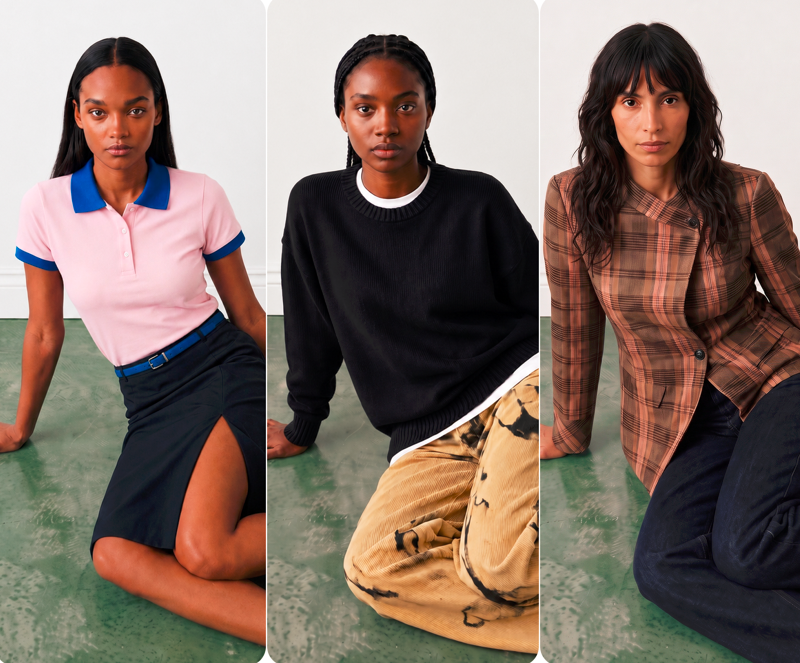
The short answer: AI product imagery stays consistent across a catalogue when the camera angles and framing are saved once and reapplied automatically to every product, rather than described fresh for each image. On Graswald AI, this is handled by a feature called Views: a saved set of poses (angles and framing) that is applied as a group every time images are generated, so every SKU is shot to the same brief. The result is a catalogue where every product shares the same angles, crops, and framing, regardless of how many products, colourways, or seasons it spans.
Most teams discover the consistency problem only after their first batch of AI images. The quality of any single image is fine. What breaks is the relationship between images: one shot is framed tighter than the next, the back view sits at a different height, the detail crop lands in a different place. On a product page or a category grid, that variation is what makes imagery read as AI-generated rather than as a coherent shoot. This article explains why consistency is difficult to achieve with generation alone, and how a saved-framing system solves it.
Why is AI-generated product imagery often inconsistent?
Most image generation tools are probabilistic. You give a description, the model produces an interpretation, and the next generation, even from the same description, produces a slightly different one. For a single hero image, that variation is harmless or even useful. Across a catalogue, it is the core problem: the value of any product image depends on it matching the thousands of images beside it.
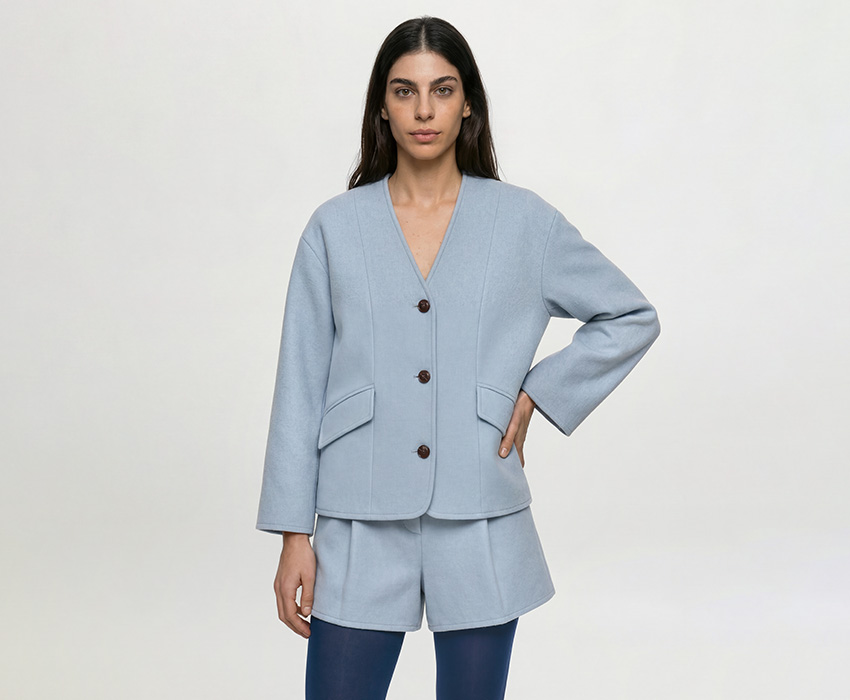
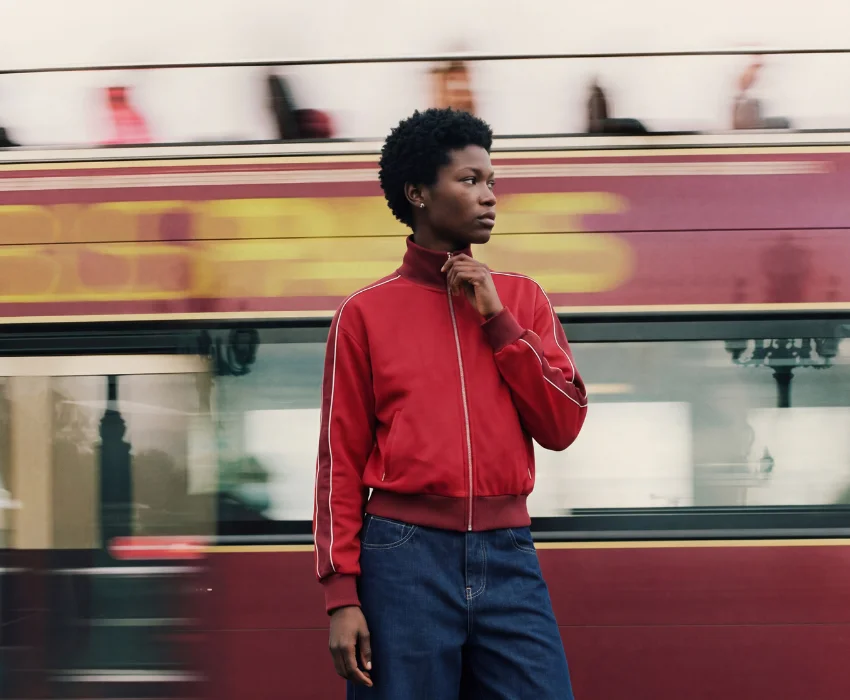
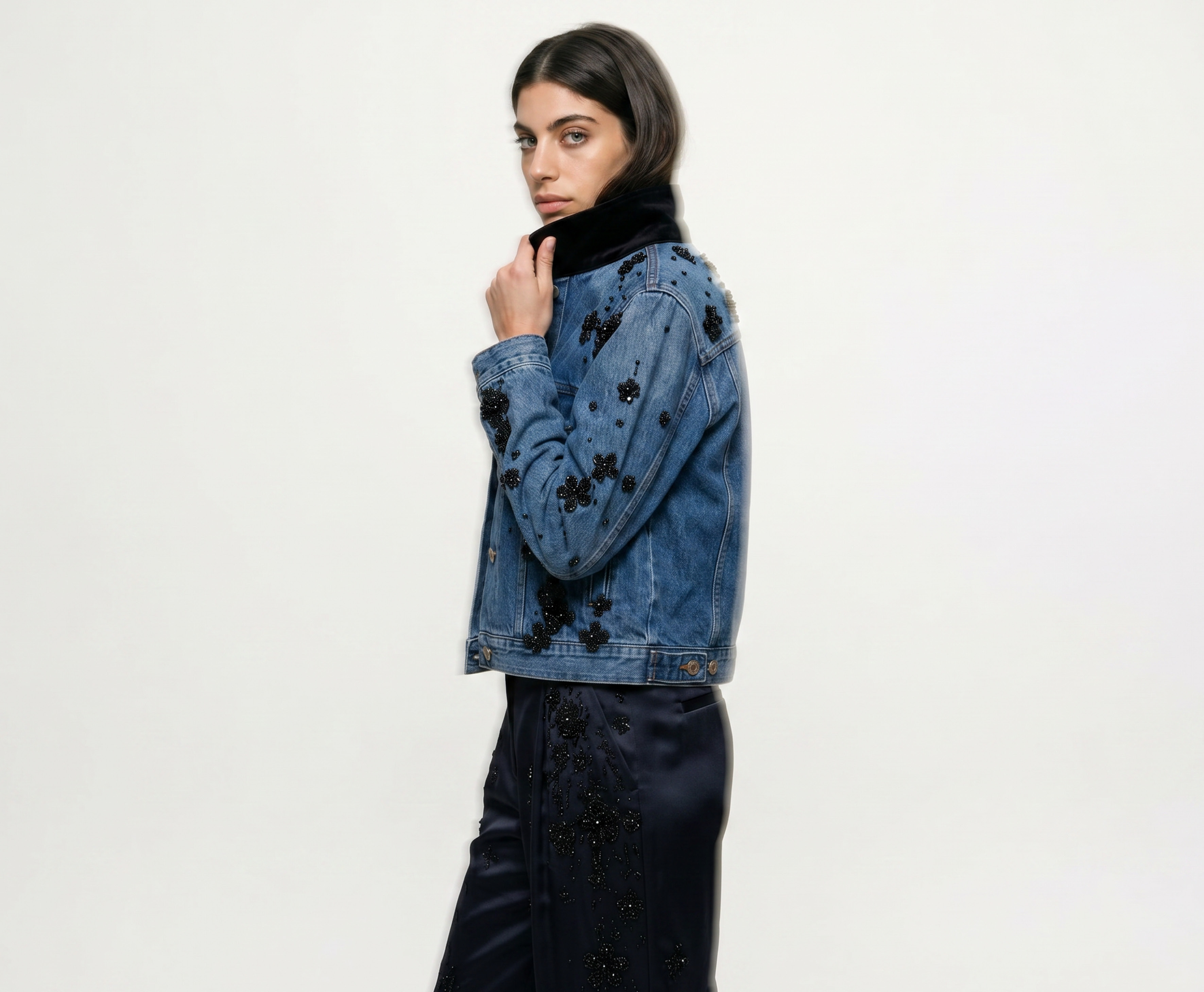
The inconsistency is rarely about quality. It comes from three things being decided anew for every image: which angles the product is shown from, how tightly each shot is cropped, and where the framing sits relative to the product. When those decisions live in a prompt that is rewritten or reinterpreted each time, drift is inevitable. Two products from the same collection end up looking like they came from two different shoots. This is one reason multi-brand retailers struggle to keep on-model imagery consistent when imagery arrives from many sources with no shared standard.
Traditional studio production solves this with a shot list: a fixed set of angles and framing that every product runs through, so a 40-product collection is shot the same way 40 times. The equivalent discipline has to exist in an AI workflow, or consistency does not survive scale.
How do you control camera angles and framing in AI image generation?
Consistency has to be structured before generation begins, not requested during it. The mechanism is to save the angles and framing as a reusable set, then apply that set automatically rather than rebuilding it for each product.
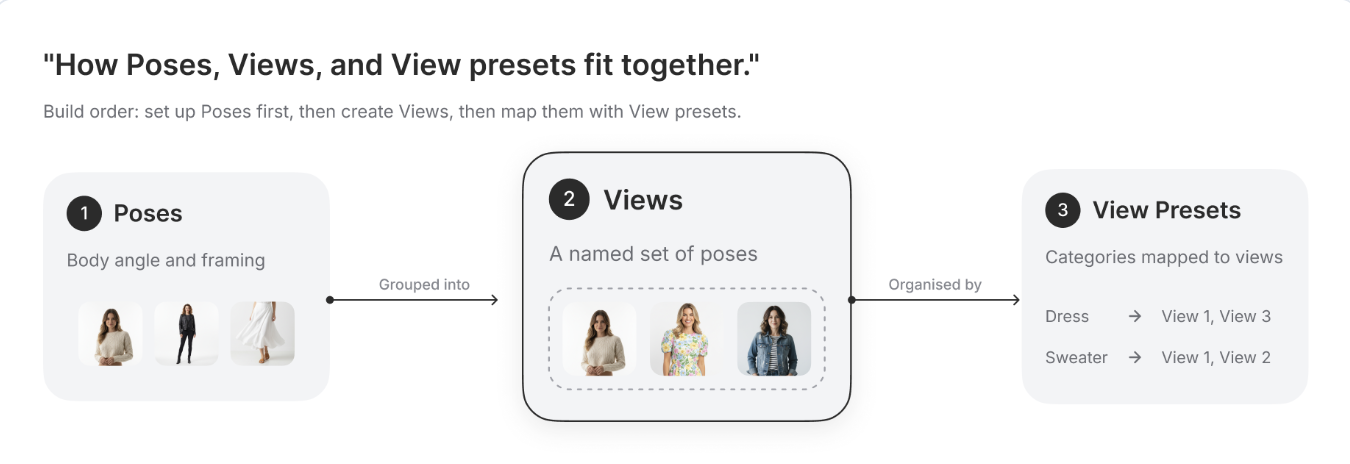
On Graswald AI, three building blocks make this work, and the order matters:
Poses are the smallest unit. A pose is a single body position and product placement, one specific angle and framing, such as a front-facing full-body shot or a close detail crop.
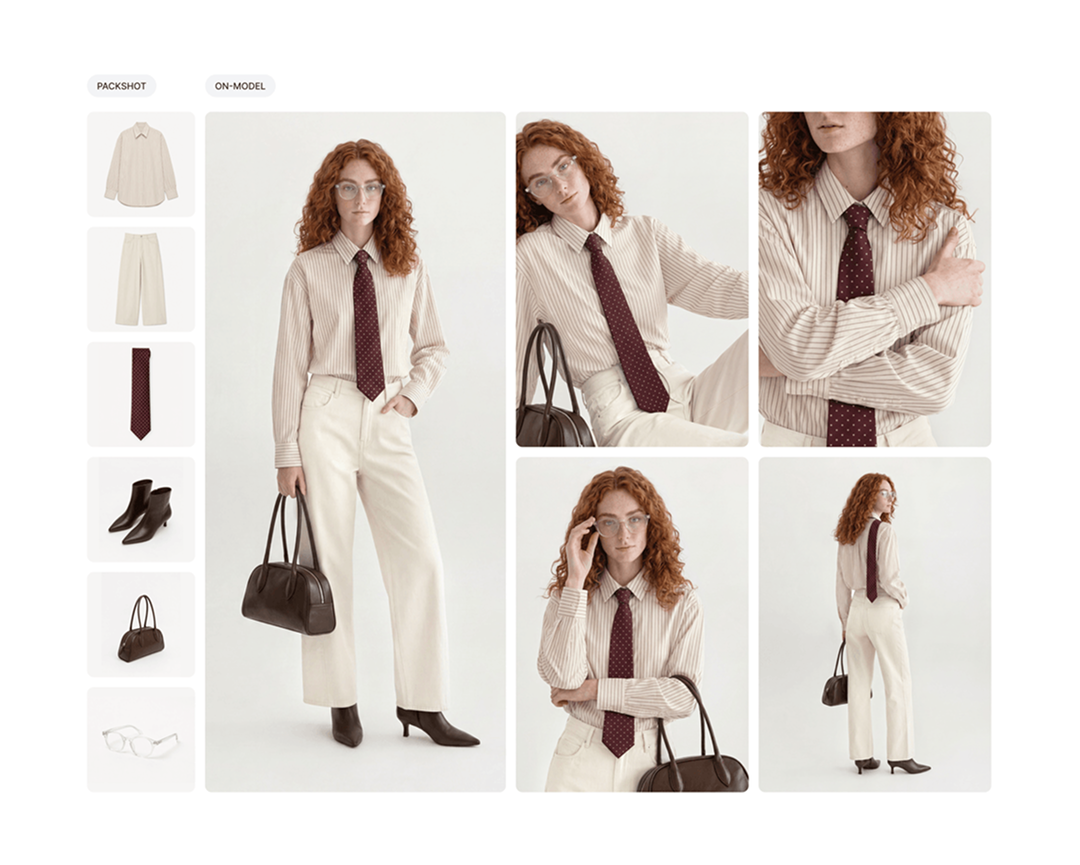
Views group poses together. A view is a saved set of one or more poses, applied as a group every time it runs during generation. A view named "Shoe Detail" might group 15 poses; a view for tops might group a front, right, back, and detail shot. Because the view is saved, every product shot with it shares the same angles and framing, without anyone rebuilding the selection.
View presets map views to product categories. A preset says which view applies to which type of product, so when a production cycle runs, the system matches each product to its category and applies the right view automatically. A product tagged as footwear gets the footwear view; a top gets the tops view. No manual selection per product.
Set up in that order, poses feed into views, and views are organised by presets, the shot list is defined once and enforced across the whole catalogue automatically.
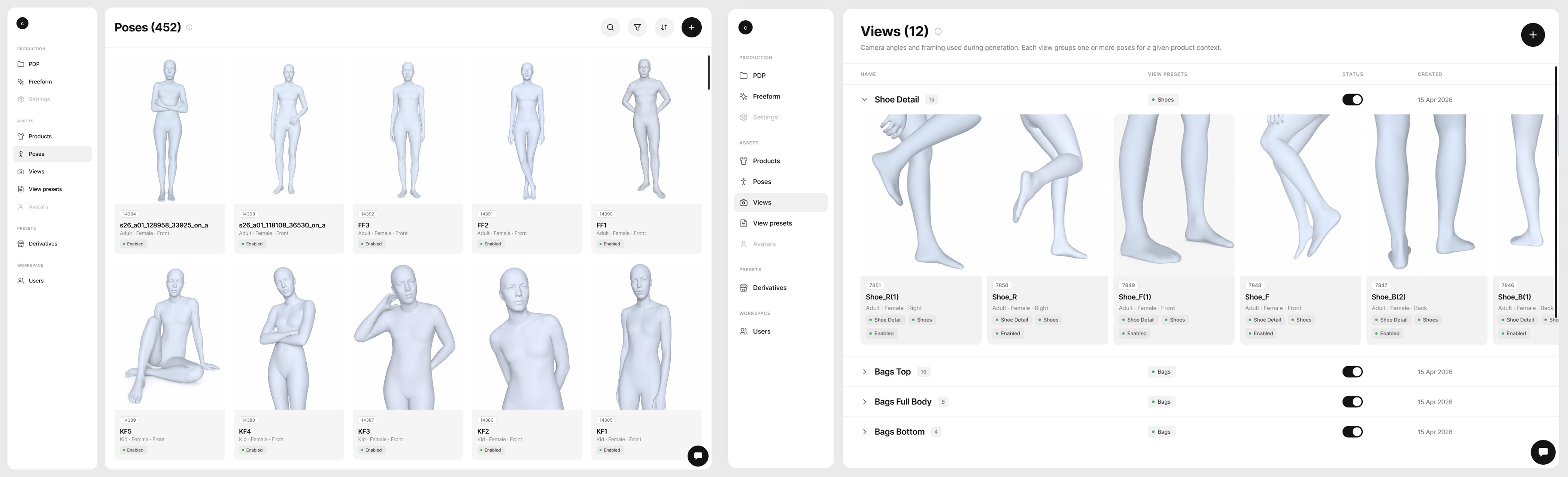
What is a view in AI fashion image generation?
A view is a saved set of poses used to shoot a product during generation, applied as a group so that every image made with it shares a consistent look. It is the AI equivalent of a shot list for a given product context: define the angles and framing once, name it, and reuse it across as many products as needed.
The practical effect is that framing stops being a per-image decision. Once a view exists, applying it to a new product is automatic, so the thousandth product in a catalogue is shot to exactly the same brief as the first. A view can hold a single pose or many, depending on how many framings a product context needs, and only active views are used during generation, which gives teams control over what is in production versus still being prepared.
How do you keep on-model imagery consistent across thousands of SKUs?
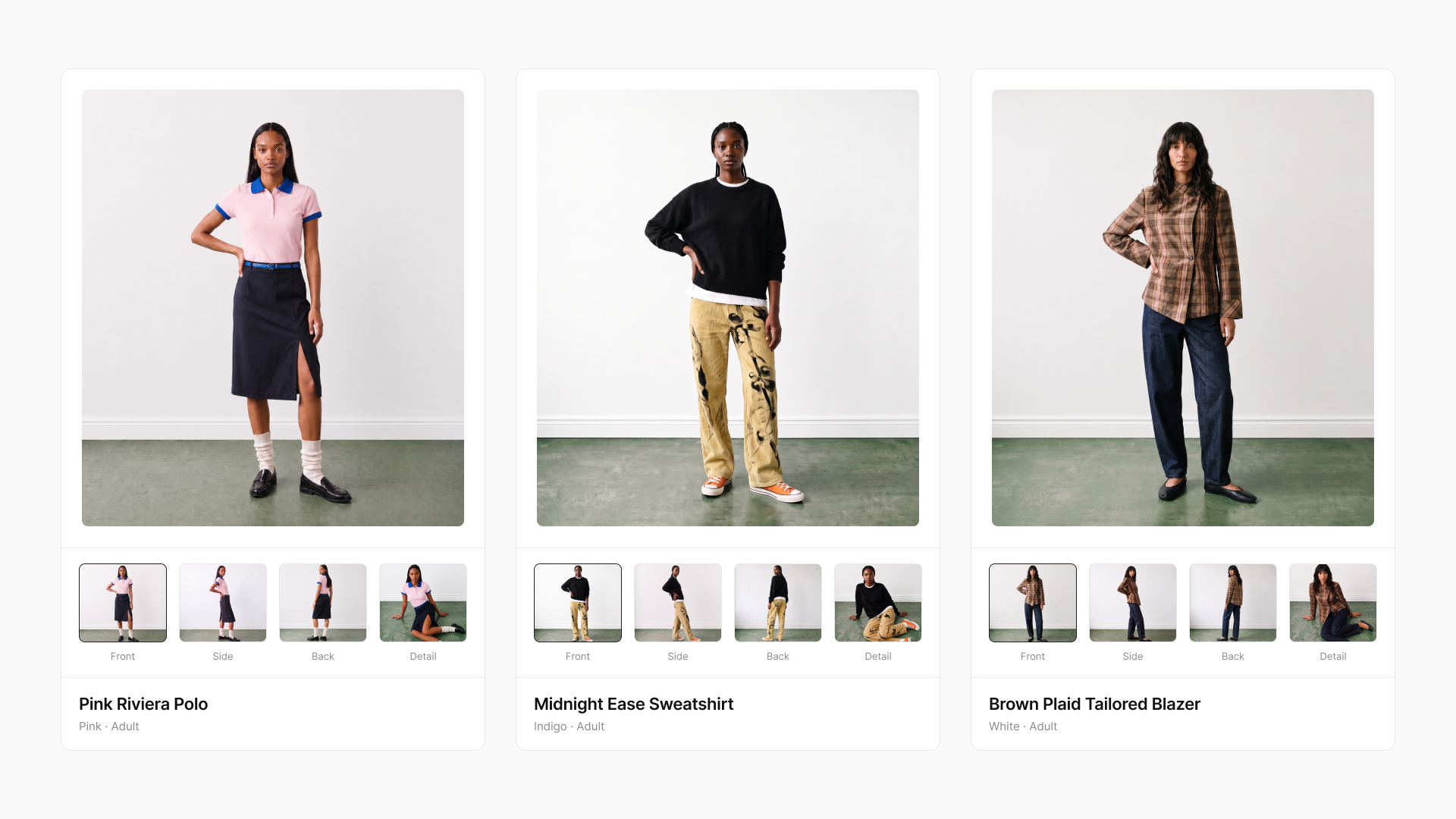
The barrier at scale is not generating a good image, it is generating the same treatment ten thousand times without the framing drifting. A saved-view system removes the per-product decision that causes drift, which is what makes catalogue-wide consistency achievable. The same principle underpins turning packshots into on-model imagery for thousands of SKUs without a photoshoot: a repeatable framing standard applied automatically, not rebuilt per product.
Because views are mapped to categories through presets, scale does not add manual work. Adding a product to the catalogue does not mean choosing its angles; the preset already knows which view its category should use. A new season's products inherit the same views as last season's, so the visual standard holds over time as well as across the catalogue. This is part of scaling on-model imagery for peak season, where the entire catalogue needs to be live with consistent imagery on day one. The shot list is set once and applies everywhere, which is the specific thing traditional production guaranteed and early AI generation could not.
This is what separates AI imagery as a production system from AI imagery as one-off generation. The output is not a set of individually impressive images that happen to differ; it is a catalogue that reads as a single, coherent shoot, because every product was shot to the same saved brief.
Frequently asked questions
What is the difference between a pose and a view?
A pose is a single body position and product placement, the smallest building block, one specific angle and framing. A view is a saved set of one or more poses, applied as a group during generation. You build poses first, then group them into views. A view is what actually gets applied when images are generated.
What is a view preset?
A view preset maps product categories to views. When generation runs, the preset matches a product's category and automatically applies the right view, so footwear products get the footwear view and tops get the tops view, without anyone selecting it manually for each product.
How do you keep AI product imagery consistent across a whole catalogue?
Save the camera angles and framing as a reusable set (a view), then apply that set automatically to every product through category mappings (view presets). Because the framing is defined once and reused rather than described per image, every product is shot to the same brief, and the catalogue stays consistent regardless of size.
Can AI product imagery match the consistency of a traditional photoshoot?
Yes, when the workflow saves and reapplies a fixed shot list rather than generating each image independently. A traditional shoot achieves consistency by running every product through the same set of angles. A saved-view system does the same thing, applying an identical, predefined set of angles and framing to every product automatically.
How many poses can a single view include?
A view can group one or more poses. Grouping several is useful when a product context needs a few related framings, such as front, side, back, and a detail crop, all applied together as one consistent set.
Does consistency hold across new products and seasons?
Yes. Because views are mapped to product categories, new products inherit the same views as existing ones in their category, and next season's catalogue is shot to the same saved framing as this season's, so the visual standard holds over time.
CTA: Want every product in your catalogue shot to the same brief, automatically? Book a demo to see how Views works on Graswald AI.

.png)




.webp)