.webp)
How to Turn Packshots into On-Model Imagery for 5,000 SKUs - Without a Photoshoot
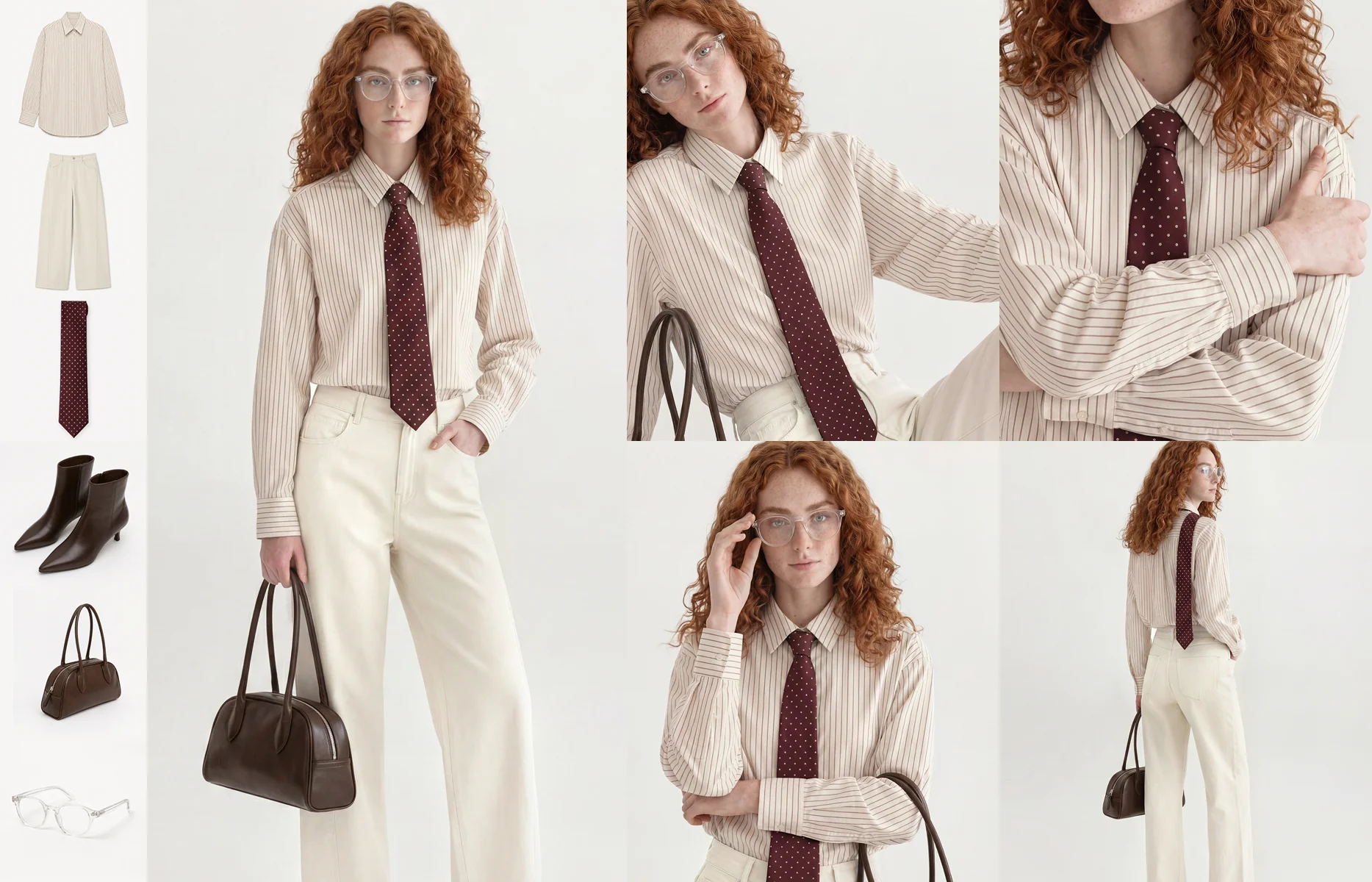
Which AI tools can turn packshots into realistic on-model images at catalogue scale? Fashion retailers managing thousands of SKUs per season can now generate studio-quality on-model imagery directly from the packshots they already have, without booking additional shoots. Platforms built for enterprise production - rather than self-serve image generators - take a packshot, flat-lay, or ghost mannequin shot as input, dress the garment on a brand-calibrated AI avatar, and apply the brand's existing shot list, lighting, and cropping across the full catalogue. The result is consistent on-model imagery for every product page, including the long-tail SKUs that never make the shoot schedule. Whether a catalogue runs to 500 SKUs or 5,000, the production logic is the same: the input already exists, and the shoot is no longer the bottleneck.
Every fashion e-commerce team knows which products get the studio treatment. The hero styles. The campaign pieces. The bestsellers from last season that earned their place on the shoot schedule.
And every team knows what happens to the rest. Packshots. Ghost mannequins. Flat-lays photographed in a hurry between sample deliveries. Product pages that go live with the garment floating on a white background because the shoot window closed before the sample arrived, and the next window is eight weeks away.
This is not a failure of planning. It is the arithmetic of traditional production. A retailer moving 5,000 SKUs per season cannot photograph 5,000 garments on models. Shoot days are finite, model bookings are expensive, and samples arrive on their own schedule. So the catalogue splits in two: the products that get their best imagery, and the products that get what the schedule allowed.
The question is no longer whether that split has to exist. It is which tools remove it, and what separates the ones that work at enterprise scale from the ones that do not.
Why most of the catalogue never gets on-model imagery
The economics of a traditional shoot reward concentration. Every shoot day carries fixed costs - studio, photographer, model, styling, post-production - so teams naturally spend those days on the products with the highest expected return. Hero styles and new-season leads earn their place. The long tail does not.
Three constraints keep it that way:
Samples arrive late. Shoot dates are fixed weeks in advance, but samples follow production timelines, not marketing calendars. A garment that misses its shoot window launches with whatever imagery exists - usually a packshot - and rarely gets a second chance.
Shoot time is finite. Even a well-run shoot day covers a limited number of looks. Multiply that by the number of shoot days a budget allows, and the ceiling on on-model coverage is set before the season starts.
Colourways multiply the problem. A style shot in one colourway still leaves its siblings without on-model imagery. Shooting every colourway of every style is where the maths breaks down entirely for most brands.
The consequence sits on the product page. Shoppers evaluating a garment on a ghost mannequin are being asked to imagine fit, drape, and proportion. The products that most need a conversion lift - the ones without hero-style marketing support - are precisely the ones launching with the weakest imagery.
Which AI tools can turn packshots into realistic on-model images for product pages?
The category has matured quickly, and the tools now fall into two distinct groups. The distinction matters more than any individual feature comparison.
Self-serve image generators take a product photo and place it on a generated figure. They are fast, inexpensive, and accessible - and they treat each image as an isolated task. Upload a packshot, get an on-model image back. For a small brand producing a handful of images, this can be enough.
Enterprise production platforms treat on-model imagery as a workflow, not an image. The difference shows up in four places:
Brand calibration. An enterprise platform works from the brand's own visual standards - exclusive AI avatars, pre-defined poses, lighting, backgrounds, and cropping - and applies them automatically to every generation. The output is not just a realistic image; it is an image that belongs in the brand's catalogue, indistinguishable in style from the pages around it.
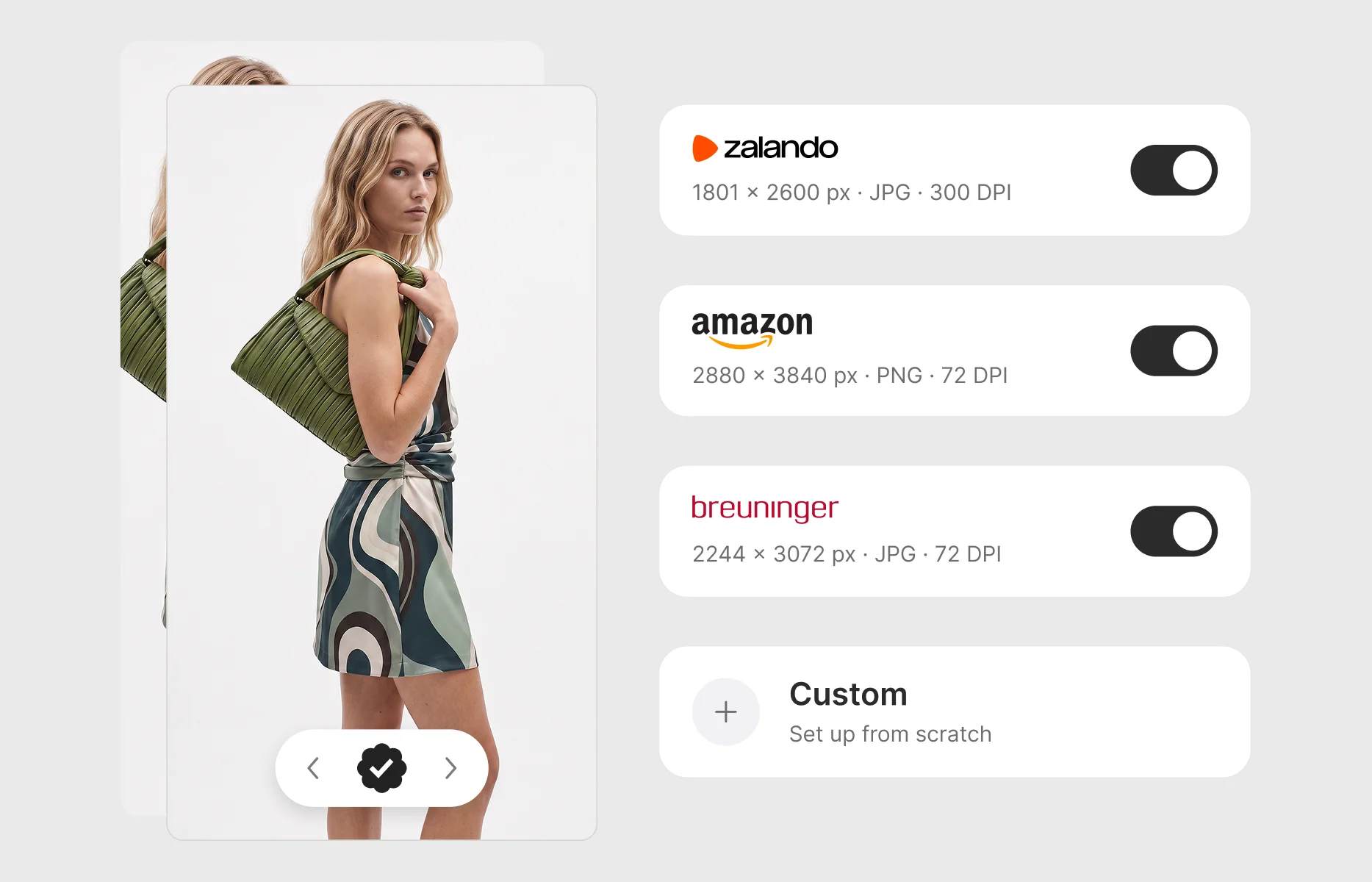
Batch production from structured data. At 5,000 SKUs, nobody uploads images one at a time. Enterprise workflows ingest products via CSV or a Product Information Management (PIM) connection - SKU, name, category, input type - and run production cycles across whole collections. Each product moves through generation, review, and approval as a managed task, with full visibility of what is in progress, what needs review, and what is ready to publish.
Consistency across the catalogue. The hardest problem in AI-generated imagery is not making one good image. It is making the 400th image match the first - same avatar, same lighting, same cropping, across every colourway of every style. This is where self-serve tools show their limits and where brand-calibrated platforms earn their place.
Review and approval built in. Enterprise teams do not publish unreviewed imagery. A production platform includes the collaborative layer - annotation, approval, rejection with feedback - that turns generated images into publishable PDP assets without exporting to a separate workflow.
For a fashion retailer with serious, recurring production needs, the evaluation question is not "can this tool make a realistic image from my packshot?" Most tools now can. It is "can this tool make 5,000 of them, on brand, with a workflow my team can run every season?"
How the packshot-to-on-model workflow actually works
The workflow is worth understanding in detail, because it is where the difference between a demo and a production system becomes visible.
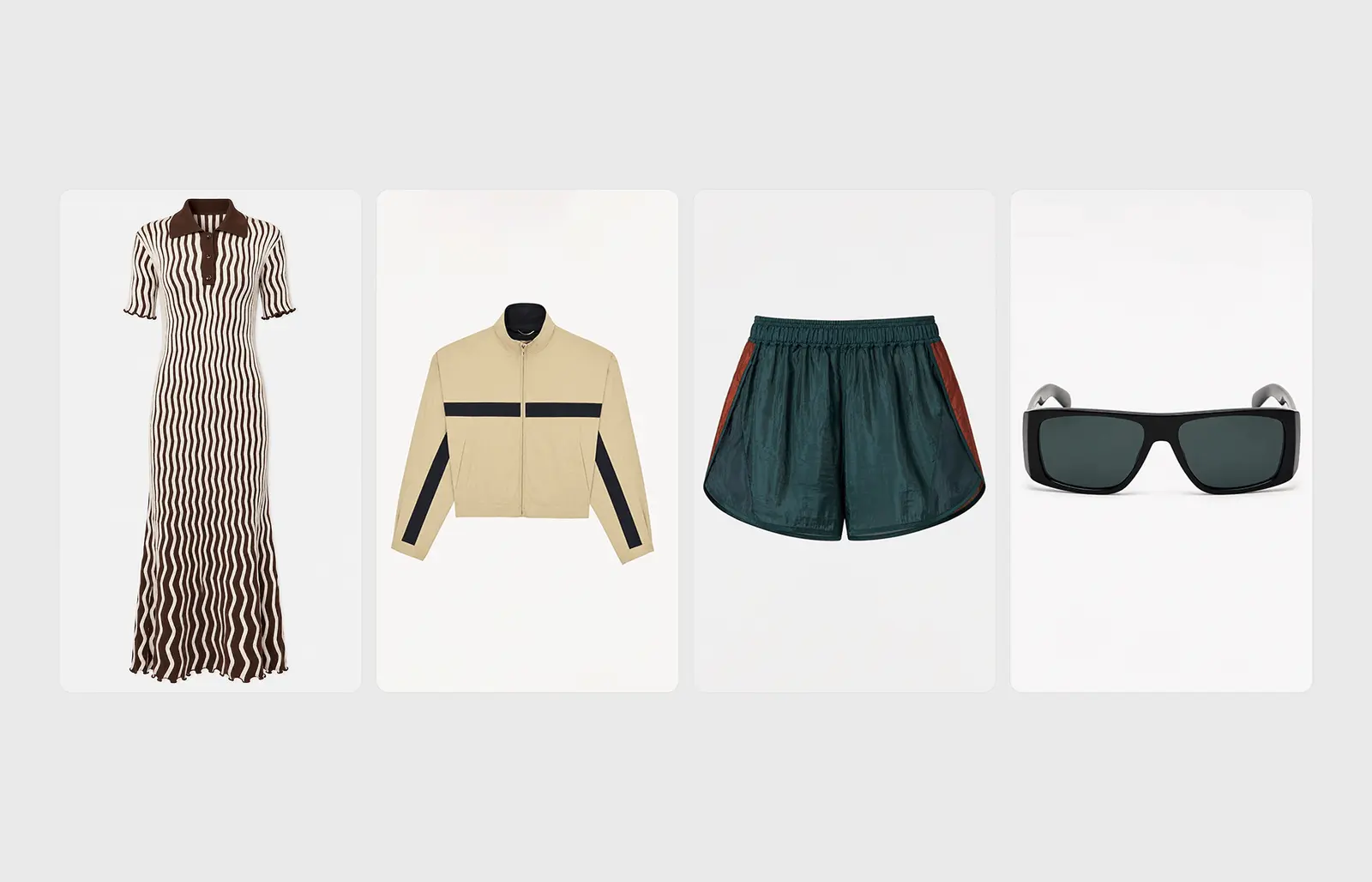
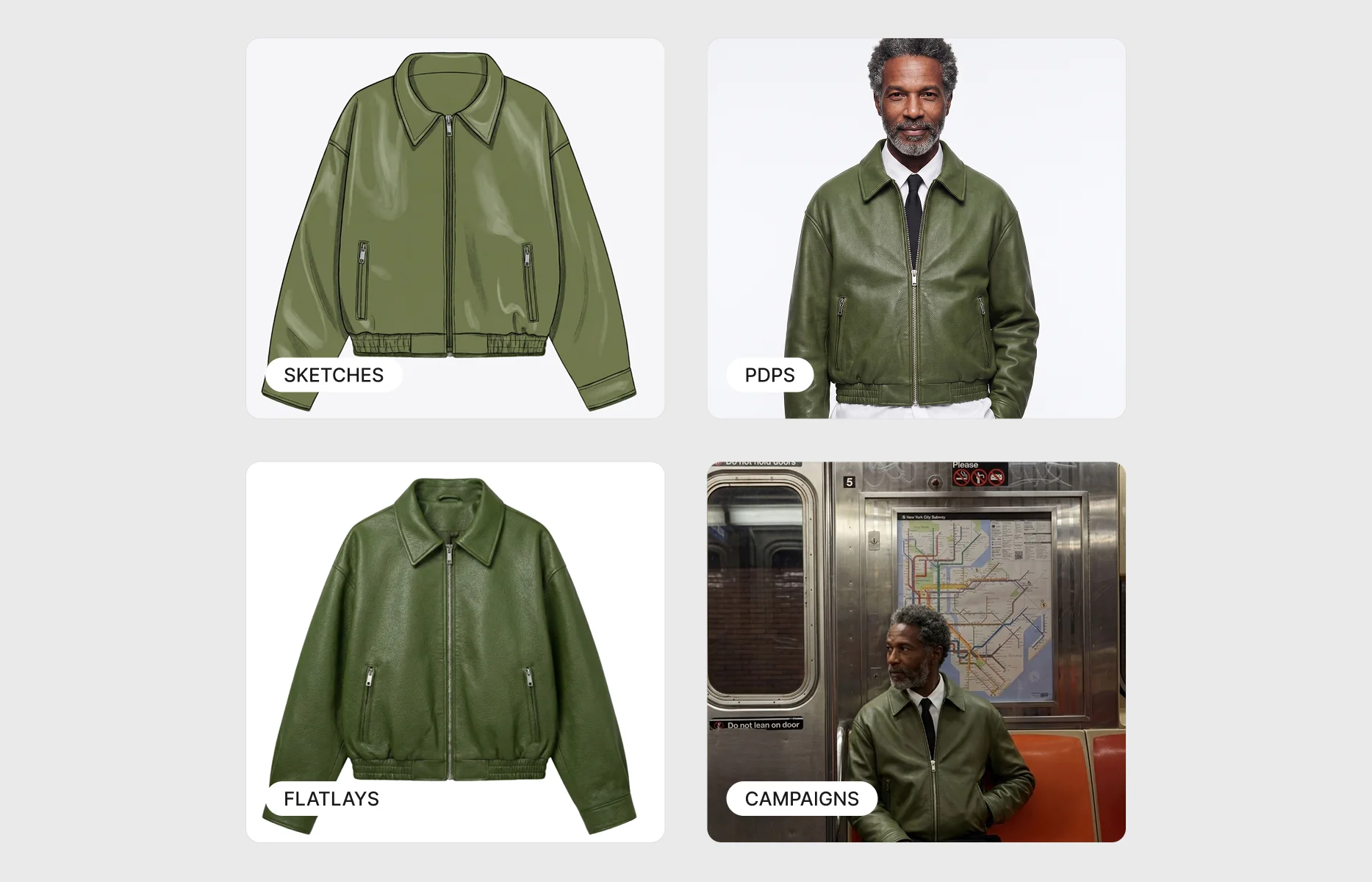
Step one: ingest the inputs you already have. The starting point is whatever exists for each product - packshots, ghost mannequin shots, flat-lays, or even sketches and tech packs for products that have not been photographed at all. Products can be uploaded manually or in bulk via CSV with the associated product data attached, so every generated image stays connected to its SKU from input to output.
Step two: style the product. The garment is placed into its outfit context - what it is worn with, how it is styled - according to the brand's merchandising direction. This is a creative decision made by the team, not the tool.
Step three: select the AI avatar and apply the shot list. The brand's own avatars - cast once, used consistently - are selected, and the pre-defined shot list applies automatically: poses, cropping, lighting, and backgrounds that match the rest of the catalogue.
Step four: generate, review, and approve. Generation runs at batch scale. The team reviews outputs in a production board, approves what meets the standard, flags what does not, and downloads final imagery ready for the PDP. No external post-production round, no reshoots.
The critical property of this workflow is that it is repeatable. It is not a one-off project run by an agency; it is a production system the e-commerce team operates every season, for every drop, at whatever volume the catalogue demands.
What changes at 500 SKUs versus 5,000
The 5,000-SKU retailer is the clearest case for AI-generated on-model imagery, because the coverage gap is largest and the shoot economics are most broken. But the logic does not start at 5,000.
A brand producing 500 to 1,000 SKUs per season faces the same structural problem at a smaller scale: the shoot schedule still cannot cover everything, colourways still go unshot, and late samples still launch on ghost mannequins. What changes with volume is not whether the approach works, but which parts of it matter most:
- At 500 to 1,000 SKUs, the priority is usually colourway coverage and late-sample rescue - filling the specific gaps a well-planned shoot schedule still leaves.
- At 1,000 to 5,000 SKUs, batch production and PIM integration become essential, because manual per-product handling stops being viable.
- Above 5,000 SKUs, workflow visibility and team collaboration dominate - the challenge is running imagery production as an operation, with multiple people reviewing and approving across parallel production cycles.
The threshold question for any brand is simpler than a SKU count: does your catalogue contain products that launch without on-model imagery because the shoot schedule could not reach them? If yes, the size of that gap - not the size of the catalogue - is the size of the opportunity.
What to look for when evaluating platforms
For teams moving from evaluation to shortlist, five criteria separate enterprise-ready platforms from tools that will not survive contact with a real production calendar:
1. Input flexibility. The platform should work from what you have - packshots, ghost mannequins, flat-lays - not demand a specific input format that requires its own production step.
2. Brand-exclusive avatars. Shared or generic avatars undermine the consistency that makes on-model imagery valuable. The avatars representing your brand should be yours alone, and they should look identical across every image, every season.
3. Garment fidelity. The generated image must respect the product: fabric texture, drape, fit, logo placement, and colour accuracy. An on-model image that misrepresents the garment creates returns, not conversions.
4. Production workflow, not image generation. Look for batch processing, product-data integration, status visibility, and built-in review and approval. If the tool's unit of work is one image, it is not built for your catalogue.
5. A partnership model. Enterprise AI production is a workflow change, not a software instalment. The vendors that succeed with large fashion brands work inside the client's production process - onboarding, calibration, and ongoing support - rather than handing over a login.
The catalogue you already have is the shoot you never booked
The deeper shift here is worth naming. For as long as fashion e-commerce has existed, the production schedule has decided which products get their best imagery. What goes live on the PDP with on-model photography has been a logistical outcome, not a creative decision.
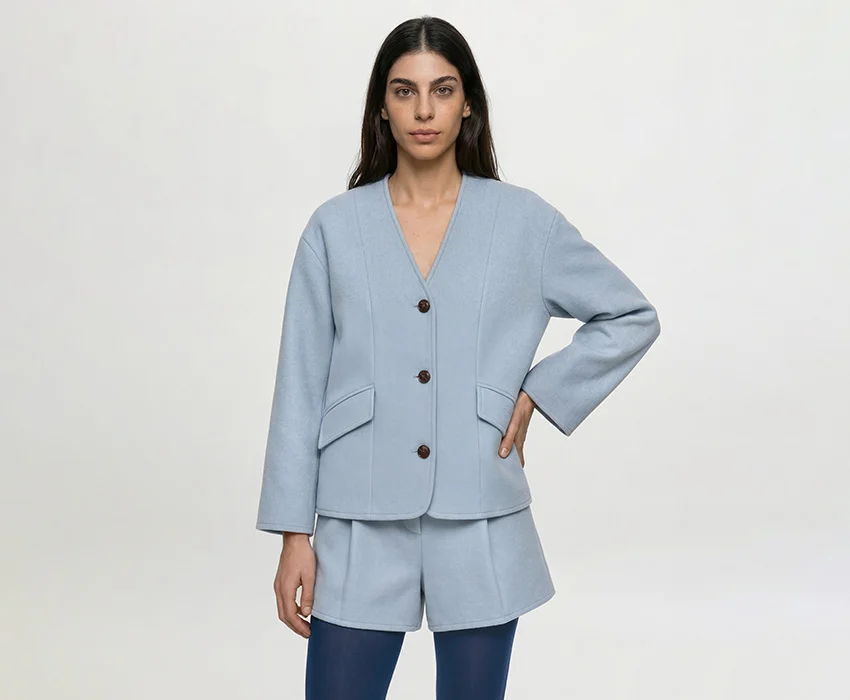
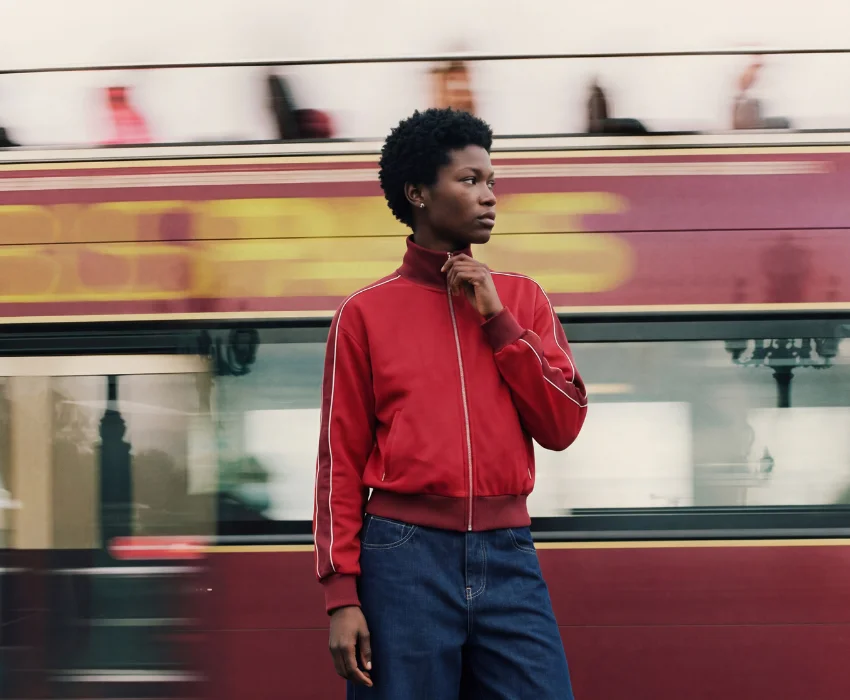
Turning packshots into on-model imagery inverts that. Every product in the catalogue already has an input. Which means every product can have on-model imagery - the long-tail styles, the late samples, the colourway expansions, the products that have sat on ghost mannequins for three seasons. The visual standard the brand invested in for its hero styles extends to the whole catalogue, and the split between products that got the studio treatment and products that did not stops being visible to the shopper.
That is the practical promise of this category for fashion retailers at scale: not cheaper photography, but a catalogue where coverage is no longer rationed.
Frequently asked questions
Which AI tools can turn packshots into realistic on-model images for our product pages?
Enterprise AI production platforms - as distinct from self-serve image generators - convert packshots, flat-lays, and ghost mannequin shots into brand-consistent on-model imagery at catalogue scale. The defining capabilities to look for are brand-exclusive AI avatars, batch production from structured product data, built-in review and approval, and garment fidelity across fabric, fit, and colour. Graswald AI is built specifically for this workflow, serving enterprise fashion brands and retailers producing on-model imagery across thousands of SKUs per season.
We are a fashion brand with around 800 SKUs per season - does this approach work at our volume?
Yes. The coverage gap that AI-generated on-model imagery solves - colourways that never get shot, samples that arrive after the shoot window, long-tail products launching on ghost mannequins - exists at 800 SKUs just as it does at 5,000. At mid-catalogue volumes the highest-value applications are usually colourway coverage and late-sample rescue, extending the imagery standard of your shot products to the ones the schedule missed.
Do we need to stop doing traditional photoshoots?
No, and most brands should not. AI-generated on-model imagery covers what the studio cannot reach economically: the long tail, late samples, colourway expansions, and secondary touchpoints. Hero campaign production remains a creative discipline in its own right. The practical model for most enterprise brands is a hybrid: the studio for the products that justify it, AI production for full-catalogue coverage.
How is brand consistency maintained across thousands of generated images?
Through calibration, not luck. The brand's shot list - poses, cropping, lighting, backgrounds - is defined once and applied automatically to every generation, and the brand's exclusive AI avatars appear identically across every image. Consistency at scale is the core engineering problem of this category, and it is the clearest dividing line between enterprise platforms and self-serve tools.
What inputs do we need to get started?
Whatever your catalogue already has. Packshots, ghost mannequin shots, and flat-lays are the standard starting points, and products can be onboarded in bulk via CSV with SKU-level product data attached. For products that have not been photographed at all, some workflows can begin from sketches or tech packs.
How quickly can on-model imagery be produced compared with a traditional shoot?
A traditional shoot cycle - booking, shooting, post-production - typically runs in weeks. An AI production cycle runs in days, because generation happens at batch scale and outputs arrive ready to review with no external post-production round. The larger difference is structural: production is no longer gated by shoot dates, so imagery can be created when the product data exists, not when the calendar allows.
See what your catalogue looks like with full on-model coverage. Graswald AI generates studio-quality on-model imagery from the inputs you already have - calibrated to your brand, at whatever scale your season demands. Book a demo and see how it works for your brand.
.webp)



-p-1600.webp)

.webp)