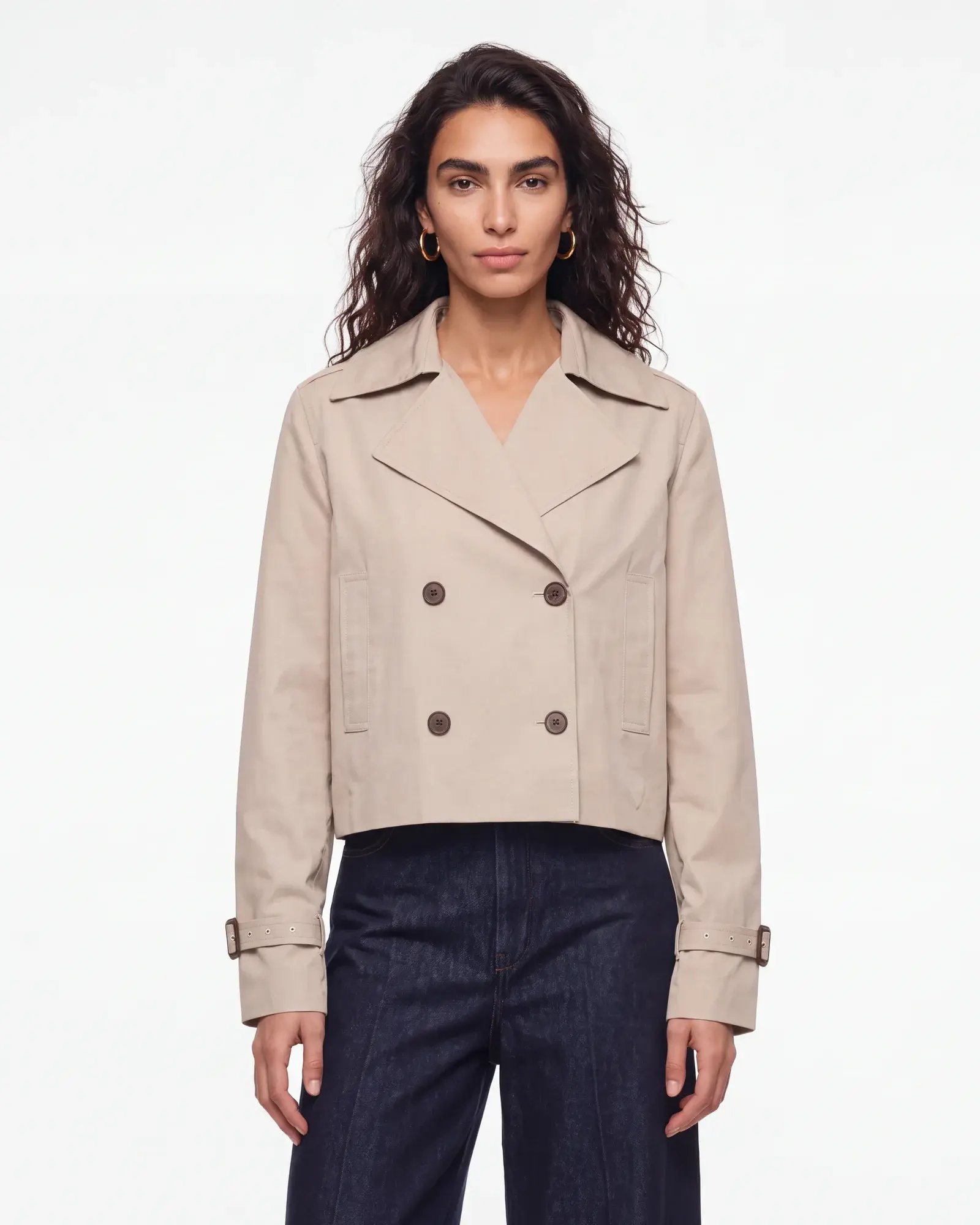
Set your clip length
Choose the duration and number of clips in your product video.
Create clips from your AI-generated product views, then combine them into a finished PDP video.
Book a demo
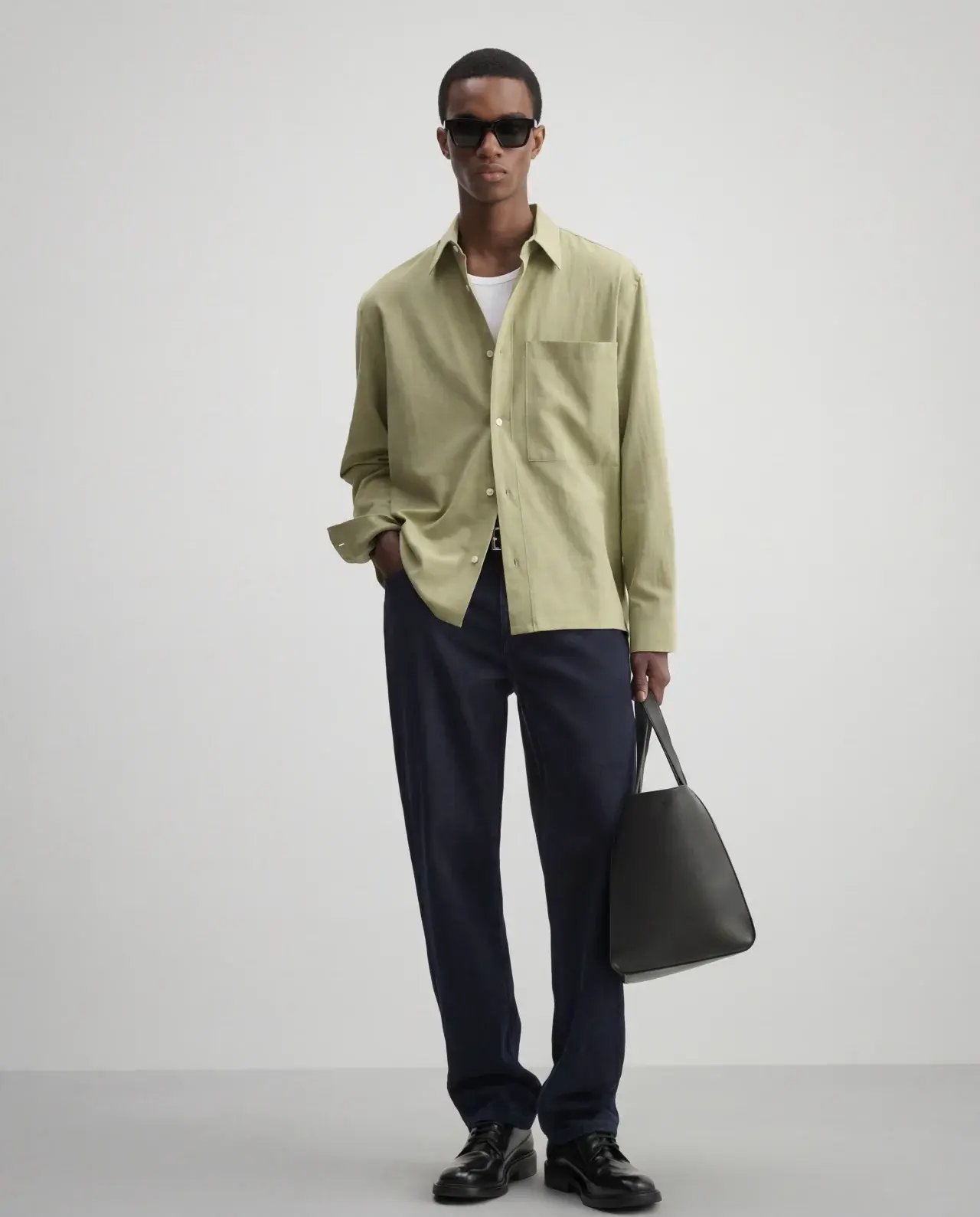


Start with your approved PDP images. Create a clip from each selected view, then combine them into one product video.
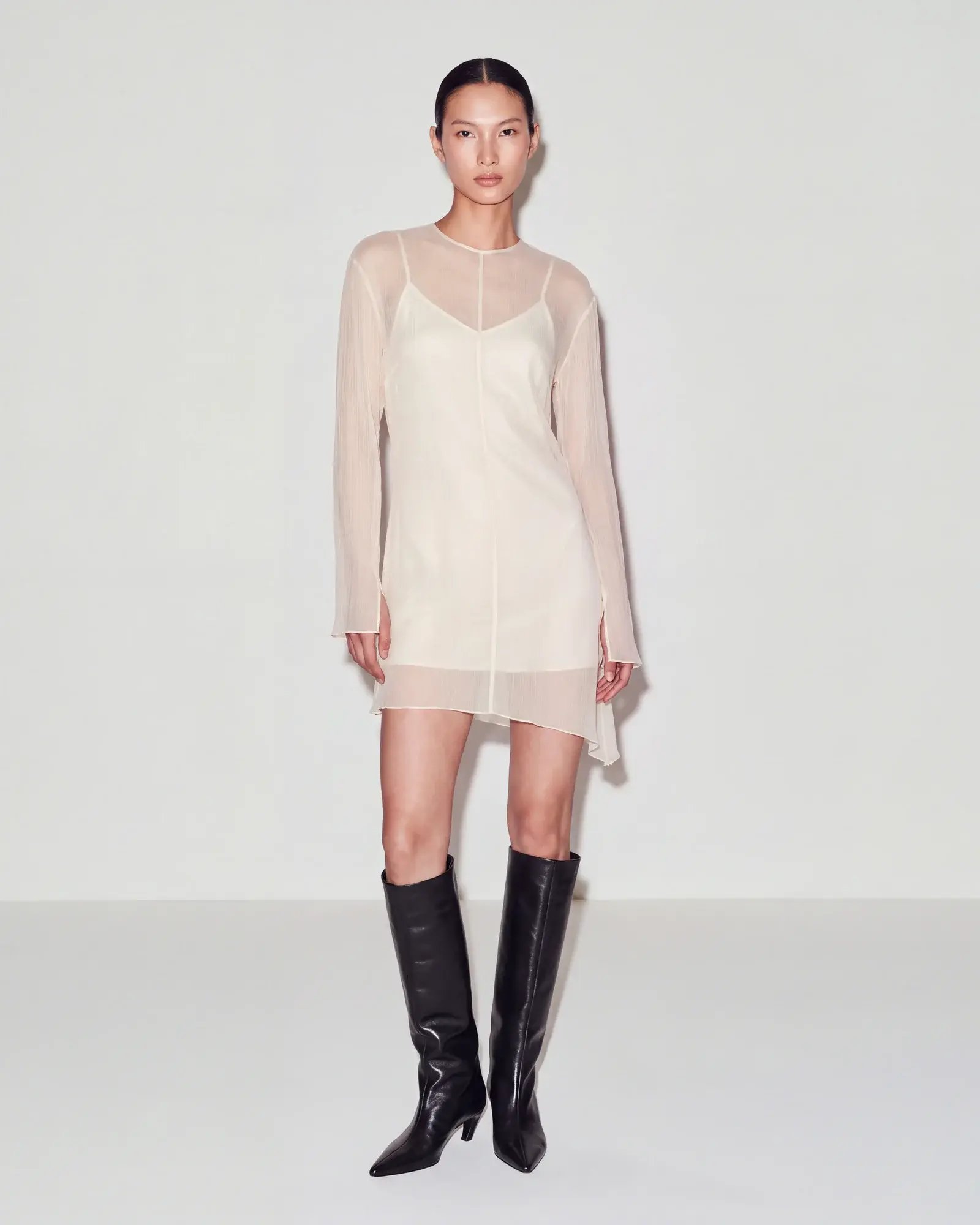
Choose the duration and number of clips in your product video.
Select your preferred clips and arrange them in the order you want.
Adjust the prompt, try a different image or generate a new version.
Add movement to your product gallery and give shoppers more to explore before they buy.
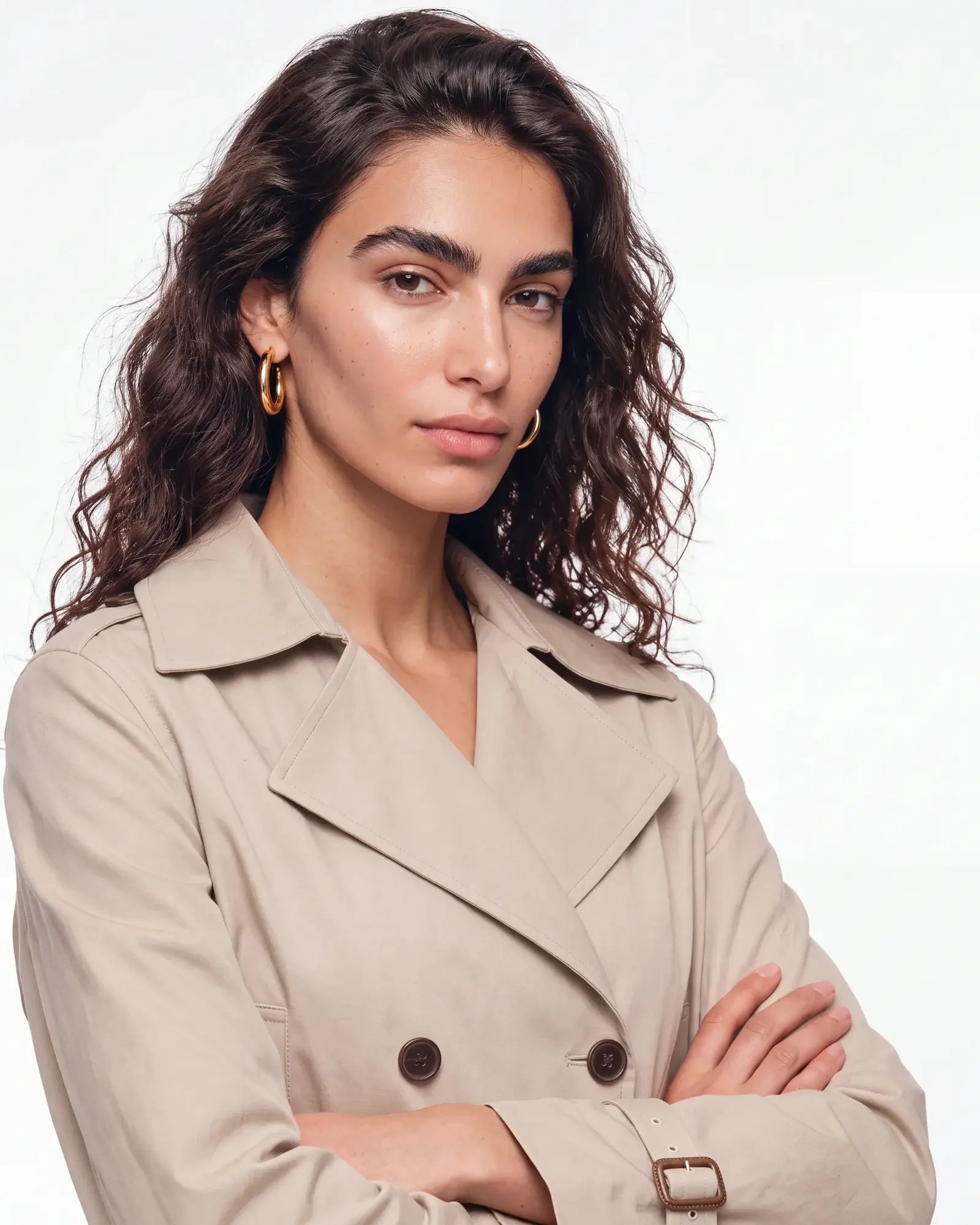
For campaigns, social and brand storytelling. A preview of what’s next for creative video in Graswald AI.
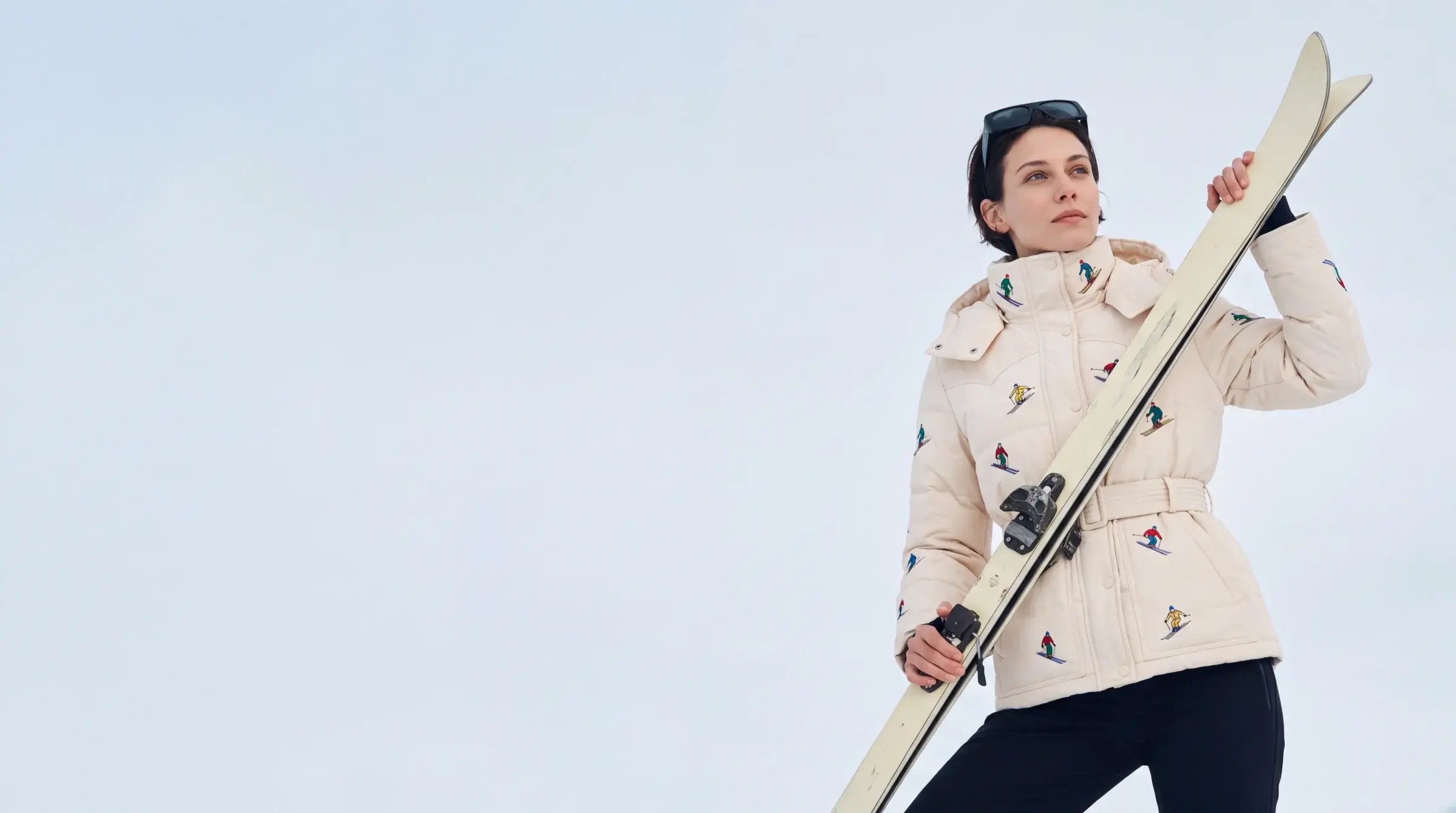
Start with your approved product images in Graswald AI. Create clips from the selected views, review the results and combine them into a finished PDP video.
Use approved images from your PDP project. Each selected image provides the starting frame for a clip, so you can build a video from different product views.
Yes. Choose the duration of each clip and how many clips your product video needs.
Yes. Reorder clips in the editor, choose the versions you prefer and combine them into a finished product video. You can also download individual clips.
Yes. Refine a clip’s prompt, try another starting image or generate new variations before creating the final video.
Creative video is coming soon. Today, video creation in Graswald AI supports PDP content.
See how your team can turn product images into finished PDP videos.