Skip to content

Set your look.
Scale your content.

Define your poses, framing and lighting. Bring a consistent visual direction to every product in your catalogue.

Book a demo
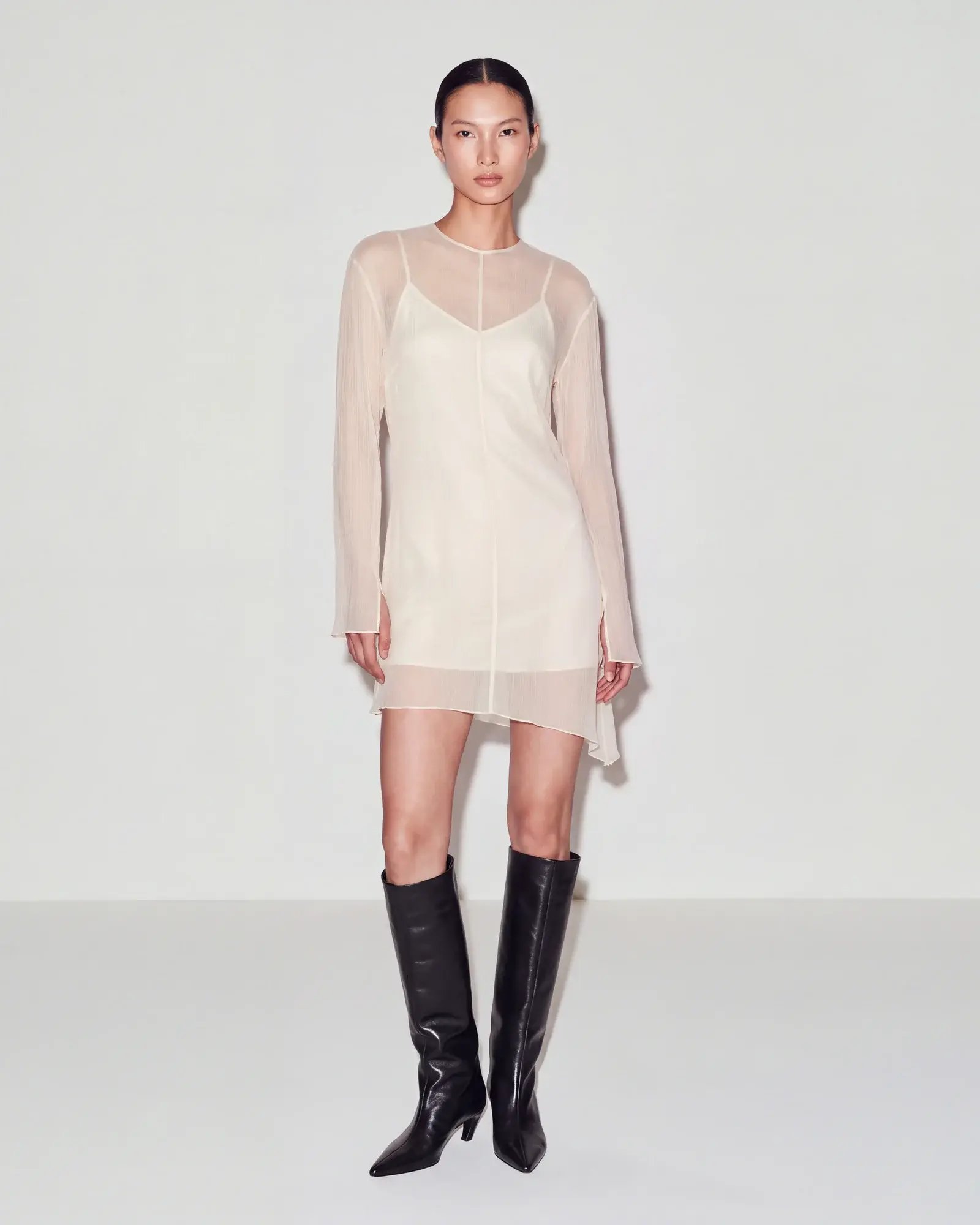
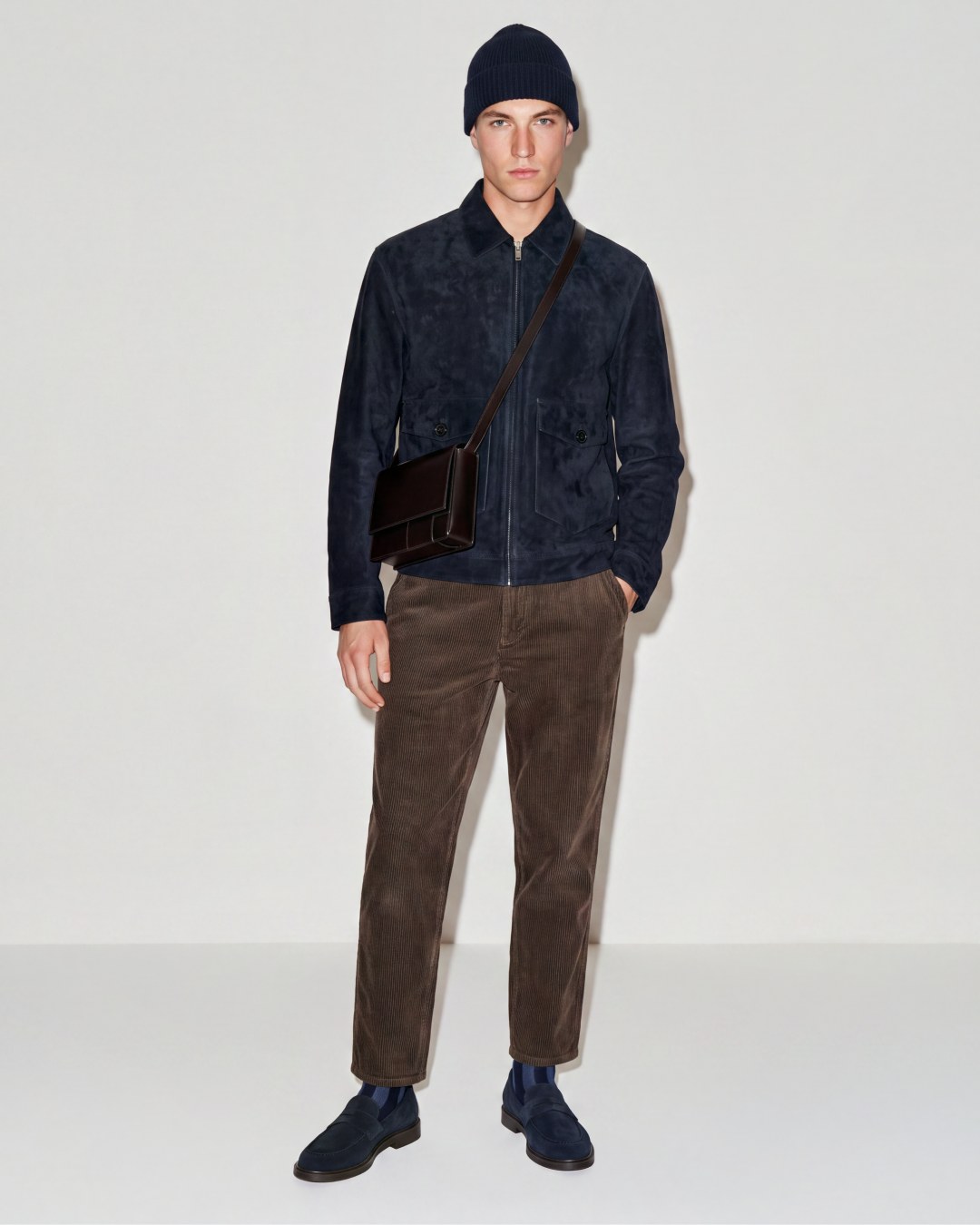
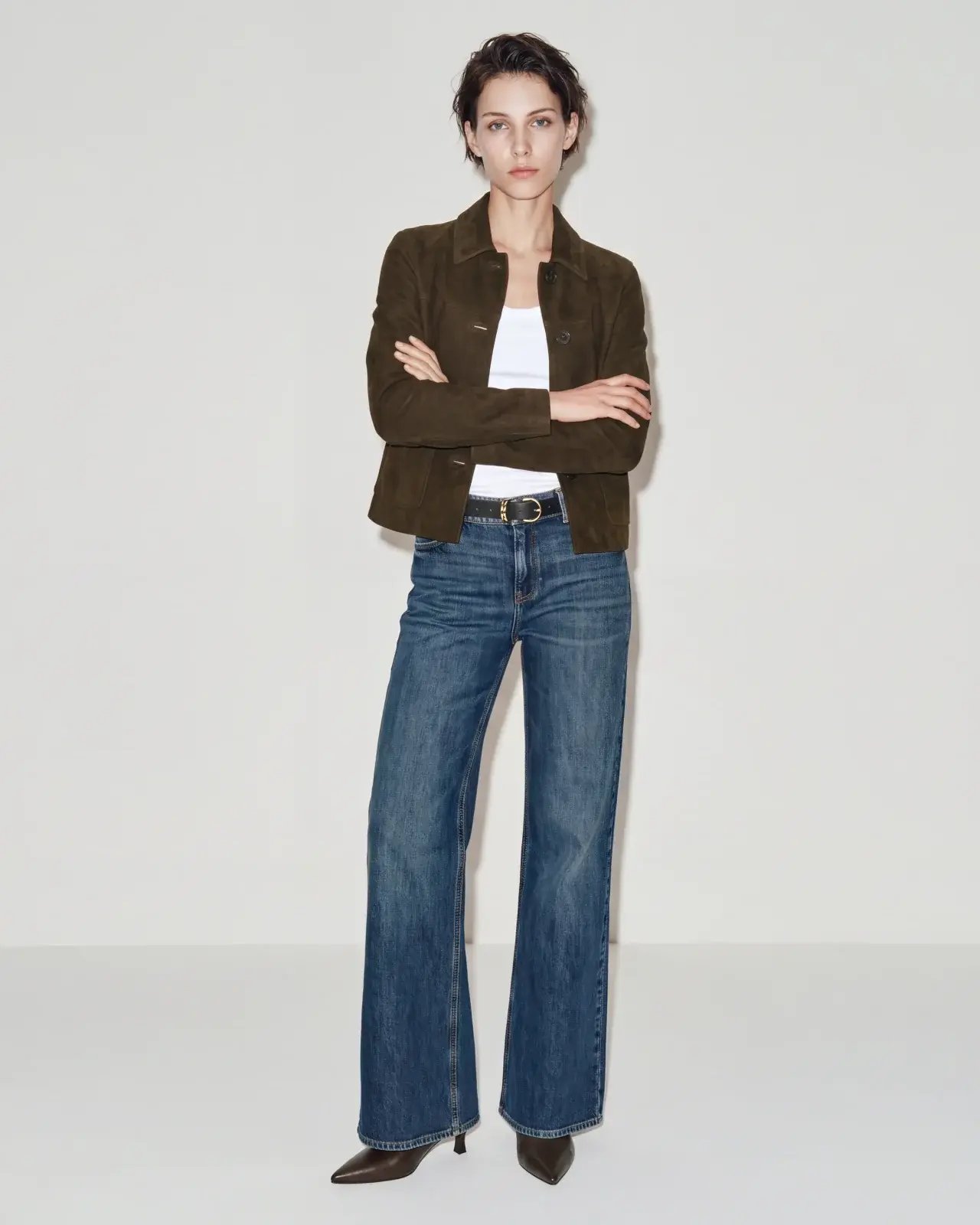
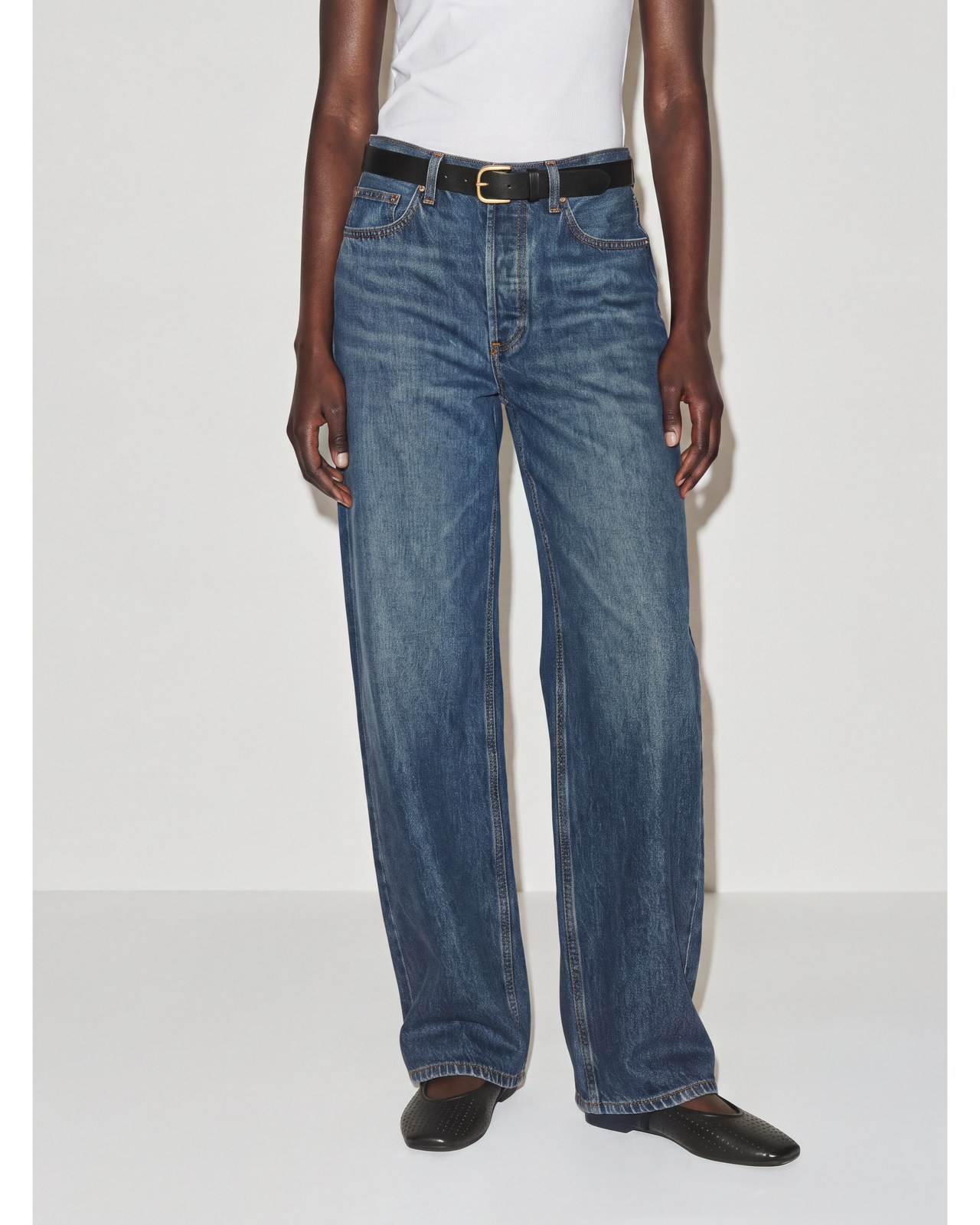
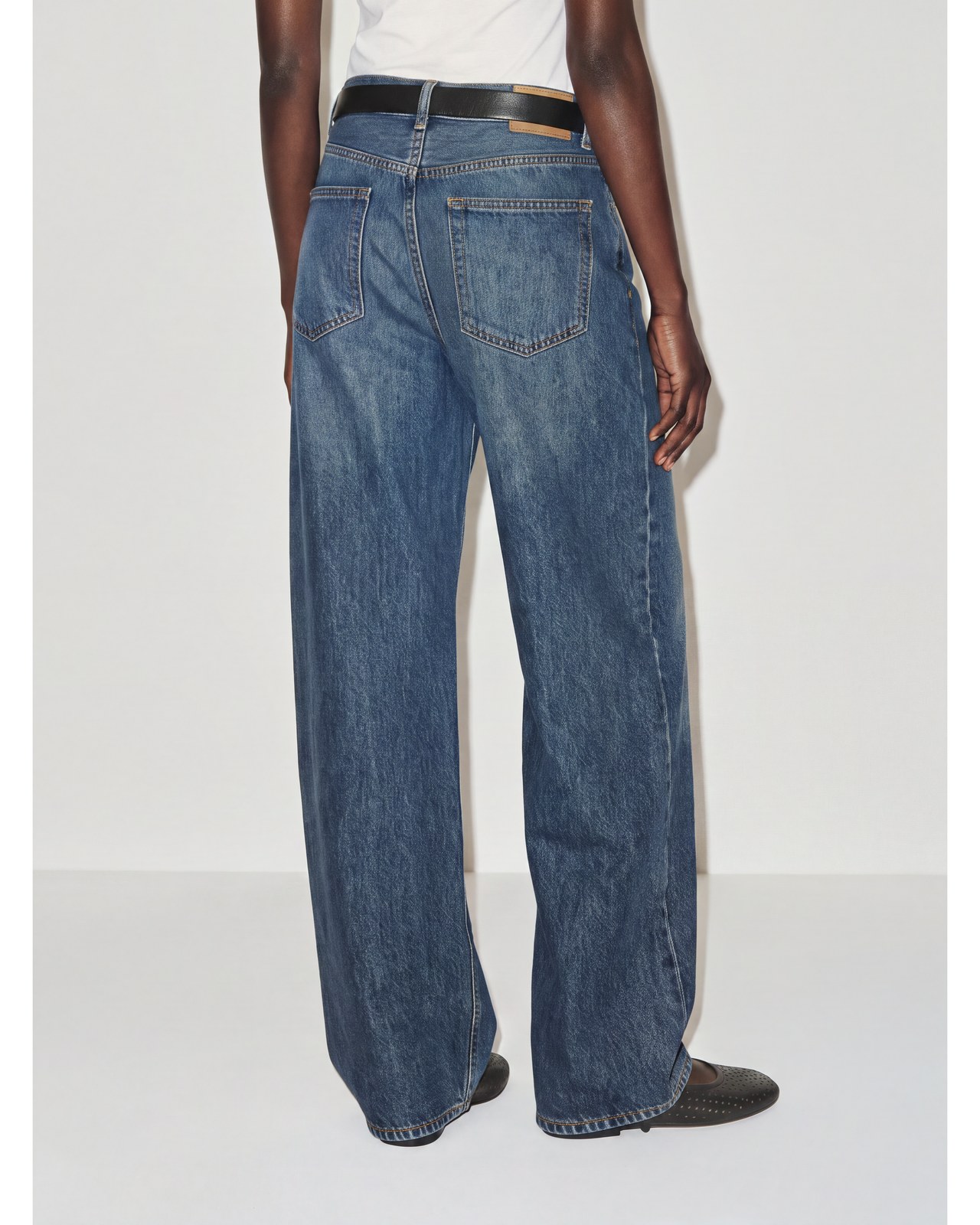
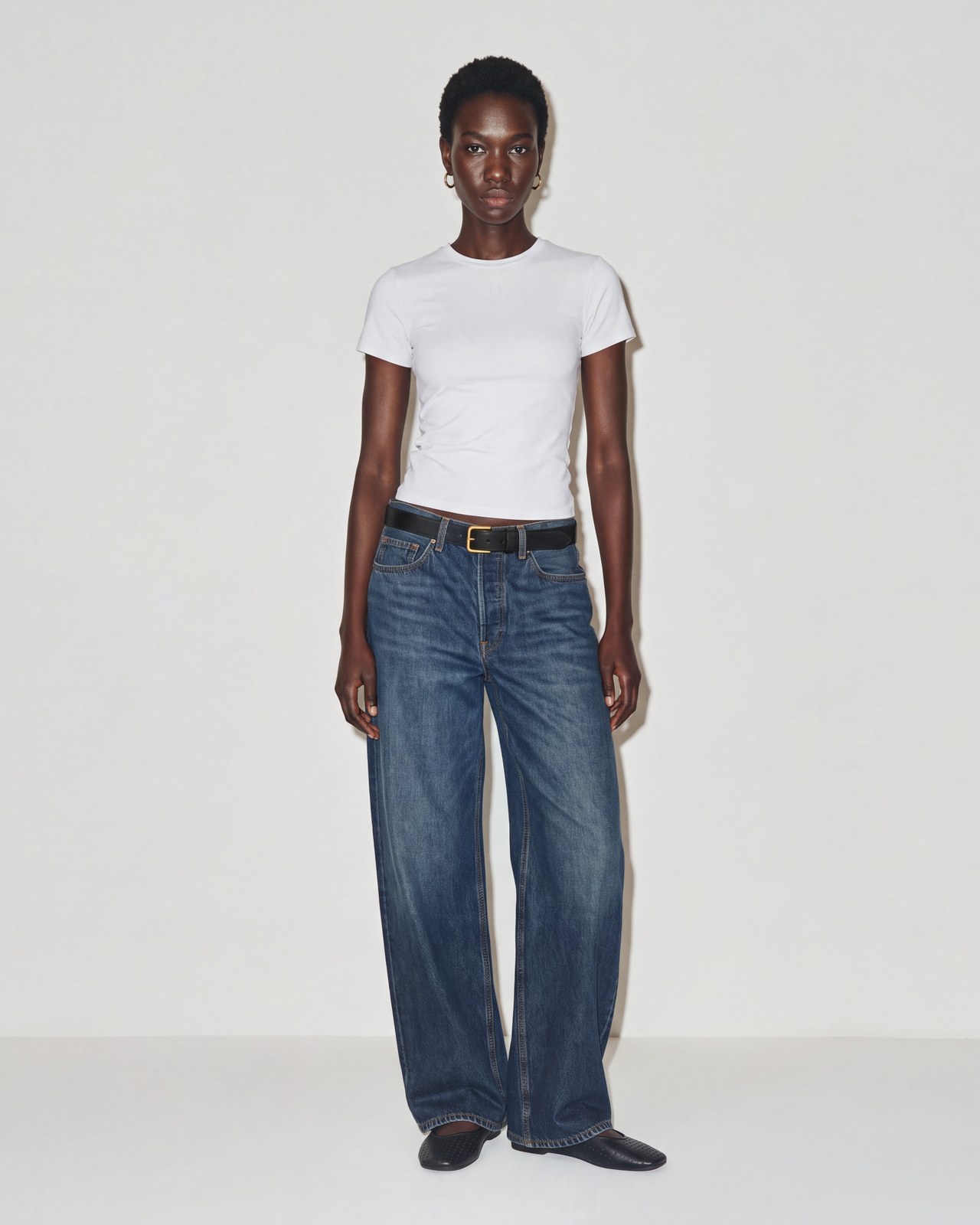
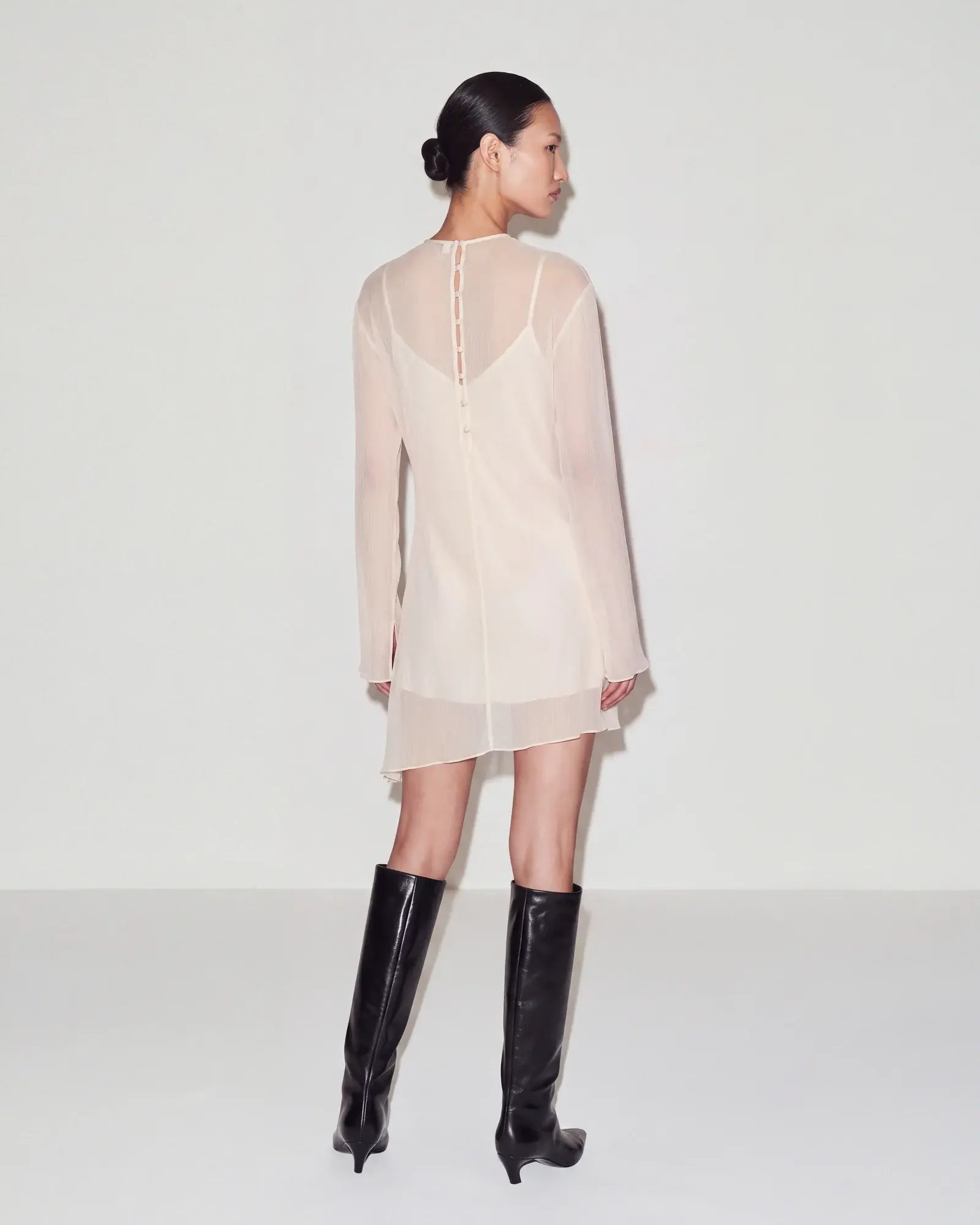
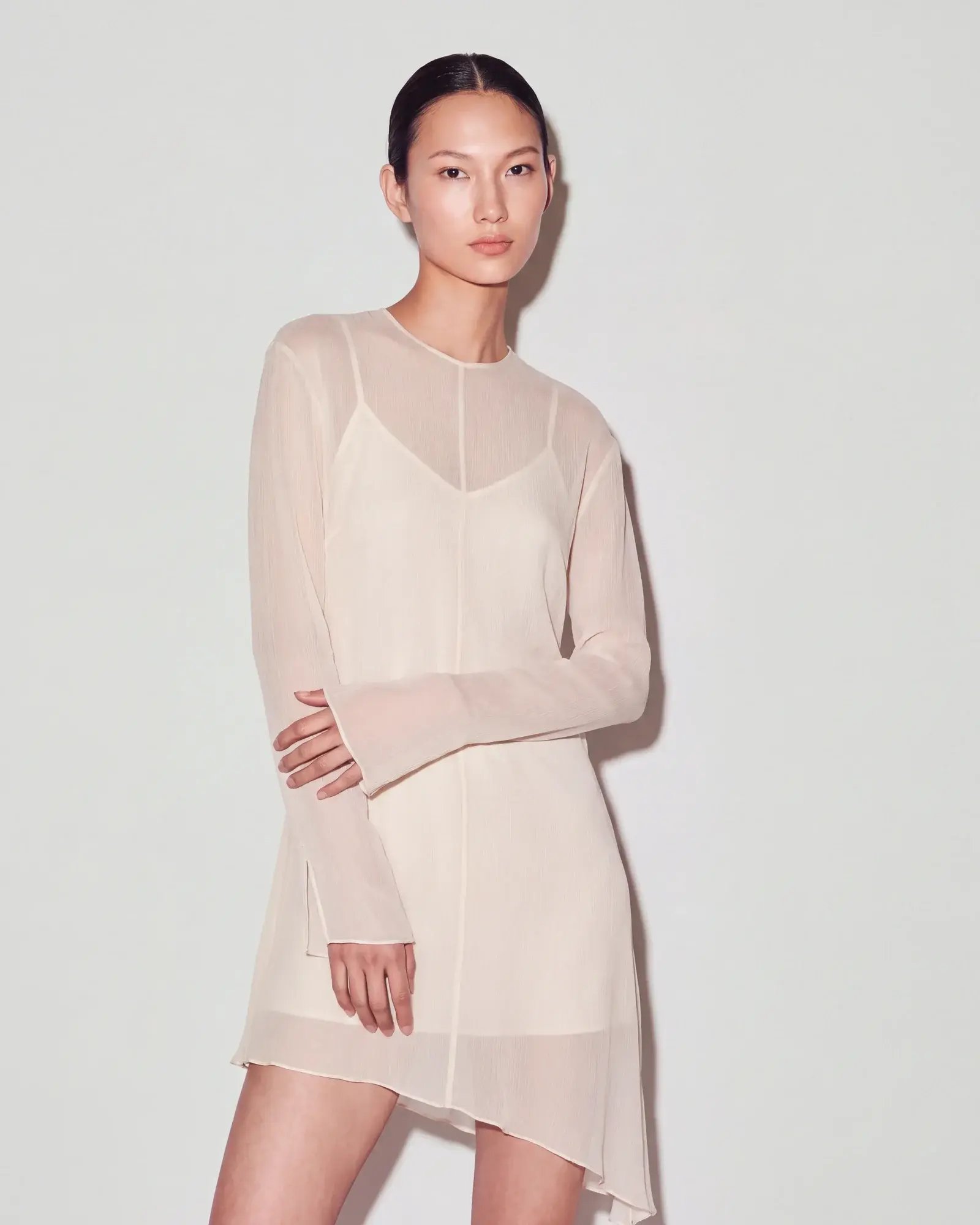
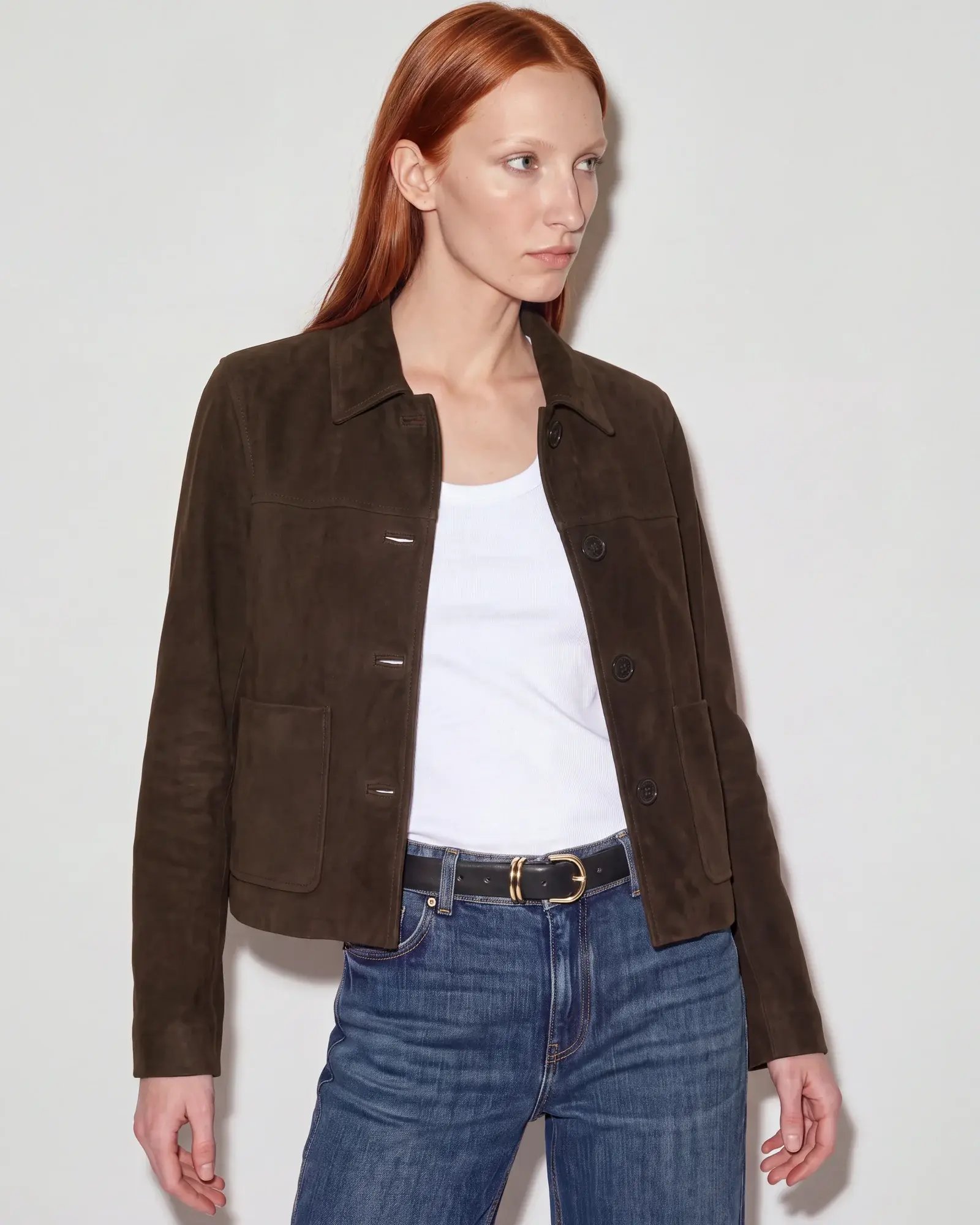
Full-length front view of a model wearing an ivory minidress with sheer long sleeves and black knee-high boots.Full-body studio image of a model wearing a navy suede jacket and beanie with brown trousers and a crossbody bag.Full-length model with arms crossed, wearing a brown jacket over a white top, wide-leg blue jeans and brown boots.

Vary the pose,
keep the frame

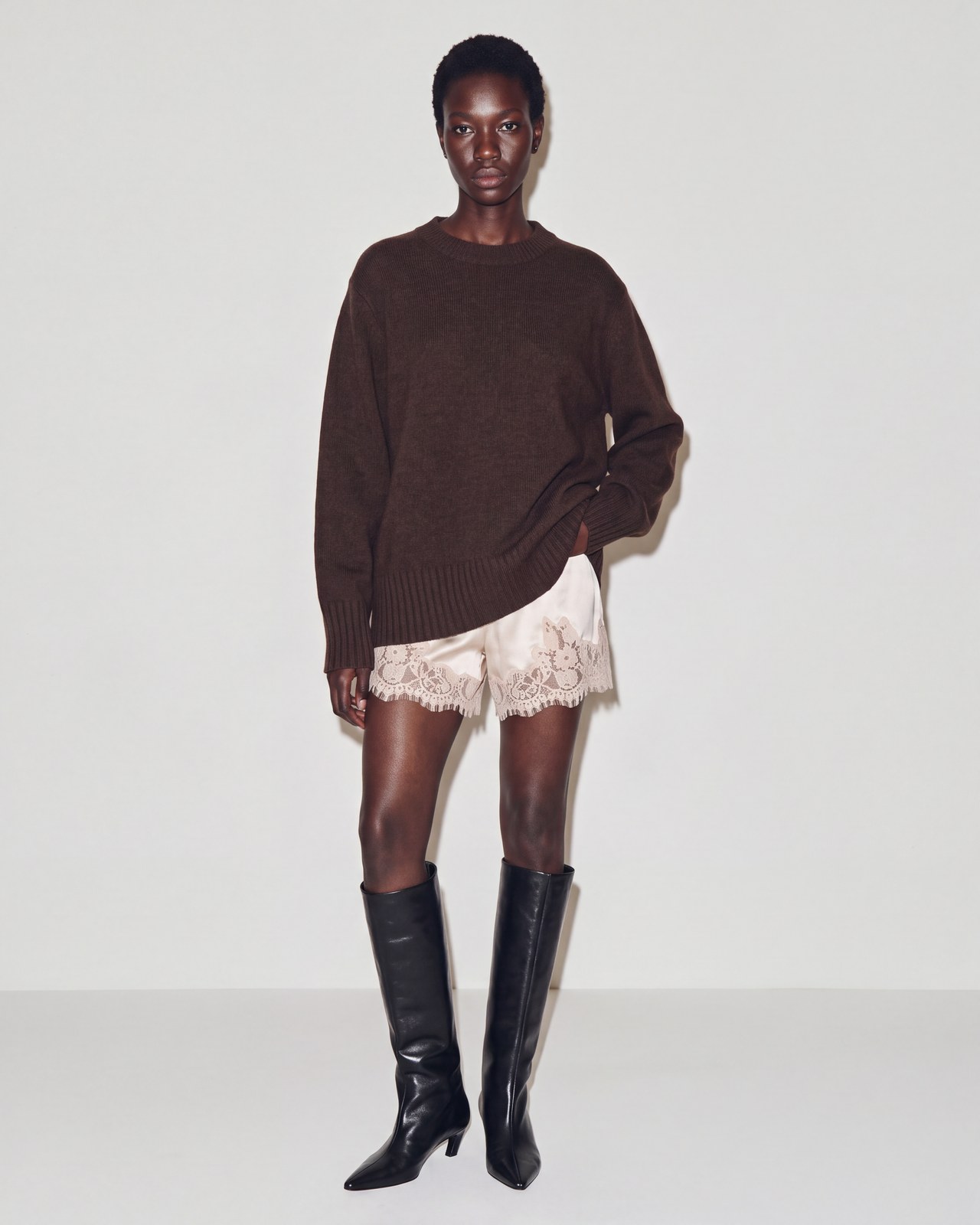
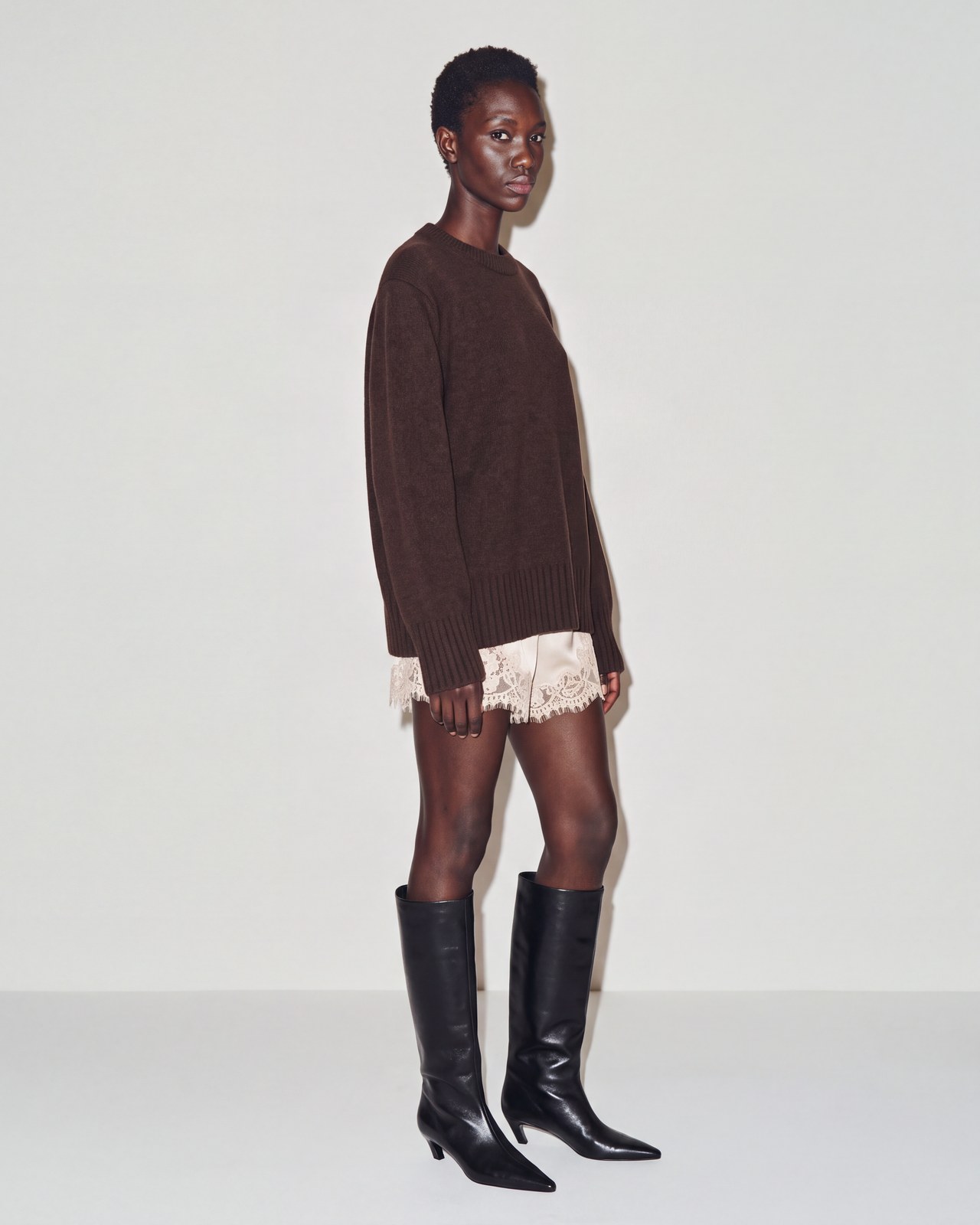
Group pose references into a view, such as “Full body”. Graswald AI varies the pose while keeping the framing consistent.

Full body
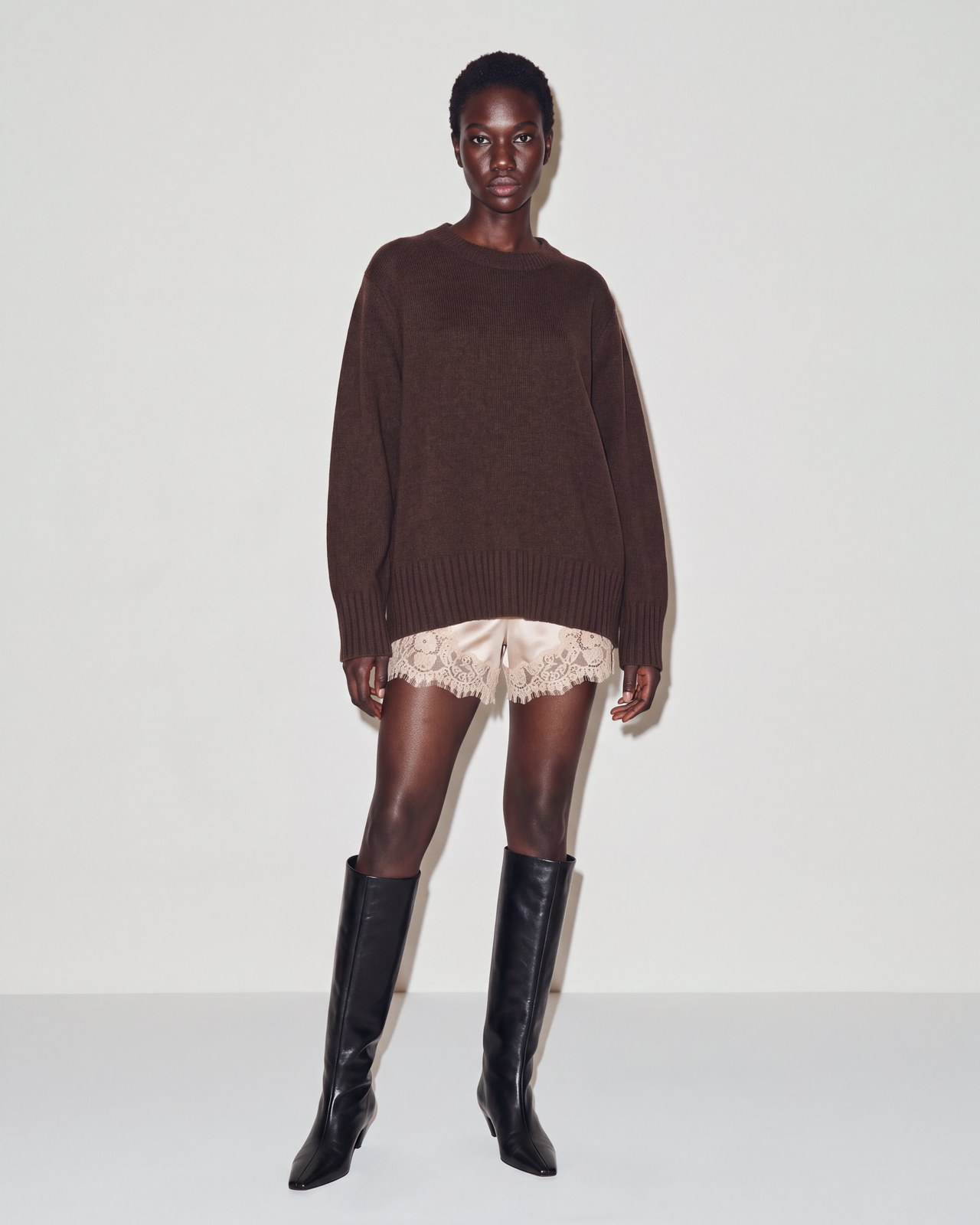
Full-body model in a brown sweater, ivory lace shorts and black knee-high boots, with arms relaxed and weight shifted to one leg.

Recreate your
signature studio look.

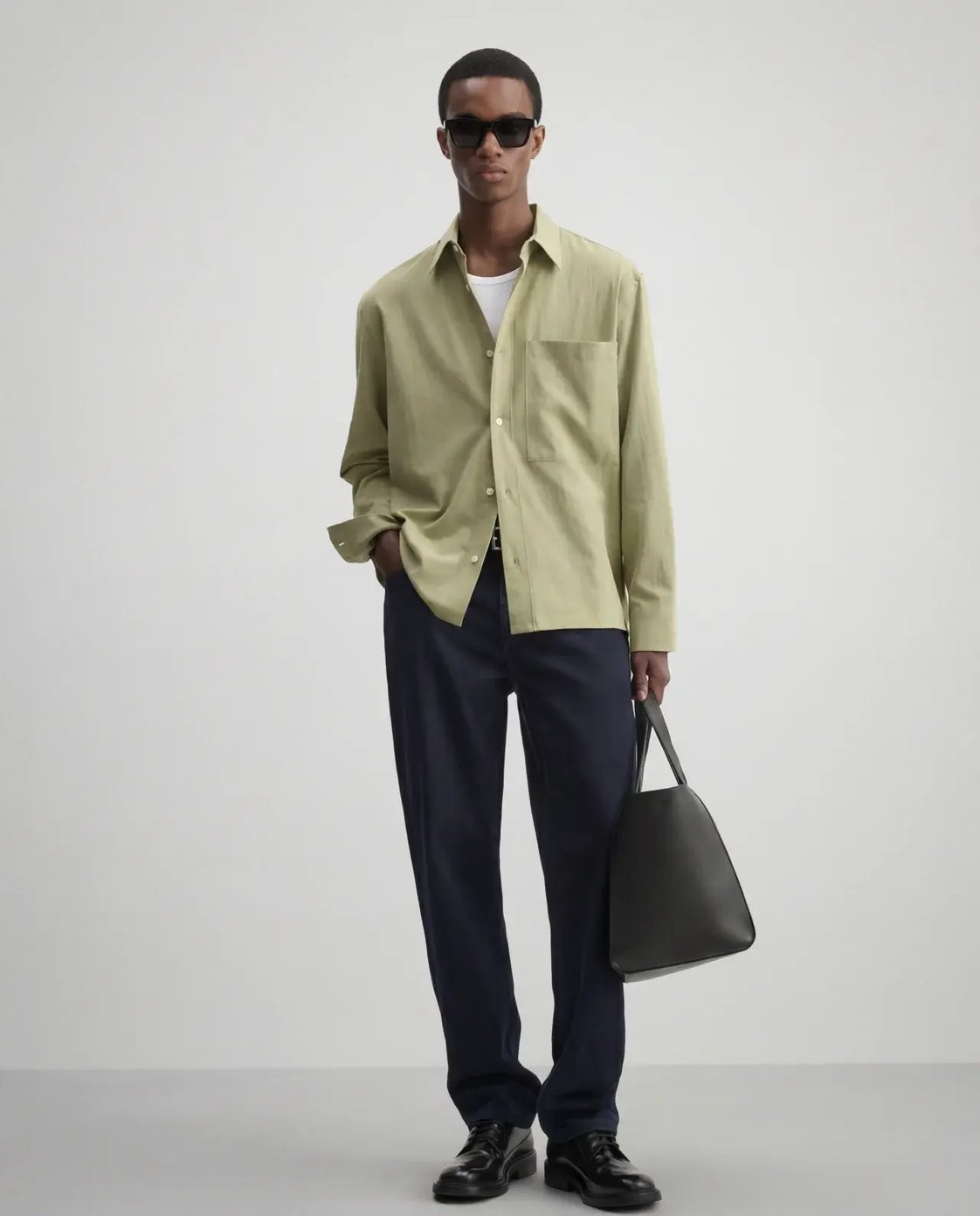
Recreate your studio’s lighting and background for AI imagery that fits your existing photography.
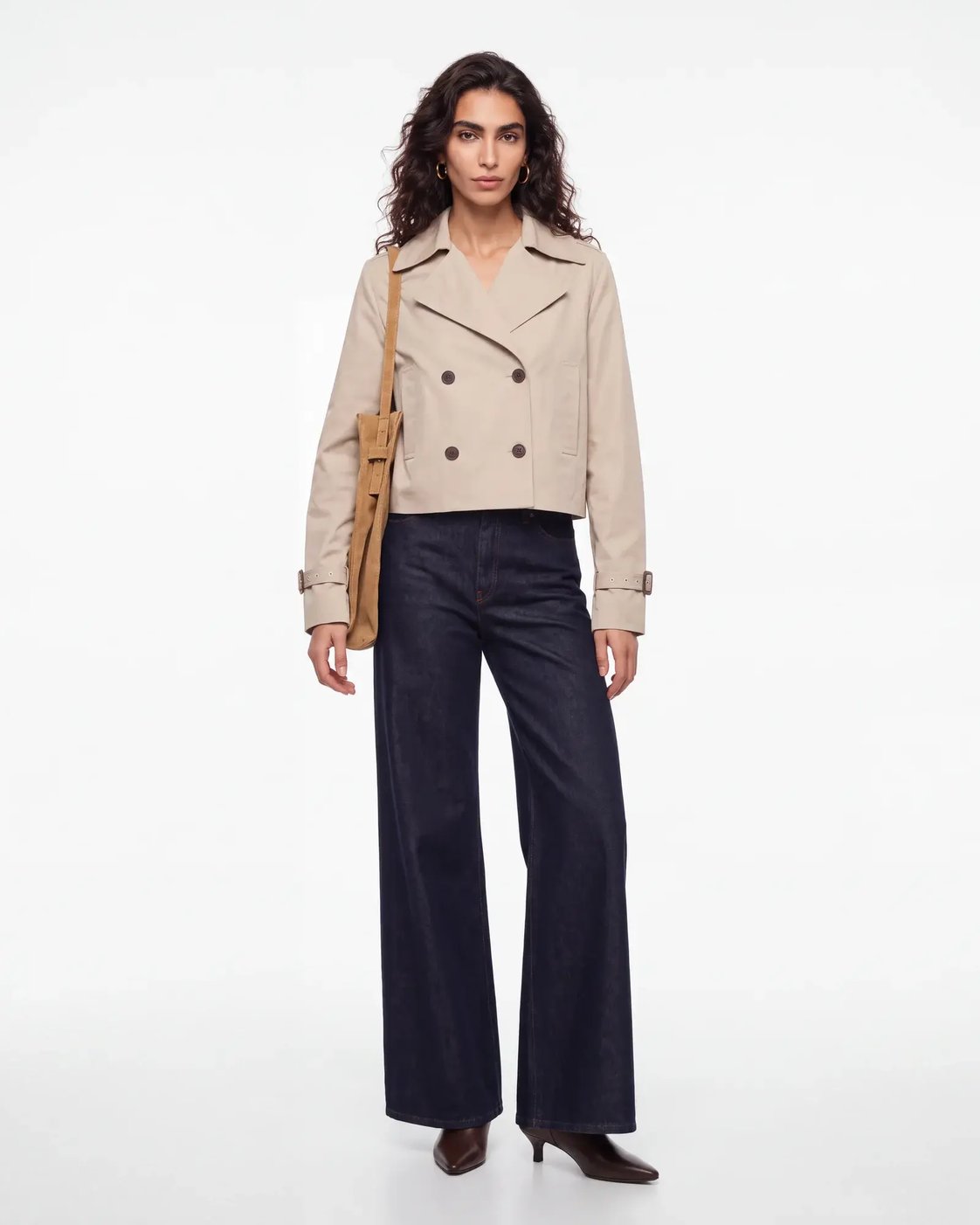
Full-length model wearing a beige cropped trench jacket and dark jeans against a light studio background.
Bright studio
Full-length model wearing a pale yellow-green shirt, dark trousers and sunglasses against a soft grey studio background.
Soft grey studio
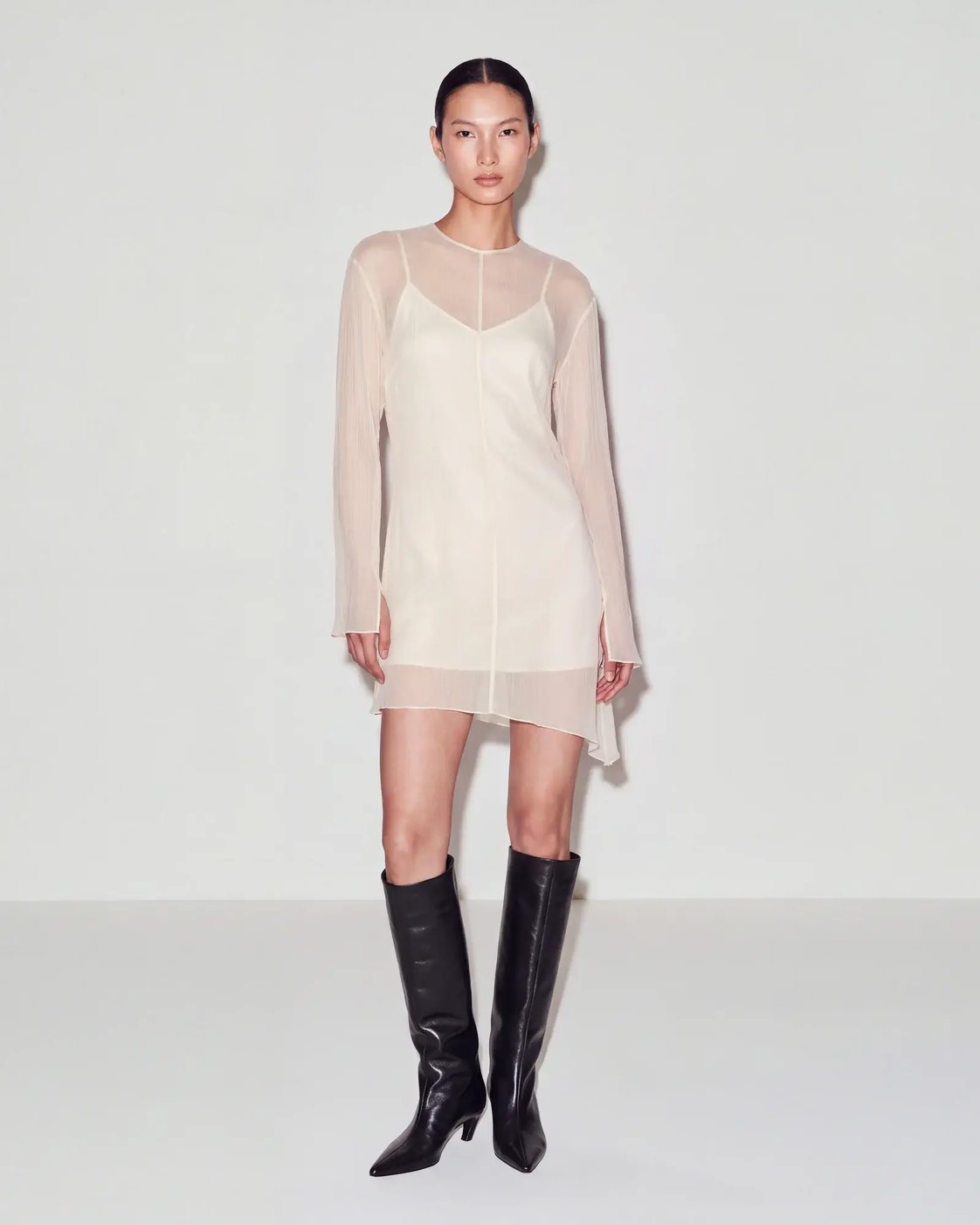
Full-length model wearing an ivory sheer minidress and black boots, with a direct-flash studio look.
Direct flash

Your shot list,
automatically applied

Jackets

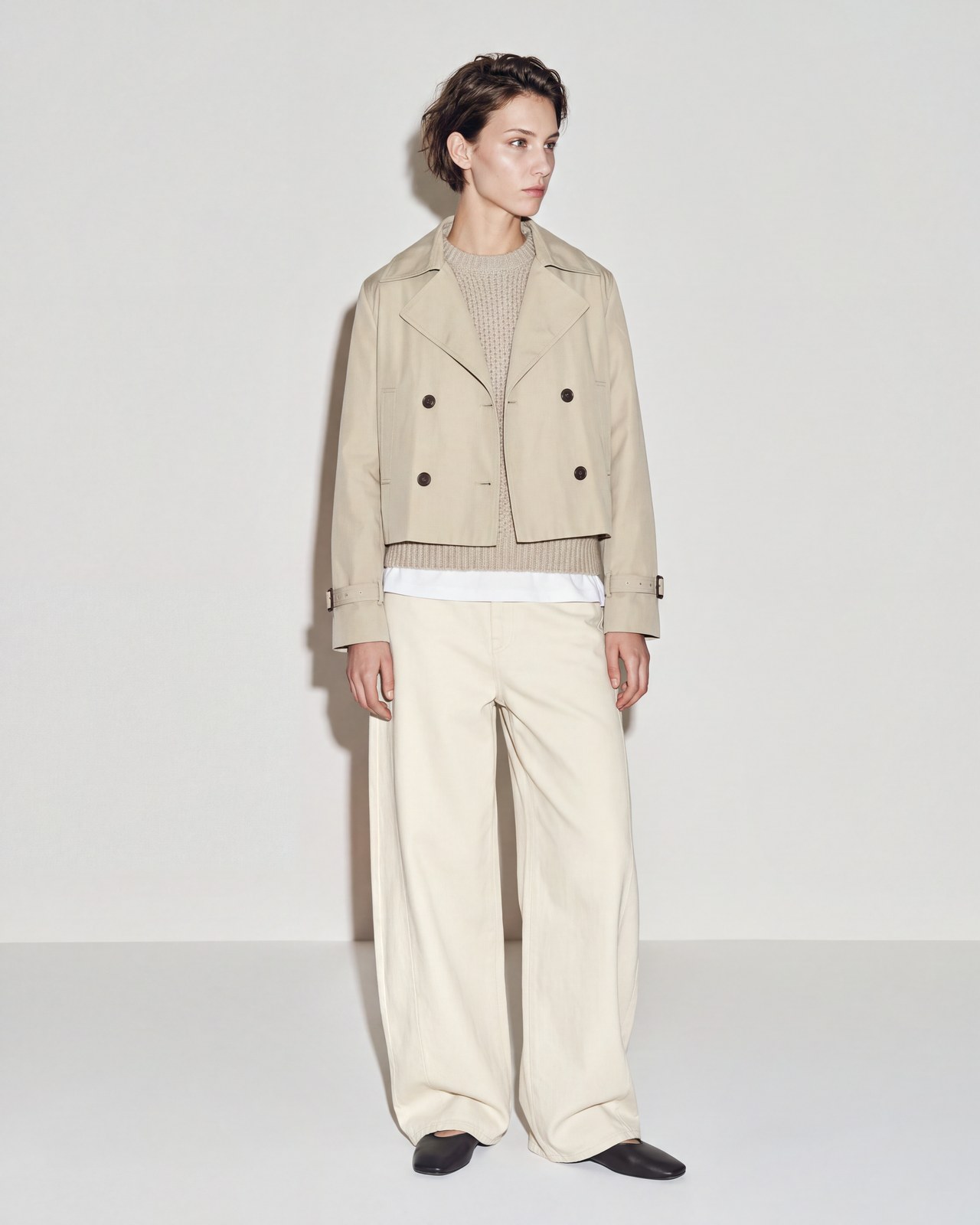
  1. Full front
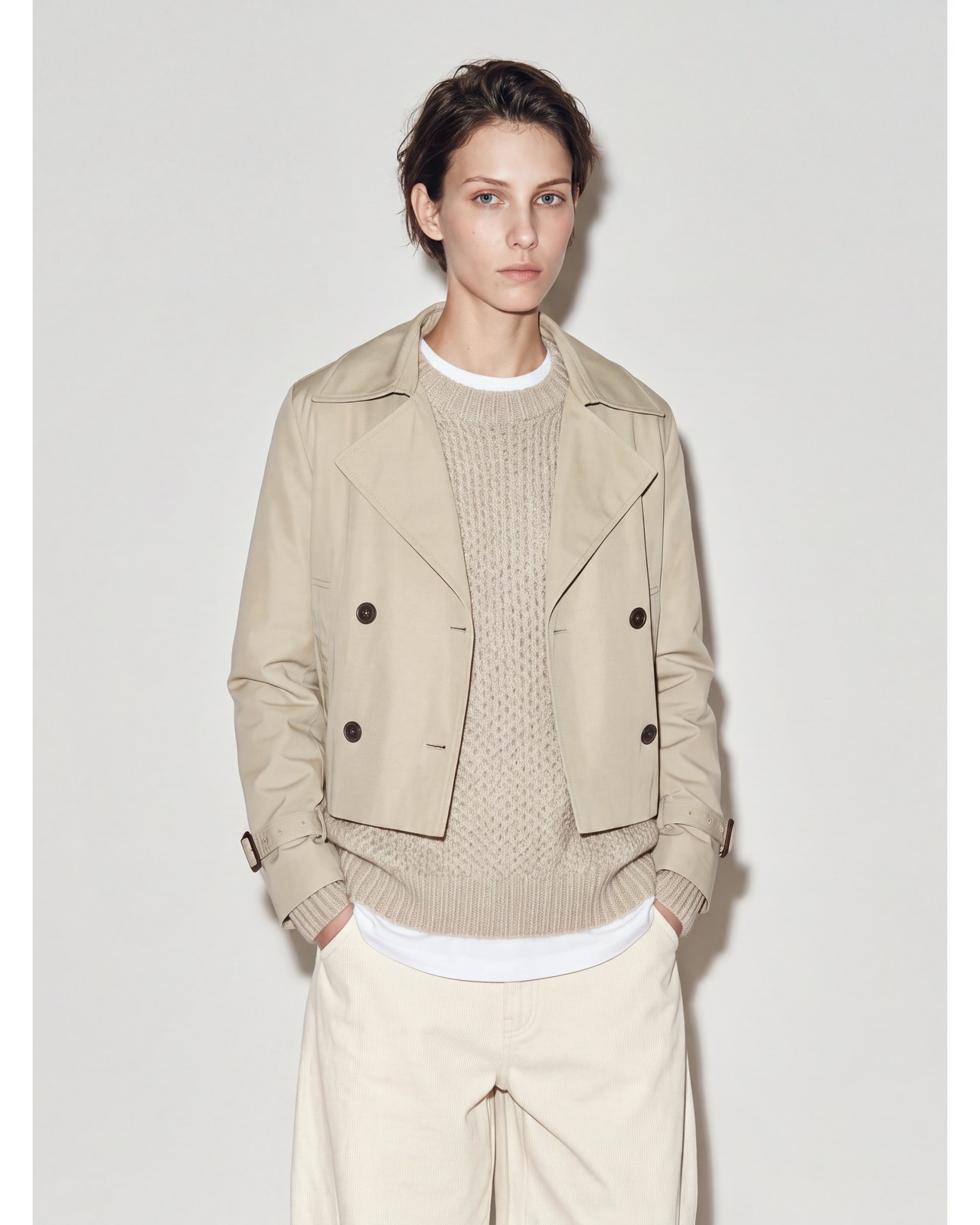
  2. Front crop
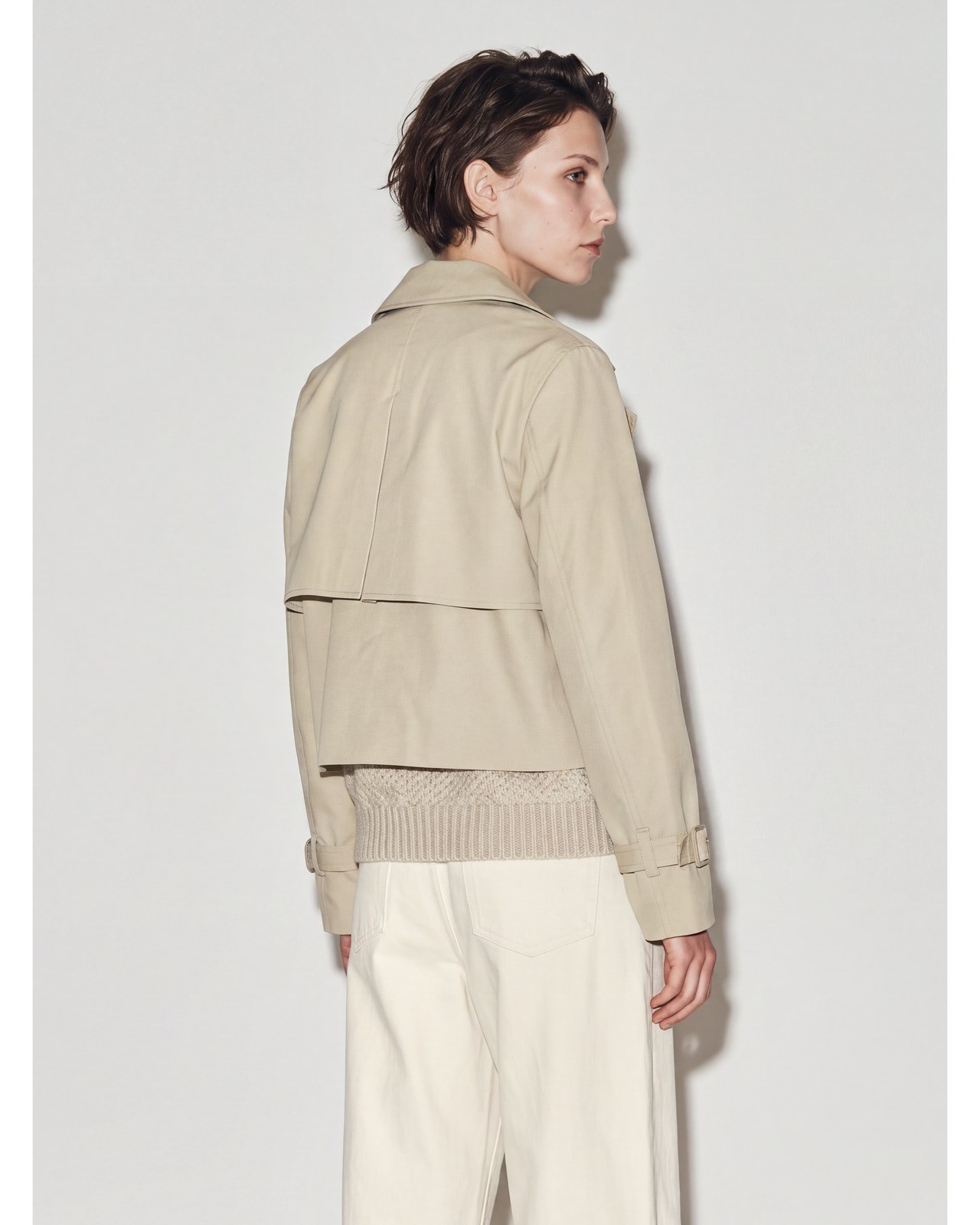
  3. Back
Full-front outfit view of the short-haired model wearing a beige cropped trench jacket with cream knitwear and trousers.
Full front
Front-crop view of the same beige cropped trench jacket, worn over cream knitwear with the model’s hands in trouser pockets.
Front crop
Back view of the same beige cropped trench jacket and cream outfit, with the model looking over one shoulder.
Back

Create your signature cast.

Design AI models to match your brand and reuse them across your product imagery.

Explore AI Avatars
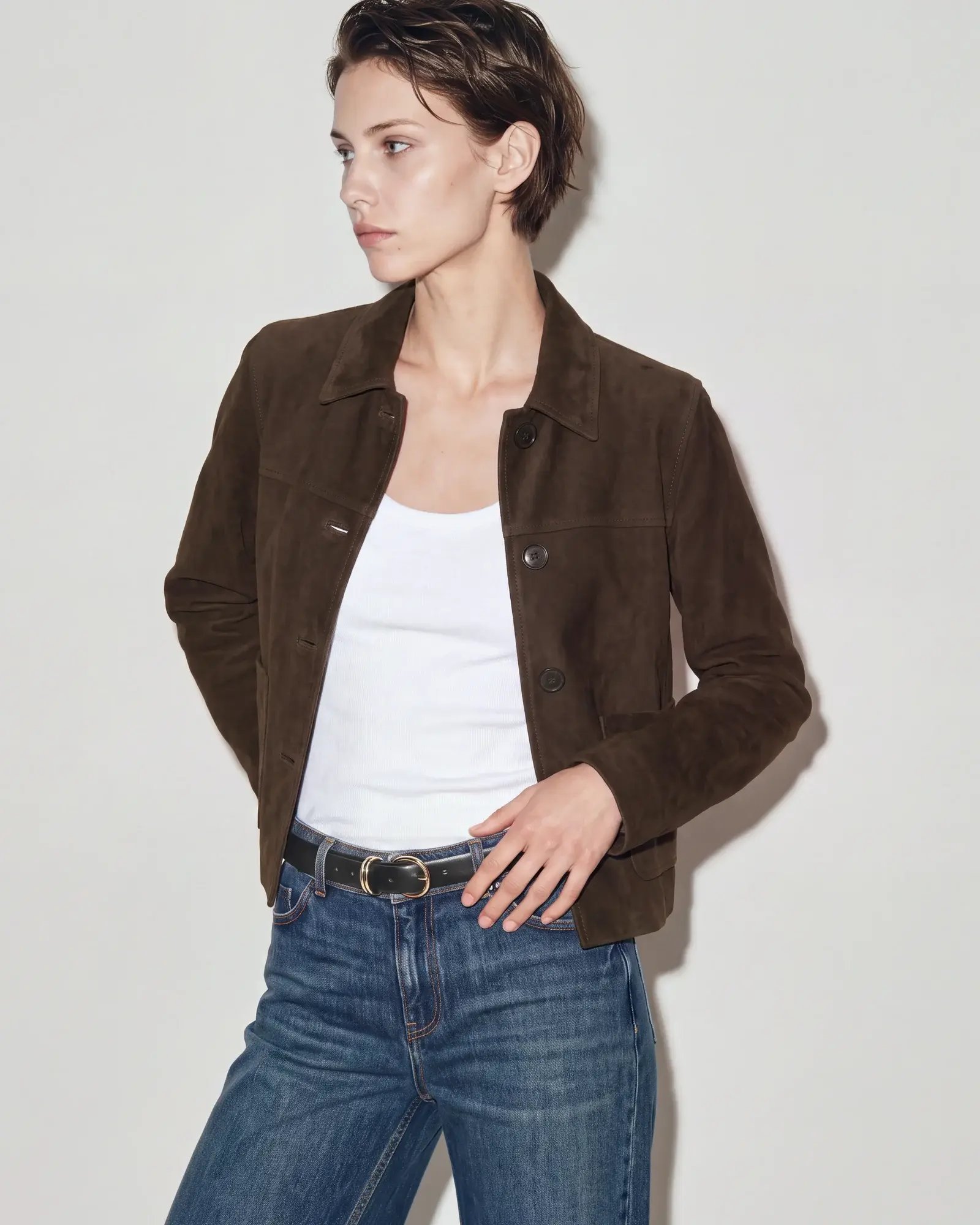
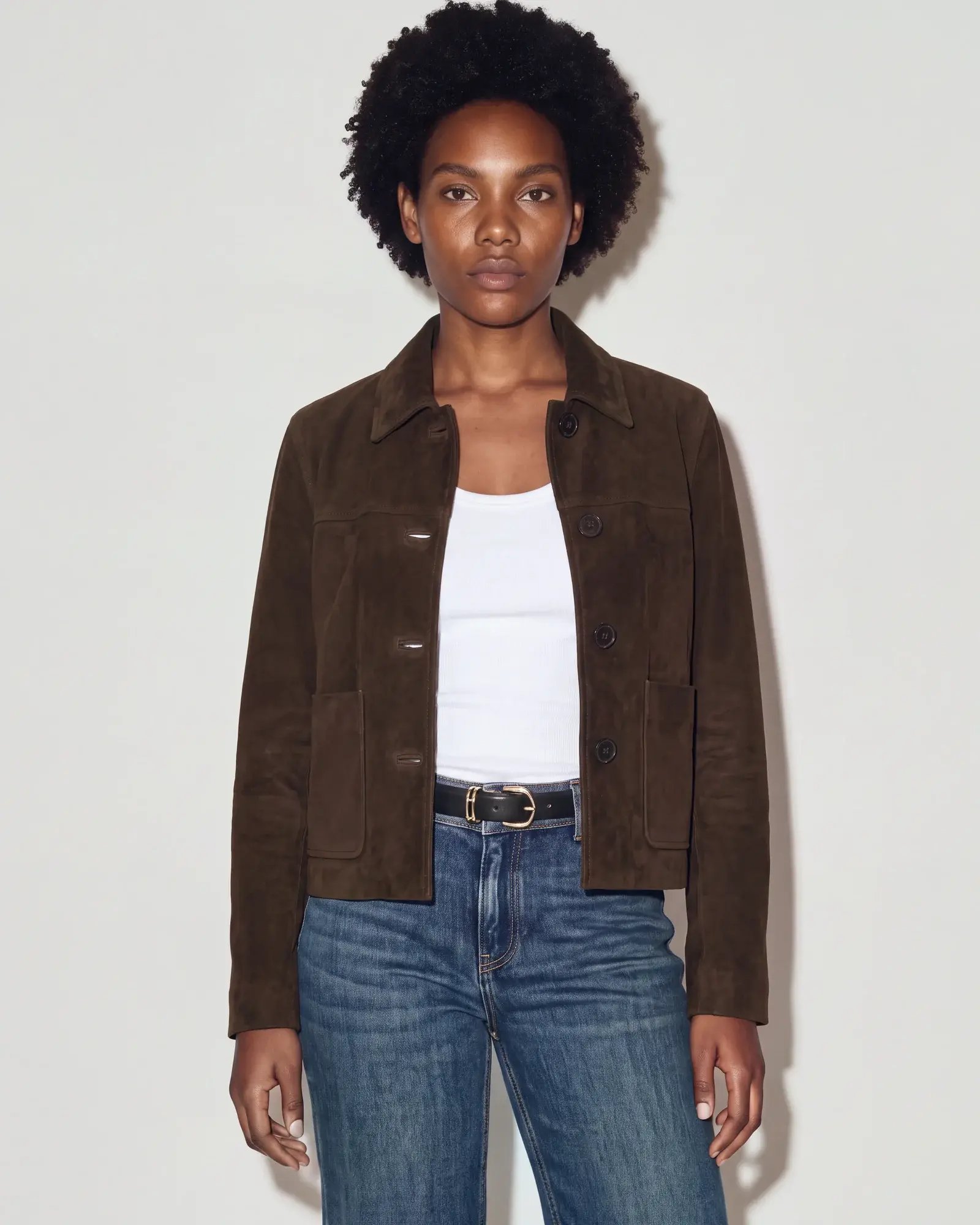
Short-haired AI avatar wearing the brown suede jacket.AI avatar with curly dark hair wearing the same jacket.Red-haired AI avatar wearing the same jacket.

Brand Controls FAQ

What do pose references control?

Pose references guide body position, expression, crop, padding, aspect ratio and overall mood. Avatar appearance, lighting, background and product styling are defined separately.

How do poses, views and view presets work together?

Group pose references into a reusable view, such as Top front crop. During generation, Graswald AI selects a pose from that collection while following the view’s rules. A view preset assigns an ordered set of views to product categories, so each category has its own shot list.

Can I use my own pose references?

Yes. You can upload, rename and filter pose references, and assign them to views. Views can be reused across products.

When is a view preset applied automatically?

An active view preset applies its ordered views during generation, based on the category in the product data. Only active views are used. Each category belongs to one preset at a time.

Do preset changes update images we have already generated?

No. Changes to poses, views and presets apply to future generations. Existing images remain unchanged.

Let’s make it
look like you.

Bring your brand’s visual direction to the conversation.