Skip to content

Bring AI imagery into your Creative Force workflow.

Create on-model images in Graswald AI using your brand’s casting, poses and lighting. Approved images return automatically to the original Creative Force task.

Book a demo
Creative Force
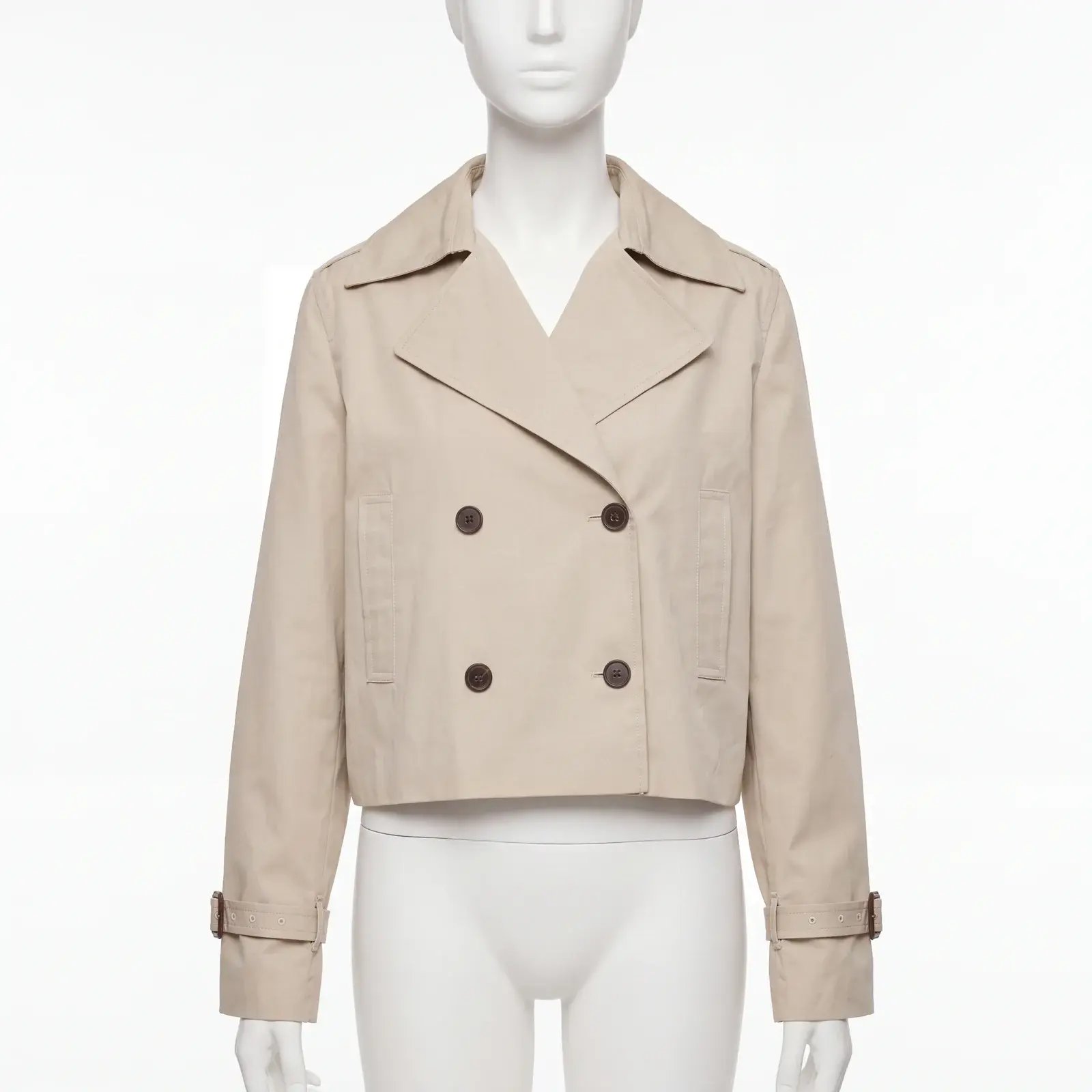
Beige trench jacket on a mannequin.
Graswald AI
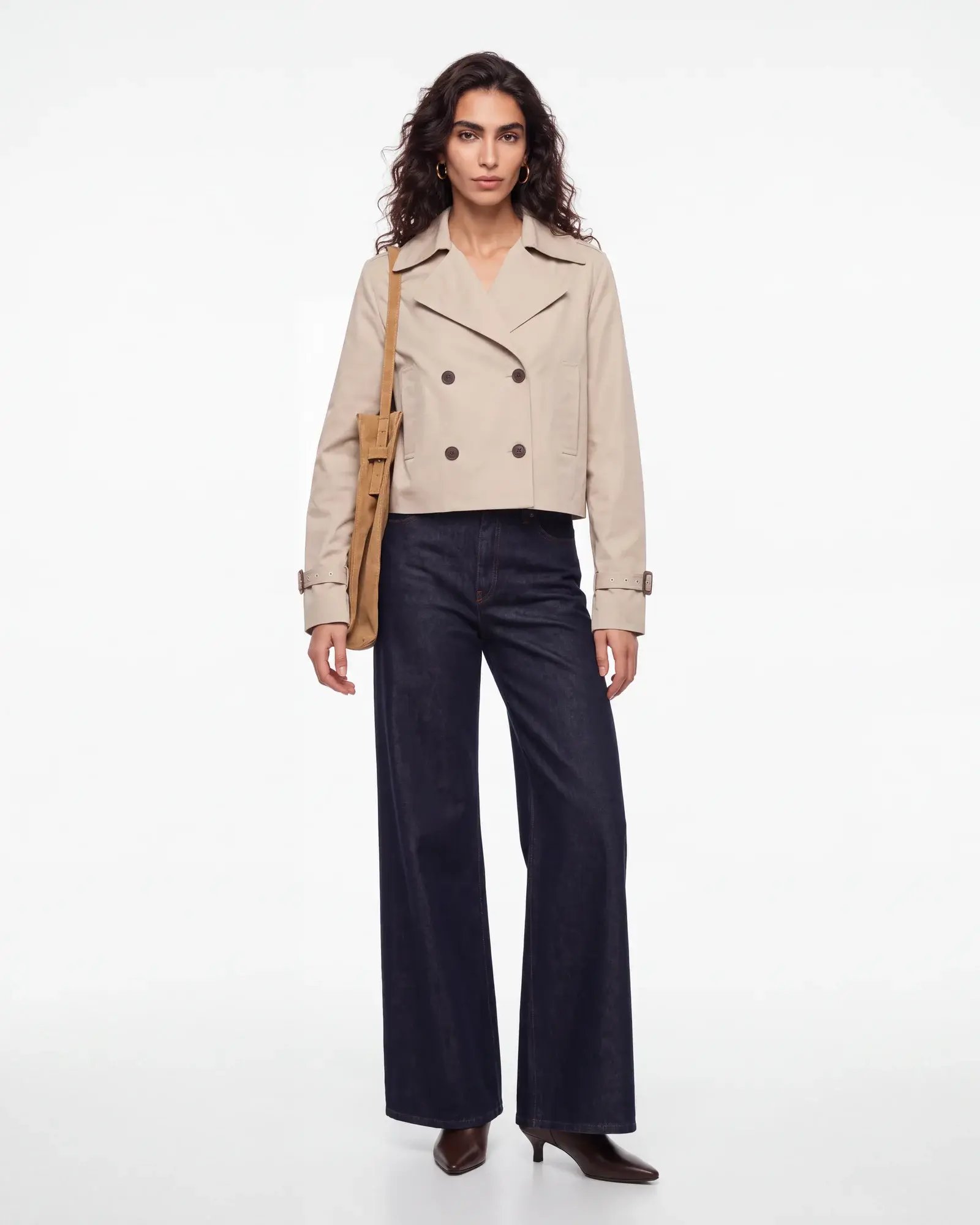
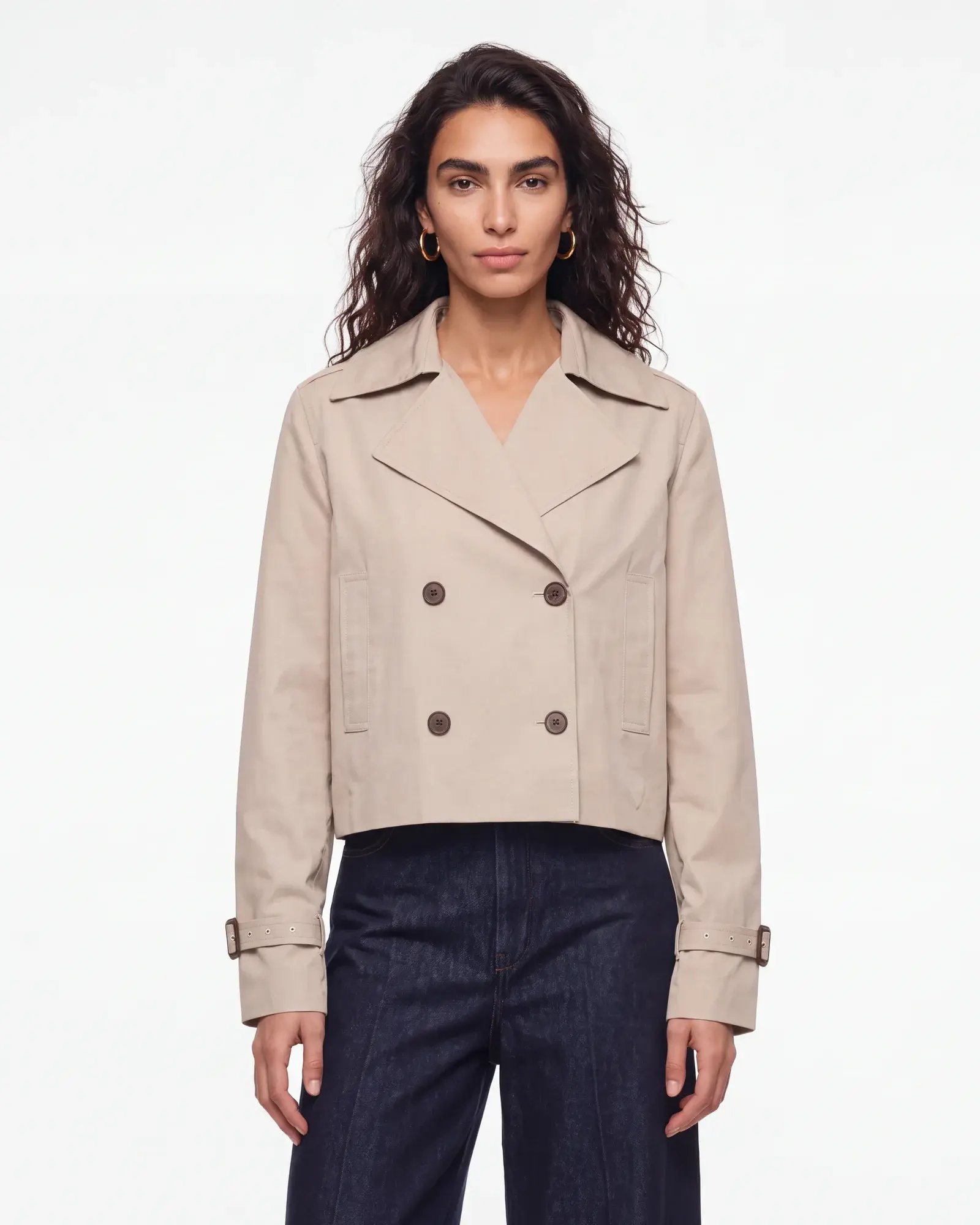
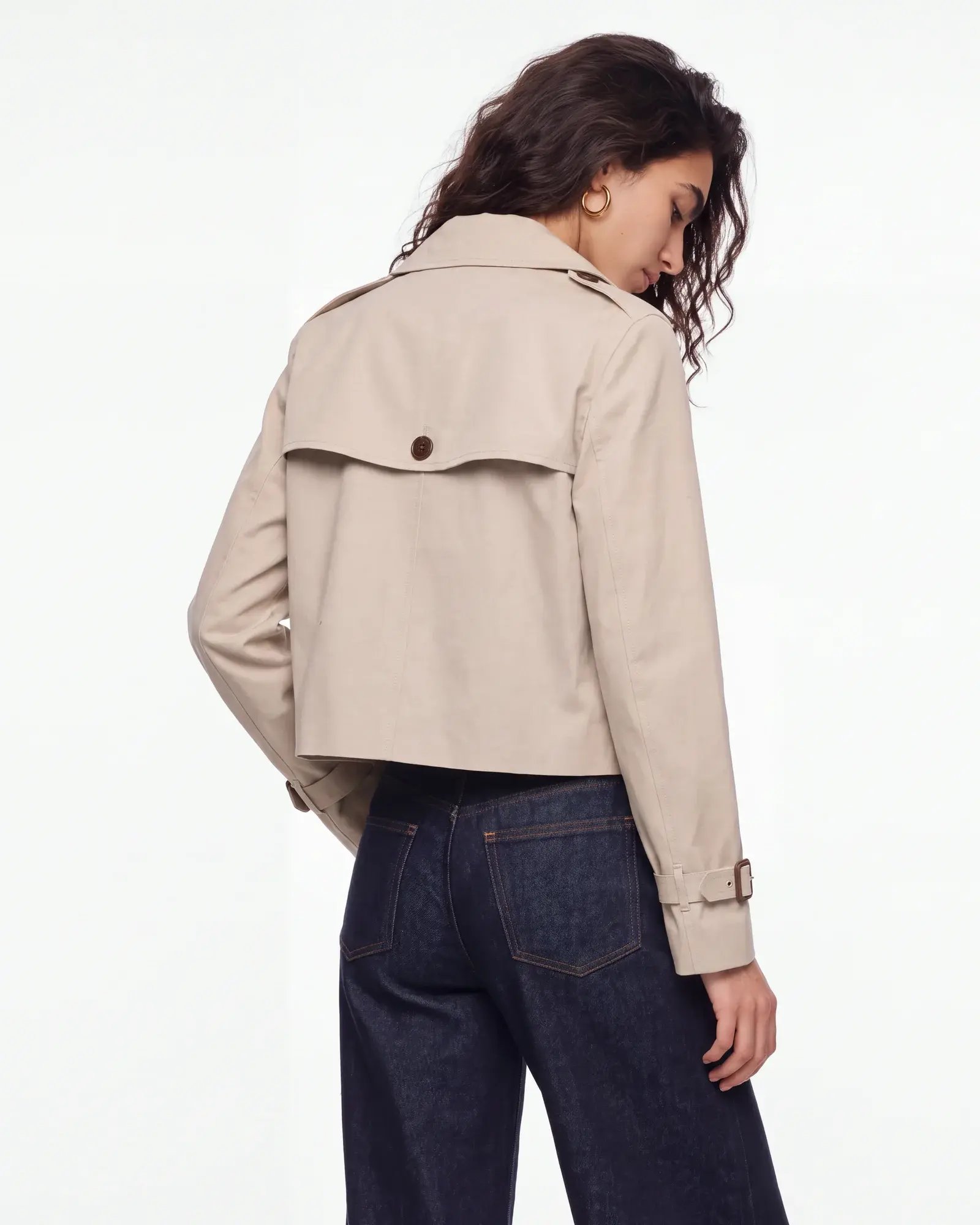
Full-front on-model view of the beige trench jacket.Front crop of the same trench jacket.Back view of the same trench jacket.

On-model imagery
that fits your brand.

Choose your casting, poses and studio setup to create a consistent look across your product imagery.

Brown suede jacket styled with blue jeans.PDP video
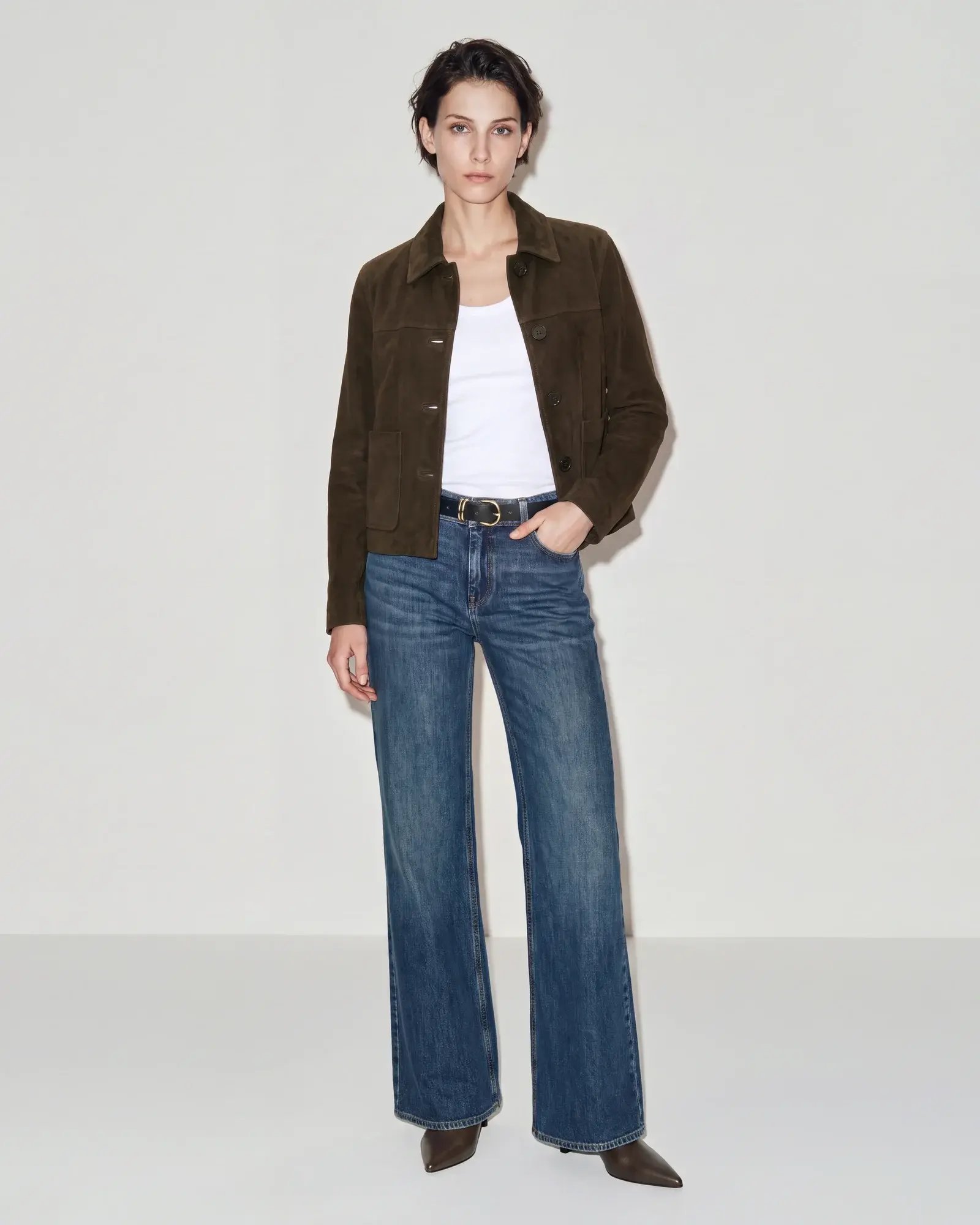
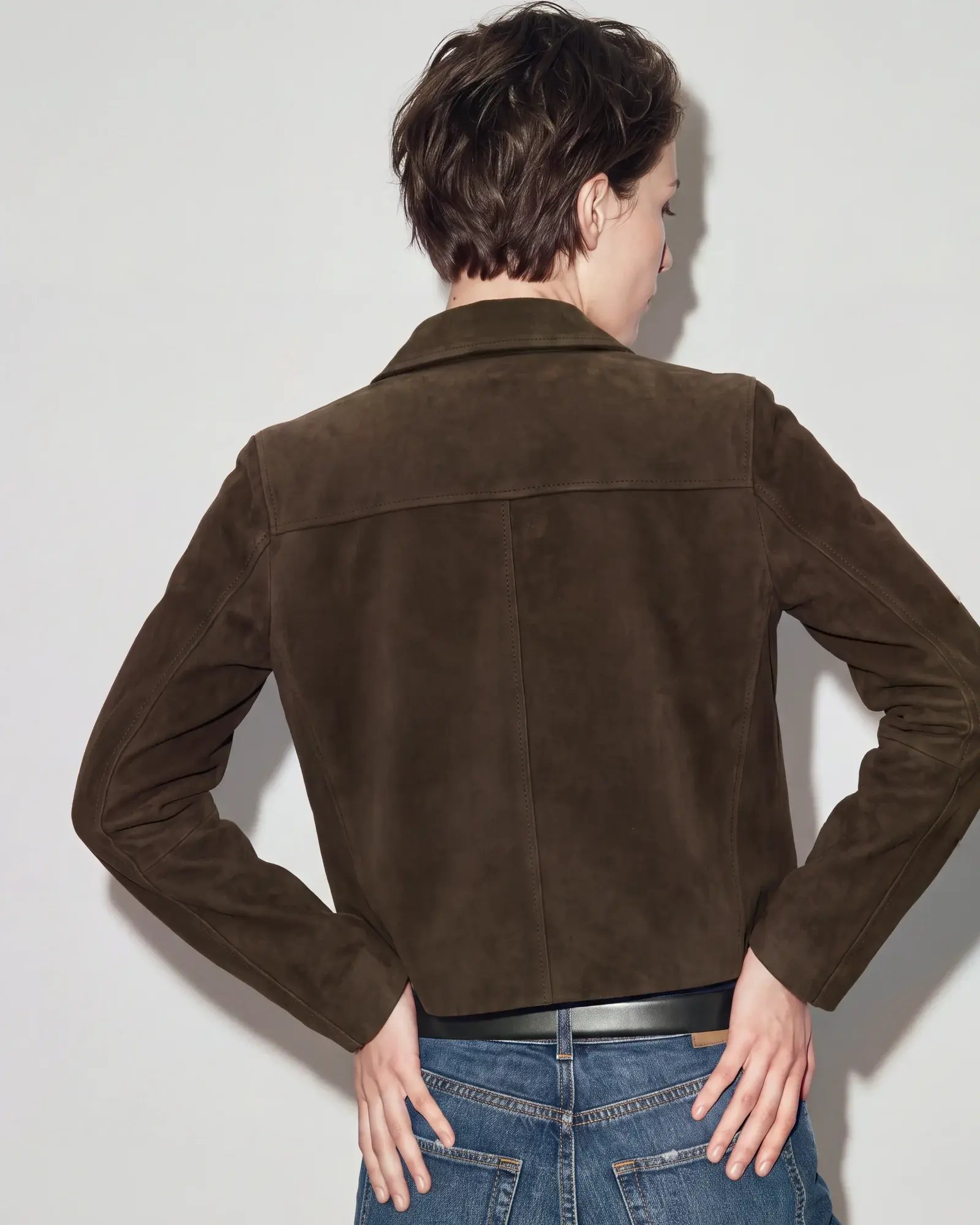
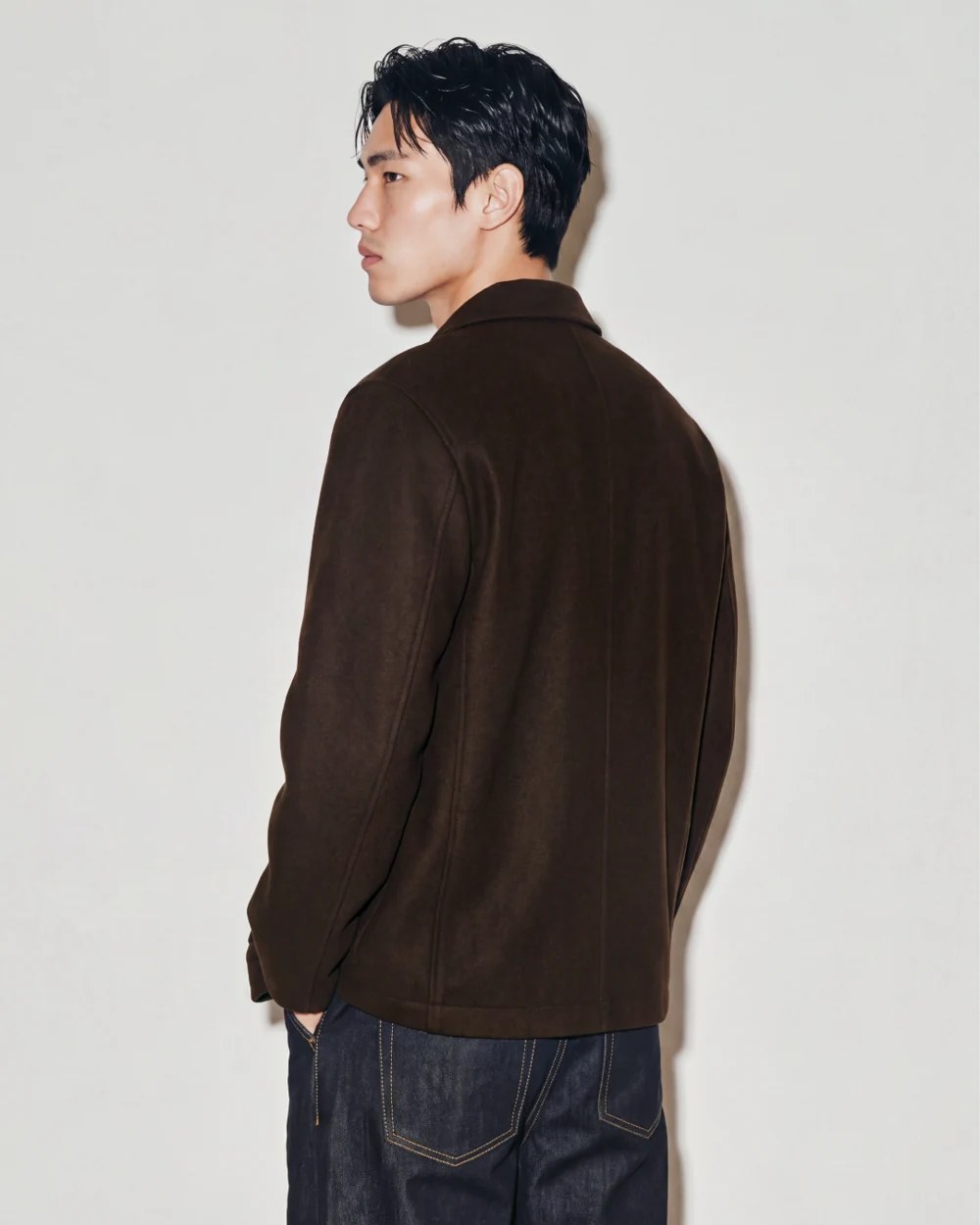
Full-length front view of a brown suede jacket with blue jeans.Back view of the same brown suede jacket.Closer detail of the brown suede jacket collar.

Less handling.
More creating.

Product inputs

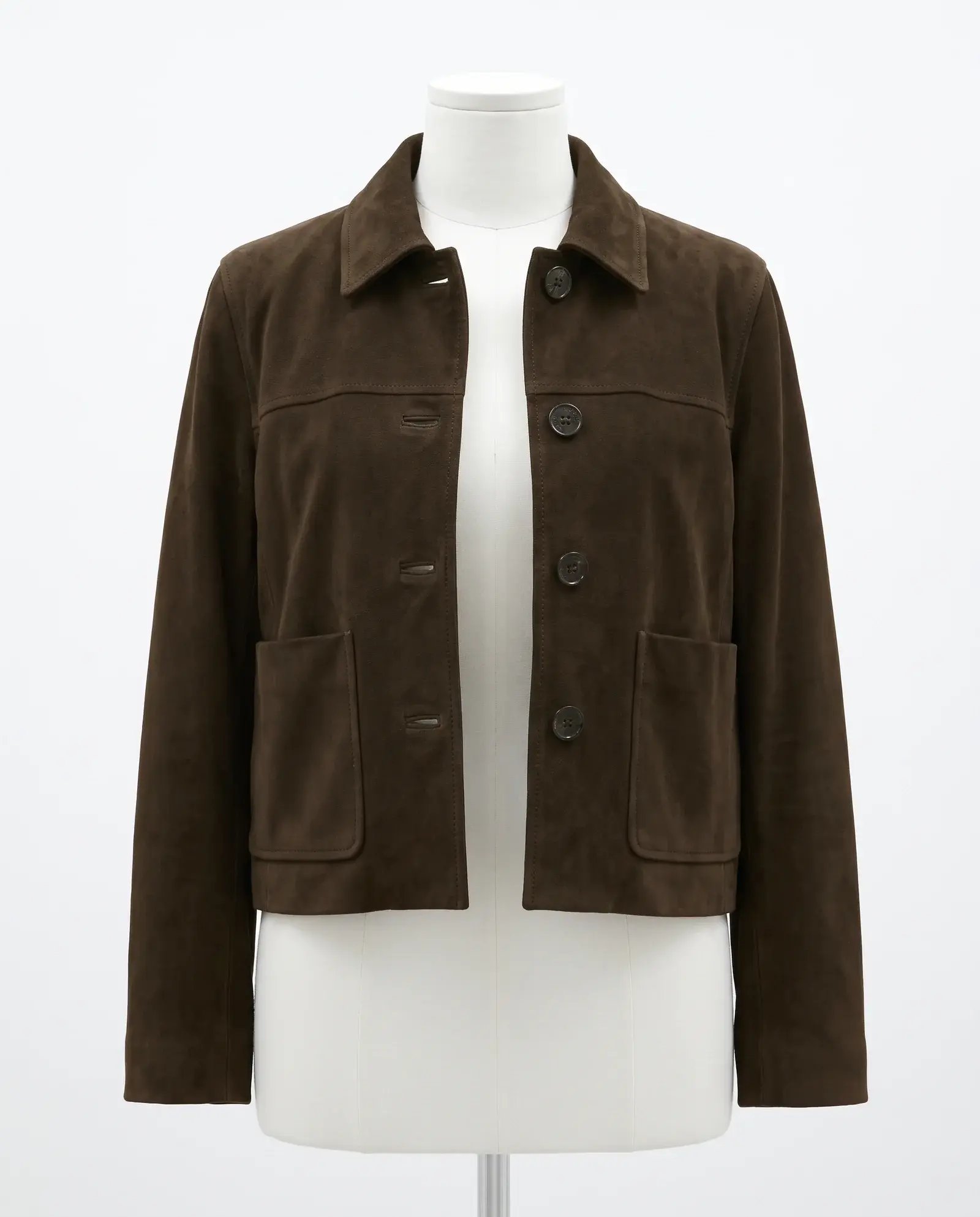
Brown suede jacket photographed on a mannequin, used as the Creative Force task input.

Create on-model
imagery.

Full-front on-model view of the brown suede jacket with blue jeans.
Back view of the same brown suede jacket.
Closer view of the brown suede jacket and its lapels.

Approved images

Approved brown suede jacket image returned to the original Creative Force task.Approved

Approve your images and keep production moving.

  • Start with product inputs from your Creative Force task.
  • Create on-model imagery using your brand’s setup in Graswald AI.
  • Review and approve the results in Graswald AI.
  • Approved images return automatically to the original task.
Graswald AIApproved
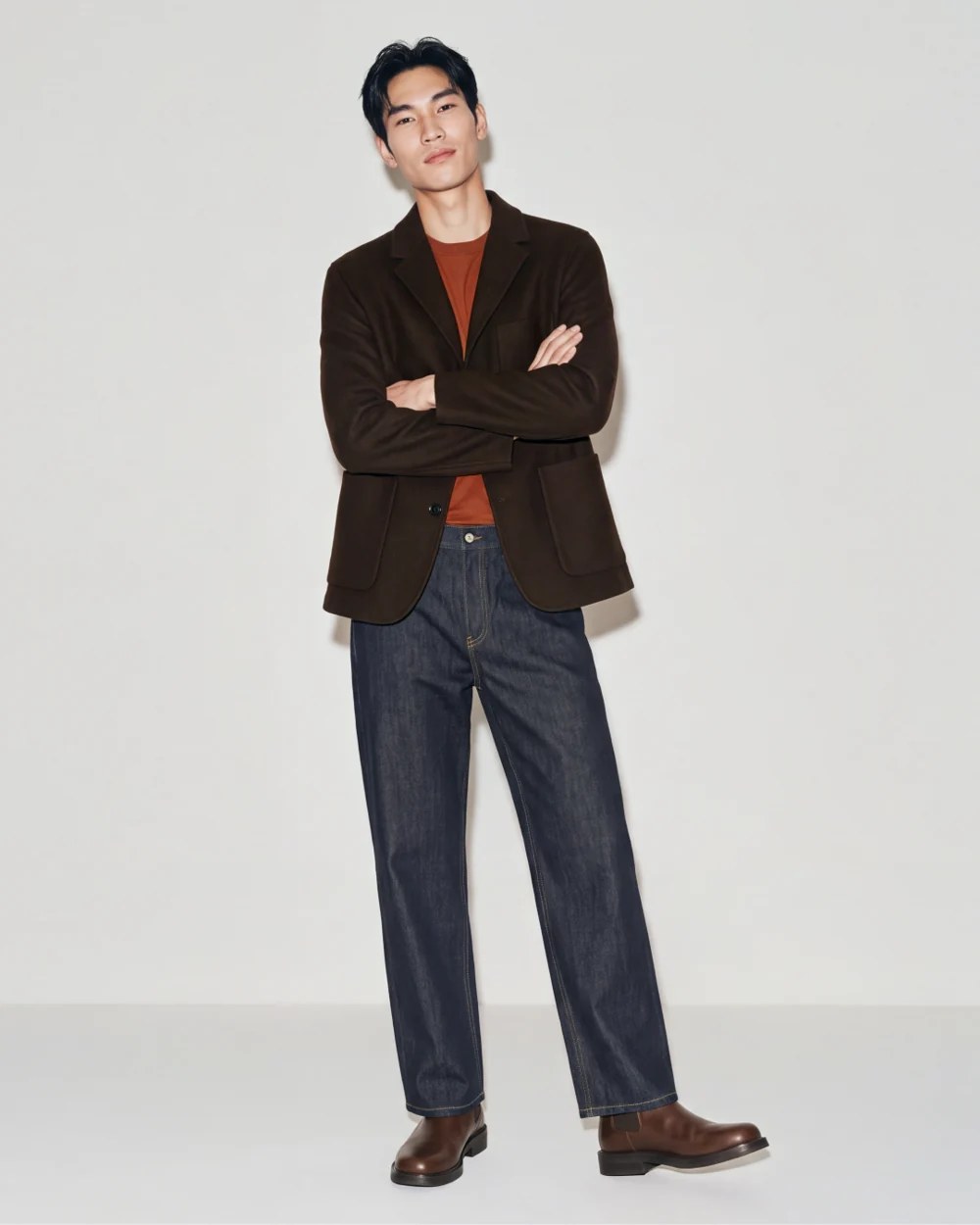
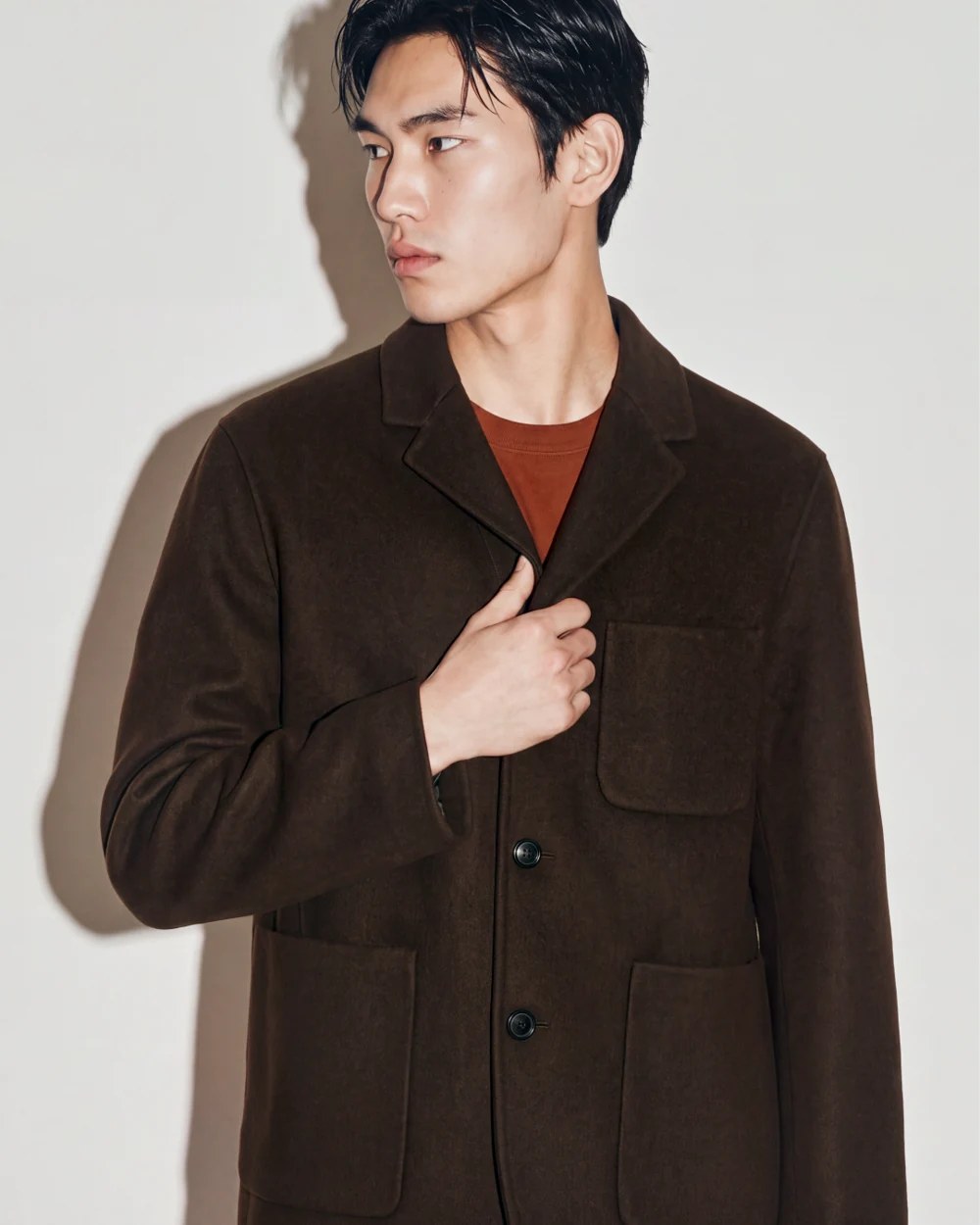
Full-length menswear look with a brown jacket and wide-leg blue trousers.Closer front view of the same menswear jacket.Back view of the same menswear jacket.
Creative ForceBack in your workflow

Creative Force FAQ

How does the Creative Force connector work?

A task reaching the connected step sends its product and images to Graswald AI. Approved on-model images return to that task’s output slots. Creative Force confirms delivery and the task moves on.

Which content types does the Creative Force connector support?

The cloud connector currently supports on-model imagery using product images from your Creative Force task. Packshot, video and derivative delivery over this connector are planned and are not available yet.

What do we need to use the Creative Force connector?

Your Creative Force account must use Workflow Engine V2. We start with a short setup sheet and test in a separate sandbox with your administrator before enabling production.

Can we connect multiple brands or workspaces?

Yes. Each Creative Force workspace gets its own connection. If your brands have separate workspaces, each can connect to Graswald AI through its own setup.

What AI disclosure information is included?

Every delivered image carries embedded metadata identifying it as AI-generated, including the IPTC digital source type and a creation timestamp. Creative Force keeps this metadata.

See the Creative Force integration in action.

Talk through your workflow and see how the integration fits your production process.