
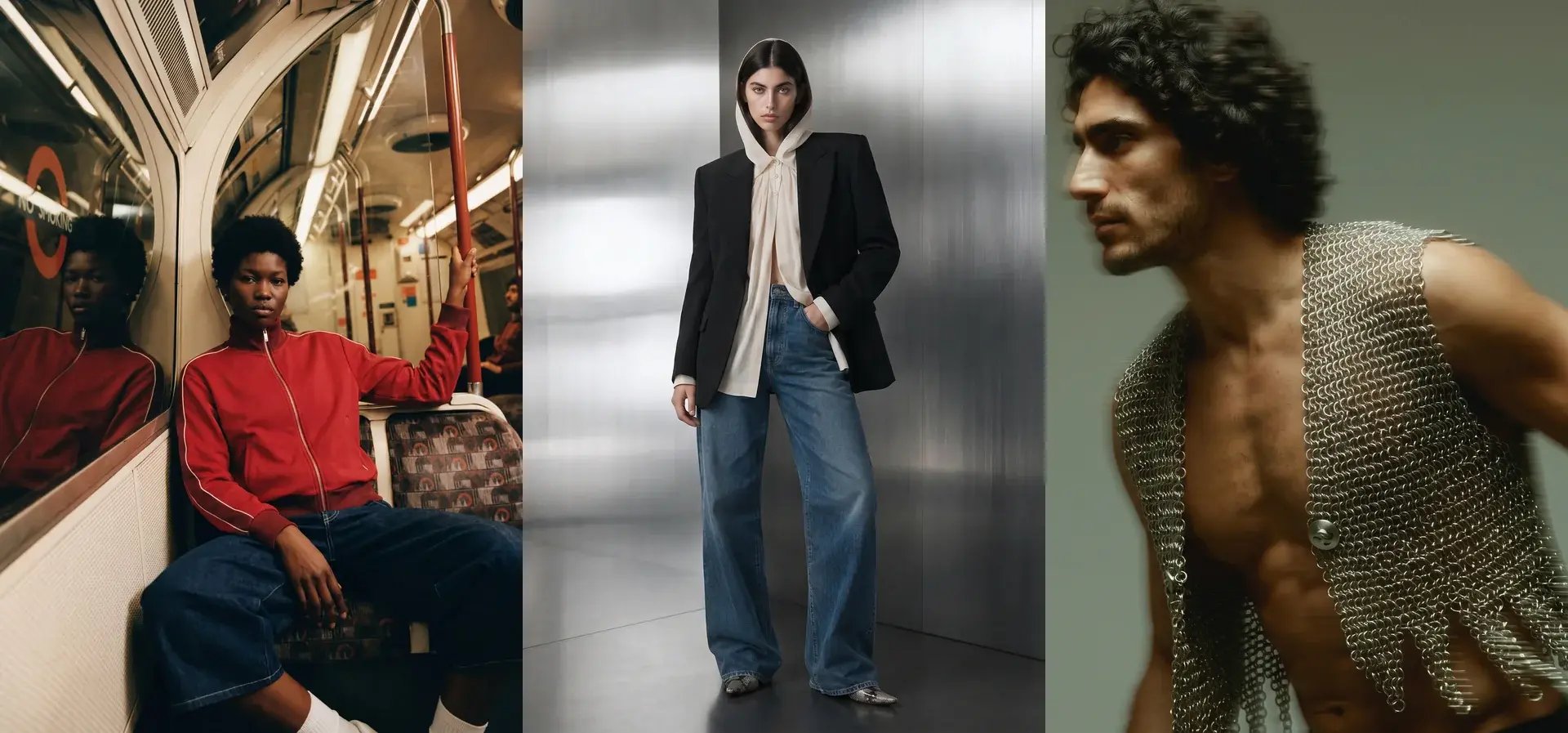
Social commerce feeds are hungry. A single product page needs a handful of images that stay live for a season. A social channel needs something new almost every day, across formats, for every product worth pushing. For DTC fashion brands, that appetite never slows down, and studio-based shoot schedules were never built to feed it.
The challenge is not just volume. It is freshness. Algorithmic platforms reward new content and penalise recycled imagery. Email audiences fatigue on the same visuals used across multiple campaigns. Product Detail Pages (PDPs) benefit from seasonal refreshes even when the SKU stays the same. Social commerce imagery needs a system that matches the speed of your channels, not the speed of a studio booking calendar.
This guide covers everything DTC fashion teams need to know about keeping social commerce imagery fresh at scale: why freshness matters, how to build repeatable production workflows, how to maintain brand consistency across thousands of variants, and how AI-enabled content refresh cycles remove the bottleneck between your warehouse and your feed.
Key Takeaways: Keeping Social Commerce Imagery Fresh
- Social platforms reward fresh imagery, so DTC fashion brands need continuous content production rather than quarterly photoshoots.
- Repeatable production workflows with preset brand controls keep visual quality consistent across every SKU, channel, and market.
- AI-enabled refresh cycles let teams generate new variants from existing product shots in hours, not weeks.
- Graswald AI gives fashion teams a single platform to produce on-brand imagery, video, and campaign content at the pace social demands.
- Brand consistency controls such as locked lighting, casting, and styling parameters prevent visual drift as content volume increases.
Why Does Social Commerce Imagery Freshness Matter for DTC Fashion?
Social commerce compressed the distance between discovery and purchase. Shoppers find a product in their feed, evaluate it from the imagery and comments, and buy without leaving the platform. That means your imagery is doing the work that a shop assistant, a fitting room, and a product page would do combined.
When that imagery goes stale, the feed stalls. Instagram, TikTok, and Pinterest algorithms actively deprioritise content that has been seen before. According to a JoinBrands report on the social commerce industry, global social commerce sales reached $571 billion in 2023 and are projected to pass $1 trillion by 2028. The brands capturing that growth are the ones publishing new visual content at the speed the algorithms demand.
For DTC brands, the consequence of stale imagery is direct. Lower algorithmic reach means fewer impressions, fewer product tag taps, and fewer conversions. Refreshing imagery is not a creative luxury. It is an operational requirement tied to revenue.
What Causes Social Commerce Imagery to Go Stale?
Several factors cause imagery to age out faster on social than on any other channel. Understanding them helps you design a system that prevents staleness rather than reacting to it.
Algorithmic Decay on Social Platforms
Social algorithms track how audiences engage with each piece of content. Once engagement rates on a specific image drop, the algorithm reduces its distribution. A hero shot that performed well in its first week will reach fewer people by week three, even if the product is still relevant.
This decay is faster on short-form video platforms like TikTok, where the content lifecycle can be measured in days rather than weeks. Brands that rely on a single set of campaign images find their reach shrinking before the season ends.
Seasonal and Trend-Driven Shifts in Fashion
Fashion moves in seasons. A Spring/Summer campaign image set feels dated once Autumn/Winter collections start appearing in feeds. Even within a single season, micro-trends shift the visual language shoppers expect to see.
A DTC brand launching weekly drops or capsule collections needs imagery that matches the pace of those releases. Using the same backgrounds, poses, and styling across a full season creates visual fatigue for followers who see the feed daily.
Channel Format Fragmentation
Each social platform has its own format requirements. A 4:5 Instagram feed post, a 9:16 TikTok video, a 2:3 Pinterest Pin, and a 1:1 Facebook Shop listing all need different crops, compositions, and sometimes entirely different creative treatments of the same product.
Brands that shoot for one format and crop for others end up with awkward compositions that underperform. Freshness is not just about new images. It is about images designed for each channel from the start.
How to Build a Repeatable Imagery Production Workflow
The brands that keep social commerce imagery fresh do not shoot more often. They build a repeatable system that generates new content from inputs they already have. The core principle is simple: separate the creative direction from the production execution.
Define Your Brand's Visual Parameters Once
Before generating any content, lock in the visual parameters that define your brand. This includes your AI avatars or model casting, lighting direction, background treatments, pose library, and crop specifications for each channel.
When these parameters are set once and applied consistently, every new image automatically looks like it belongs to your brand. There is no brief to write, no mood board to share, and no risk of a freelance photographer interpreting your brand differently each time. Graswald AI lets teams define these brand controls in the platform and reuse them across every product and campaign.
Create a Content Calendar Tied to Product Drops
Align your imagery production schedule with your product release calendar. For each drop, plan the full set of assets needed: PDP imagery, social feed variants, story and reel formats, and paid social creative.
A practical cadence for most DTC fashion brands looks like weekly fresh imagery batches for social, bi-weekly PDP refreshes for hero products, and monthly campaign refreshes for seasonal storytelling. The goal is to match the content cadence to the channel appetite, not to the production budget.
Use Existing Product Shots as Starting Points
The most efficient content systems do not start from scratch for every asset. A flat lay, a packshot, or an existing on-model image becomes the starting point for dozens of variants. Different poses, backgrounds, seasonal settings, and format cuts can all be generated from a single product input.
This approach reduces the dependency on physical samples and studio time. Products that arrive in your warehouse can have PDP content live on the same day, and social variants can follow within hours.
How Do Brand Consistency Controls Prevent Visual Drift?
Scaling content volume introduces a real risk: visual inconsistency. When multiple team members, agencies, or tools produce imagery independently, the brand's visual identity fragments. Colours shift, lighting changes, model styling varies, and the overall impression becomes incoherent.
Locked Casting and Avatar Libraries
Brand consistency starts with casting. Using the same AI avatars across your entire catalogue ensures every product page and social post shares a recognisable visual identity. Graswald AI enables teams to create custom AI avatars configured to the brand's specifications for gender, age, body shape, and ethnicity, then reuse those avatars across every product and campaign.
This eliminates one of the biggest consistency challenges in traditional photography: different human models across different shoots creating a fragmented visual identity on the product page.
Preset Lighting and Background Templates
Lighting is one of the fastest ways visual inconsistency creeps in. A studio shoot on a cloudy day produces different results from a bright studio session the following week. When brands switch photographers or studios, the lighting shifts again.
Preset lighting and background templates solve this by making the lighting direction, softness, contrast, and colour temperature repeatable for every image. The same template applied to 500 SKUs produces 500 images that look like they were shot in the same session.
Pose and Framing Libraries
A consistent pose and framing library ensures that every garment type is photographed from the same angles, with the same crops, and with the same body positioning. This matters for both PDPs, where shoppers compare products side by side, and social feeds, where visual rhythm creates a recognisable brand pattern.
Define your pose library by garment category: outerwear needs different angles than knitwear, and accessories need different framing than full-outfit looks. Once defined, apply the library consistently across every production run.
How AI-Enabled Content Refresh Cycles Work
AI-enabled content refresh cycles change the economics of imagery production. Instead of booking a new shoot for every content refresh, teams generate new variants from existing product assets in minutes.
From One Input to Dozens of Outputs
The mechanism is straightforward. A product photograph, whether a flat lay, mannequin shot, or existing on-model image, becomes the source for new variants. The AI applies the brand's locked parameters (avatar, lighting, pose, background) and produces new imagery without a fresh brief, a fresh shoot, or fresh post-production.
A single product input can generate on-model imagery in multiple poses, campaign imagery with seasonal backgrounds, social-format crops for Instagram, TikTok, and Pinterest, and video content for PDP pages. The constraint shifts from "how many shoots can we afford" to "how many variants does the channel need."
Seasonal Refreshes Without Reshooting
One of the most practical applications is seasonal refreshes. A product that launched in spring with bright, outdoor-inspired backgrounds can be refreshed for autumn with warmer tones and indoor settings, all without reshooting the garment.
This is especially valuable for evergreen SKUs that remain in the catalogue across multiple seasons. Refreshing the imagery keeps these products visible in algorithmic feeds without the cost and logistics of rebooking a studio.
Rapid Testing of Creative Concepts
AI-generated imagery also enables faster creative testing. Instead of committing to a single campaign concept and shooting a full set, teams can generate multiple visual directions from the same product assets and test which concepts perform before scaling production.
This reduces the risk of investing in a creative direction that underperforms. Test five background treatments, three pose variations, or two lighting styles, measure engagement, and then scale the version that works.
What Does a Scalable Social Commerce Content Stack Look Like?
A scalable content stack for social commerce covers four asset types. Each serves a different purpose in the shopper journey, and each needs a clear production pathway.
PDP Hero Imagery
These are the primary product images on your e-commerce store. They need to be clean, well-lit, and consistent across the catalogue. For social commerce, they also serve as the source imagery for product tags and shoppable posts.
The standard PDP set includes a full-front on-model shot, a back view, a detail crop, and a packshot or flat lay. Graswald AI produces this complete set from a single product photo, with the brand's lighting, avatars, and framing applied automatically. See how brands like VAUDE and PUMA use this approach in their stories.
Social Feed Variants
Social feed imagery needs to look native to the platform. That means different aspect ratios, different levels of styling, and often a more editorial or lifestyle-forward aesthetic compared to the clean studio look of PDP imagery.
Generate feed variants by applying different backgrounds, cropping for platform-specific ratios, and adding lifestyle context. The key is producing these variants from the same source imagery to maintain product accuracy while adapting the creative treatment.
Campaign and Editorial Content
Campaign imagery tells the brand story. It places the product in a context that communicates mood, season, and lifestyle. For social commerce, campaign content often drives top-of-funnel discovery before shoppers tap through to the product.
Graswald AI's creative content tools let teams produce editorial and campaign imagery from the same product assets used for PDPs. This means a new campaign direction does not require a new shoot; it requires a new set of creative parameters applied to existing inputs.
Short-Form Video
Video is increasingly important for social commerce. TikTok, Instagram Reels, and Pinterest video all reward motion content. For fashion brands, short product videos showing movement, drape, and fit convert at higher rates than static imagery.
Producing video at catalogue scale traditionally requires a full production setup for every SKU. AI-generated product video changes that equation, allowing brands to add motion content to every product page without filming every garment individually.
How to Differentiate from Generic AI Imagery Tools
Not all AI imagery tools are built for fashion production at scale. Generic image generation tools produce visually impressive outputs but lack the workflow controls, brand governance, and production fit that enterprise fashion teams require.
Workflow Control vs. Prompt-Based Generation
Prompt-based image generators typically rely on text inputs to produce images. The output varies with every prompt, making it difficult to maintain visual consistency across hundreds of SKUs. There is no locked casting, no repeatable lighting, and no way to enforce brand standards automatically.
A production-grade platform provides locked-in, brand-specific controls: the same avatar, the same lighting, the same pose library applied to every product. The output is predictable and consistent, which is exactly what an e-commerce catalogue requires.
Production Integration vs. Standalone Tools
Fashion teams do not work in isolation. Content production connects to Product Information Management (PIM) systems, Digital Asset Management (DAM) systems, and downstream publishing channels. A tool that generates images but cannot connect to those systems creates a manual handoff that slows the workflow.
Graswald AI integrates with PIM and DAM systems so product inputs flow in and approved assets flow out without manual export steps. Review and approval happen in the same platform, keeping the entire production pipeline in one place.
Brand Consistency vs. One-Off Creativity
Generic tools excel at producing individual striking images. Fashion production requires something different: hundreds of images that all look like they came from the same studio session, applied across an entire catalogue, with every colourway, every size, and every channel covered.
That consistency is what separates a content production platform from a creative experiment. The goal is not one beautiful image. It is a complete, on-brand image set for every product in the catalogue, refreshed at the cadence the channels demand.
Step-by-Step Guide to Setting Up a Fresh Imagery System
Building a system for continuous imagery freshness involves seven steps. Each step builds on the previous one, creating a workflow that scales as the catalogue grows.
Step 1: Audit Your Current Content Pipeline
Map your current imagery workflow from product arrival to published asset. Identify the bottlenecks: where does production stall? Common culprits include sample delays, studio booking lead times, post-production queues, and inconsistent file organisation.
Document the average lead time from product arrival to live PDP. If that number is longer than one week, the pipeline is the bottleneck, not the creative quality.
Step 2: Define Your Brand's Visual Standards
Create a specification document covering your avatar casting, lighting direction, background treatments, pose library, and crop specifications by channel. This becomes the foundation for every image your system produces.
Be specific. "Bright studio lighting" is not a specification. "Soft directional light from the upper left, neutral white background at 95% brightness, with shadow density at 30%" is a specification that produces repeatable results.
Step 3: Build Your Avatar Library
Select or create the AI avatars that will represent your brand. Consider the diversity of your customer base and your market positioning. Define each avatar's appearance, then test them across multiple garment types to confirm they work for your catalogue.
Lock the avatar library and use the same faces across all content. This builds recognition and trust with shoppers who see the same models across your product pages and social content. Transparent AI labelling further strengthens that trust by clearly disclosing how images were created.
Step 4: Establish Channel-Specific Templates
Create templates for each output channel: PDP imagery (typically 3:4 or 4:5), Instagram feed (4:5), Instagram Stories and TikTok (9:16), Pinterest (2:3), and Facebook Shop (1:1). Each template should include the background, crop, and any channel-specific styling adjustments.
Templates eliminate the decision-making that slows production. When a new product arrives, the team selects the templates and generates every channel variant in a single batch.
Step 5: Integrate with Your PIM and DAM
Connect your imagery production platform to your PIM and DAM systems. Product data flows in automatically, and approved images flow out to the correct locations in your asset library. This removes the manual steps that introduce errors and delays.
Step 6: Set Your Refresh Cadence
Decide how often each content type needs refreshing. A practical starting point for most DTC fashion brands is weekly social feed refreshes, monthly PDP refreshes for top-performing products, seasonal campaign refreshes, and same-day imagery for new product drops.
Schedule the refresh cycles in your content calendar and treat them with the same operational discipline as inventory replenishment or customer support staffing.
Step 7: Measure and Optimise
Track the performance impact of refreshed imagery. Key metrics include engagement rate by content age, click-through rate on product tags, conversion rate on refreshed vs. stale PDPs, and cost per usable asset.
Use these metrics to refine your refresh cadence. If certain product categories show higher engagement lift from refreshed imagery, prioritise those categories in your production schedule.
How Does Zalando Use AI for Social Commerce Content at Scale?
Large-scale retailers have already demonstrated what continuous AI-driven content production looks like. Zalando, one of Europe's largest fashion platforms, reported that 90% of its on-site marketing content is now generated by AI, according to an interview with Matthias Haase, VP of Content Solutions, published on Zalando's corporate site.
The shift happened within a single year. Zalando moved from nearly zero AI-generated marketing content to covering the vast majority of its on-site editorial, trend, and campaign imagery with AI. The result is a localised, trend-responsive content feed that updates at a pace no traditional production setup could match.
For DTC fashion brands watching this shift, the lesson is clear. The brands with the infrastructure to produce and refresh imagery continuously will capture more algorithmic distribution, more product discovery, and more conversions than those still rationing a quarterly shoot across months of content.
Common Mistakes DTC Brands Make with Social Commerce Imagery
Even brands that understand the importance of fresh imagery fall into predictable traps. Avoiding these mistakes saves time, budget, and brand equity.
Treating All Channels the Same
Posting the same image across Instagram, TikTok, Pinterest, and Facebook is the fastest way to underperform on every channel. Each platform has different format requirements, different audience expectations, and different algorithmic preferences.
Build channel-specific templates and generate purpose-built variants for each platform. The extra production effort is minimal when using AI, and the performance difference is significant.
Prioritising Volume Over Consistency
Generating hundreds of images means nothing if the visual identity fragments. A feed full of inconsistent lighting, mismatched model styling, and varying backgrounds looks chaotic rather than fresh.
Lock your brand parameters before scaling volume. Consistency is the foundation; volume is the accelerator.
Ignoring the Refresh Cycle for Evergreen Products
Many brands refresh imagery only for new launches and forget about evergreen products that stay in the catalogue for multiple seasons. These products often represent the highest revenue, but their imagery ages out of social feeds because it was never refreshed.
Include evergreen SKUs in your refresh calendar. A new background, a seasonal styling update, or a different avatar pose can breathe new life into a product that shoppers have already scrolled past.
In Conclusion: How to Keep Your Social Commerce Feed Fresh at Scale
Keeping social commerce imagery fresh is not a creative challenge. It is an operational one. The brands winning in DTC fashion have stopped treating imagery as a project and started treating it as a continuous production system, with the same operational cadence as inventory management or customer support.
The formula is straightforward: define your brand's visual parameters once, build repeatable workflows that generate new content from existing product inputs, and match your content cadence to the appetite of each channel. Graswald AI gives your team the production infrastructure to do exactly that, from PDP imagery to campaign content and video, all from one platform.
When freshness becomes a system rather than a sprint, your feed stays alive, your brand stays consistent, and your products stay discoverable.
FAQs about Keeping Social Commerce Imagery Fresh
How often should DTC fashion brands refresh social commerce imagery?
Most DTC fashion brands benefit from weekly social feed refreshes, monthly PDP updates for top-performing products, and seasonal campaign refreshes. New product drops need same-day imagery. The right cadence depends on your catalogue size and channel mix.
What is the difference between content freshness and content volume?
Content freshness means updating or replacing imagery so it stays relevant in algorithmic feeds. Content volume means producing more assets. You need both, but freshness without consistency creates visual chaos. Graswald AI helps teams achieve both by generating fresh variants from locked brand parameters.
Can AI-generated imagery maintain brand consistency at scale?
Yes, when the AI platform provides brand-level controls. Graswald AI locks your avatar casting, lighting, pose library, and background templates so every generated image matches your brand standards. Prompt-based image generators relying on open-ended inputs cannot provide the same level of consistency across thousands of SKUs.
How does Graswald AI help DTC fashion brands produce fresh imagery?
Graswald AI turns a single product photo into a complete content set: on-model imagery, packshots, campaign visuals, and video. Teams define their brand controls once and generate new content from existing product assets whenever a refresh is needed, without booking a new shoot.
What role does video play in social commerce freshness?
Video is increasingly rewarded by social algorithms, especially on TikTok and Instagram Reels. Short-form product video showing movement and fit converts at higher rates than static imagery. Graswald AI enables teams to produce product video at catalogue scale, adding motion content to every product page without traditional filming.
How do you prevent visual drift when scaling imagery production?
Visual drift happens when imagery parameters are not locked. Prevent it by defining your avatar library, lighting templates, pose library, and background treatments upfront. Apply these parameters to every production run. Graswald AI enforces these controls automatically so every image matches your brand, regardless of who on the team generates it.