.webp)
Building your own AI fashion models: on-brand casting at catalogue scale

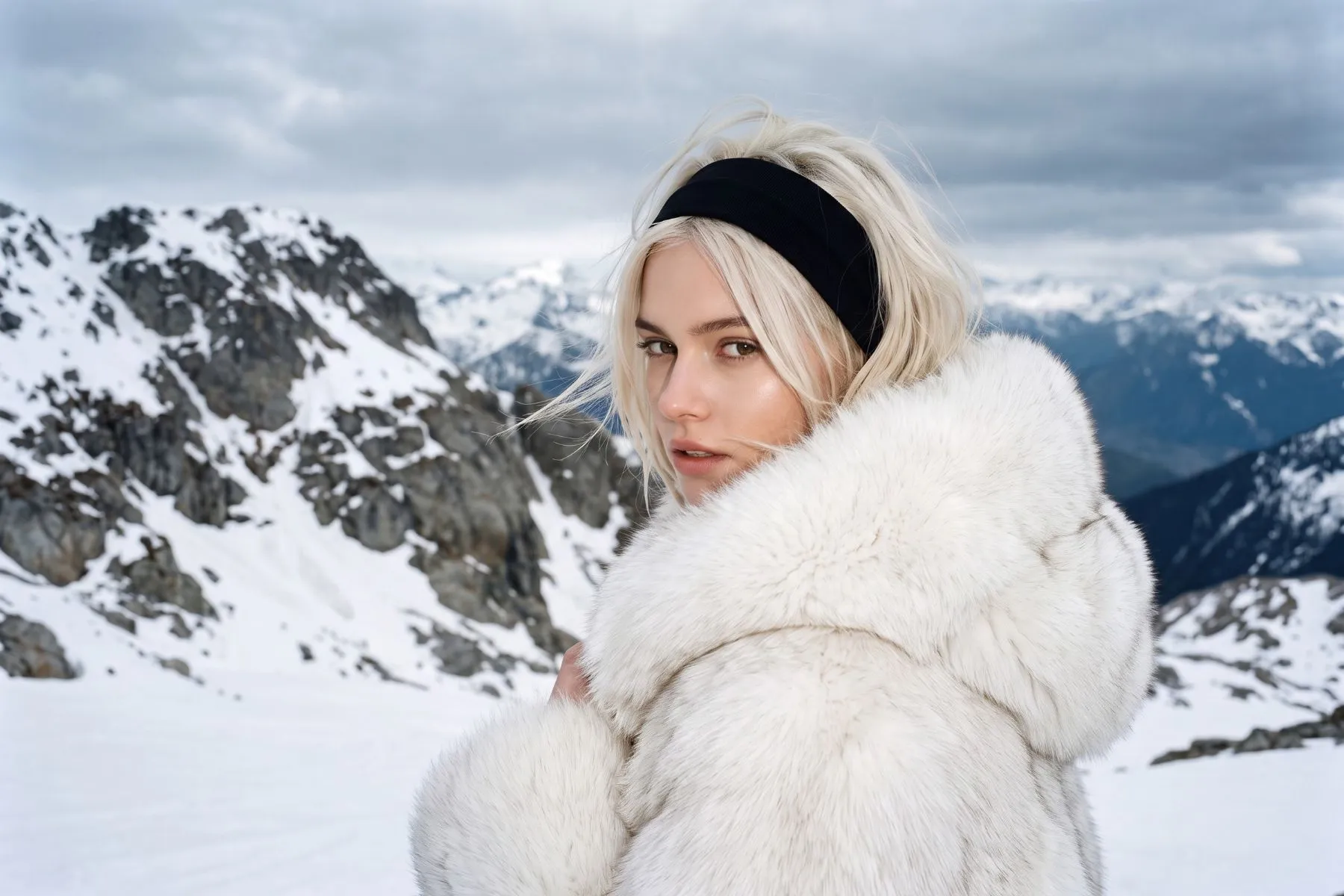
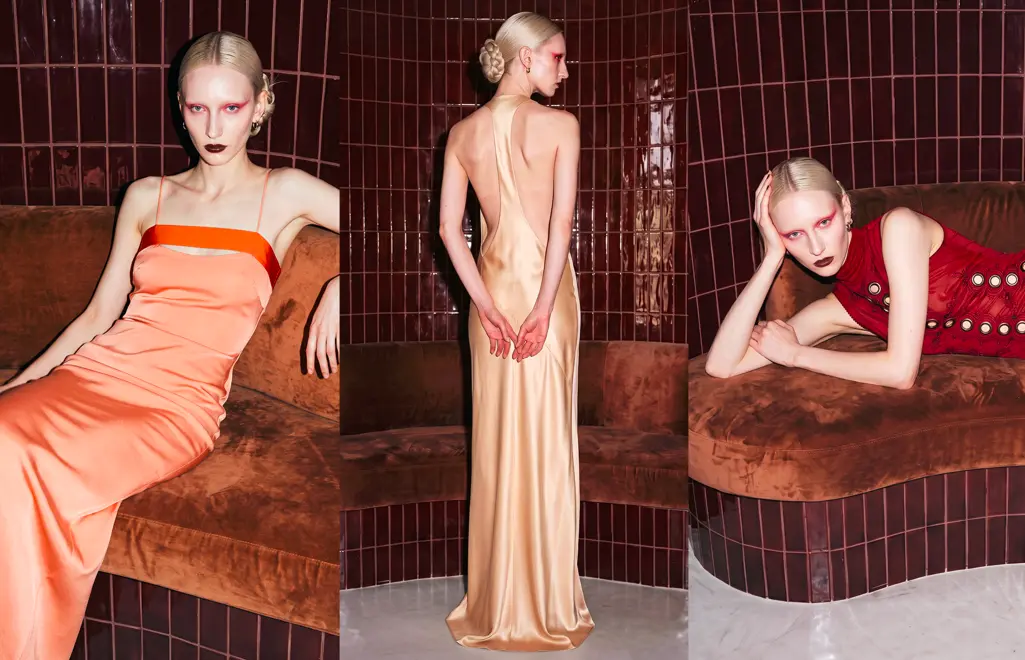
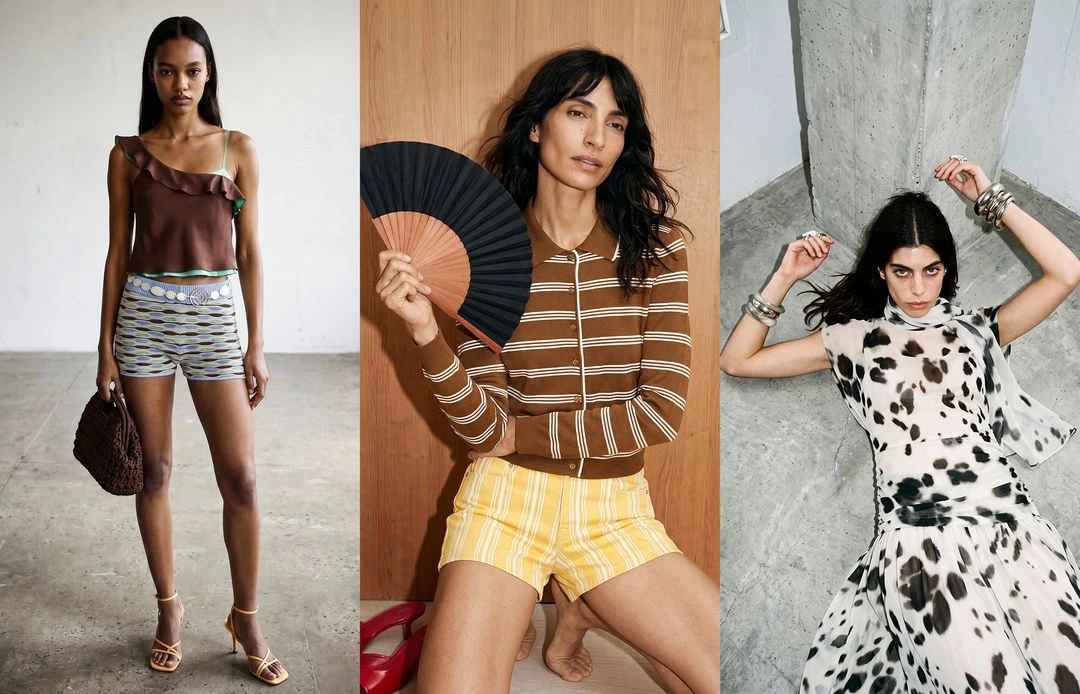
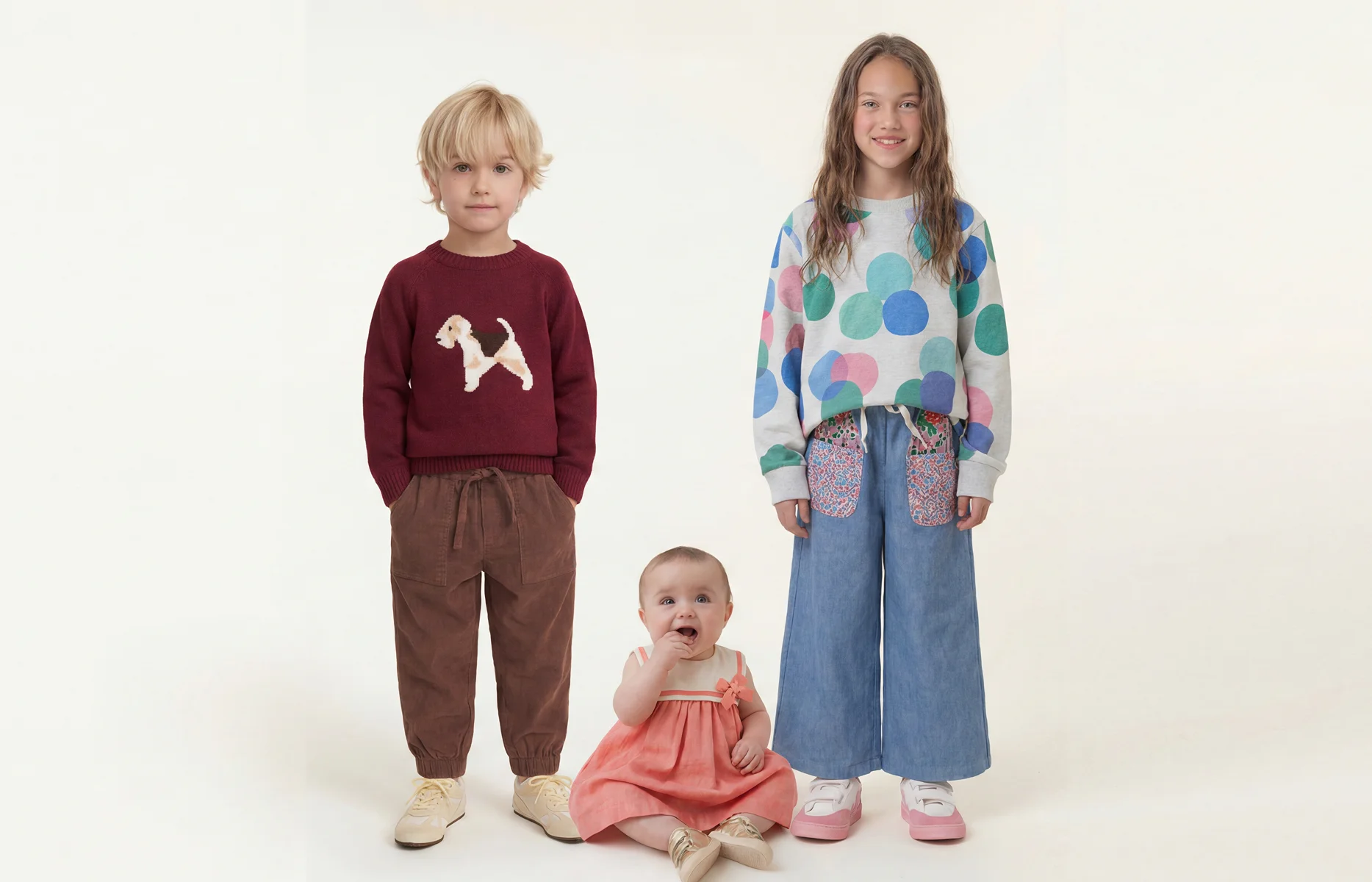
AI fashion models, also called AI avatars, are the digital figures that wear your garments in on-model imagery. Brand inconsistency creeps in when teams rely on shared model libraries or vary their casting between shoots. Graswald AI lets your team build brand-owned avatars once and reuse them across every SKU, colourway and market, so a catalogue of thousands of products still looks like one brand.
For years, the hard part was not generating a single good image. It was producing thousands of them, on brand, without the look drifting. This piece covers why that drift happens, what teams usually try, and how brand-owned avatars, now built by your own team, close the gap.
What causes brand inconsistency in AI-generated imagery for luxury fashion campaigns?
Fashion brands spend years defining a visual identity: a casting point of view, a lighting signature, a way garments are meant to sit on the body. On a hero campaign that identity is protected, because a small team controls every frame. Across a full catalogue it tends to drift, and the reasons are usually operational rather than creative.
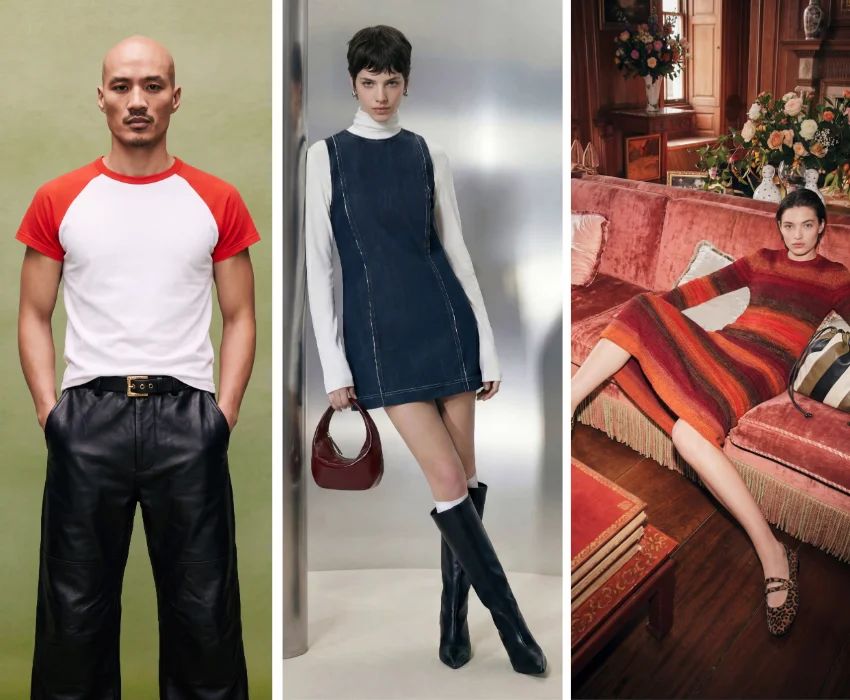
The first cause is shared model libraries. Many AI imagery tools give every customer access to the same faces and body types. The output looks professional, but a competitor is a few clicks from generating imagery that resembles yours. A shared casting pool is not a brand identity.
The second cause is casting variance. Traditional photography rebooks models season to season, subject to budget and availability. Each change nudges the look, and over dozens of shoots the through-line weakens.
The third cause is fragmented production. When hero styles are shot in-house, the long tail is handled by an external studio, and campaign work sits with an agency, three different pipelines each apply their own reading of the brief. Consistency is lost at the seams between them.
For luxury and premium fashion, where the distance between on-brand and nearly-on-brand is the whole proposition, these small drifts compound. The commercial cost is quiet but real: the products that get full on-model treatment convert and sell through, while the long tail that launches as a flat packshot underperforms, and the catalogue as a whole stops reading as one coherent brand.
What teams try today, and why generic AI model libraries fall short
Faced with this, most teams reach for one of three fixes, and each solves part of the problem while creating another.
Generic AI model generators are the common starting point. They are fast and inexpensive, and they remove the studio bottleneck. What they cannot give you is specificity. The models are drawn from a shared pool, so the faces and body types that represent your brand also represent everyone else's. You gain speed and lose the thing that made the imagery yours.
Generating imagery one garment at a time is the next attempt. It works for a handful of hero products, but a catalogue of thousands of SKUs turns it into a manual production line. Every image is a fresh prompt, a fresh set of choices, and a fresh chance for the look to wander.
Commissioning bespoke models from a vendor solves specificity, but reintroduces dependency. If every new avatar has to be briefed, built and delivered by an outside team, casting becomes a queue. A new campaign, a new market, a different body type for an inclusive size run, each one waits on someone else's schedule.
The pattern is consistent: teams trade brand control for speed, or speed for control, or control for independence. What they actually need is a way to hold all three at once.
What is the difference between AI fashion models and virtual try-on for e-commerce?
These two terms are often used together, but they solve different problems.
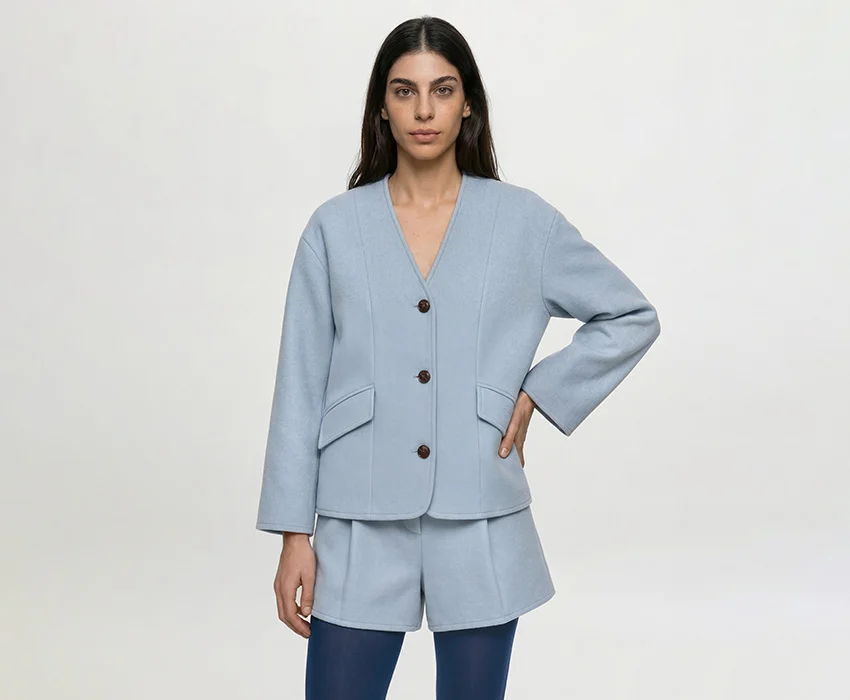
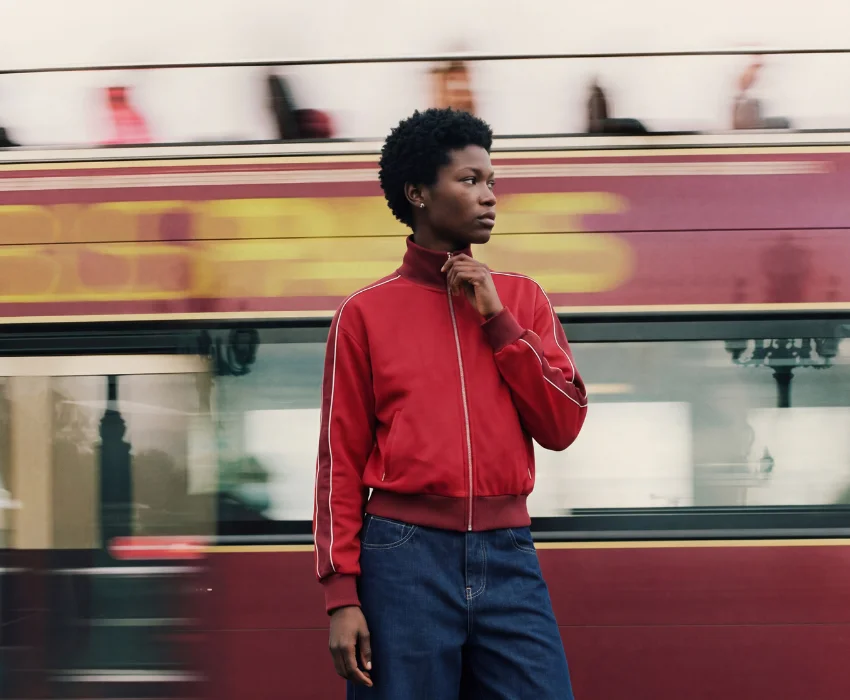
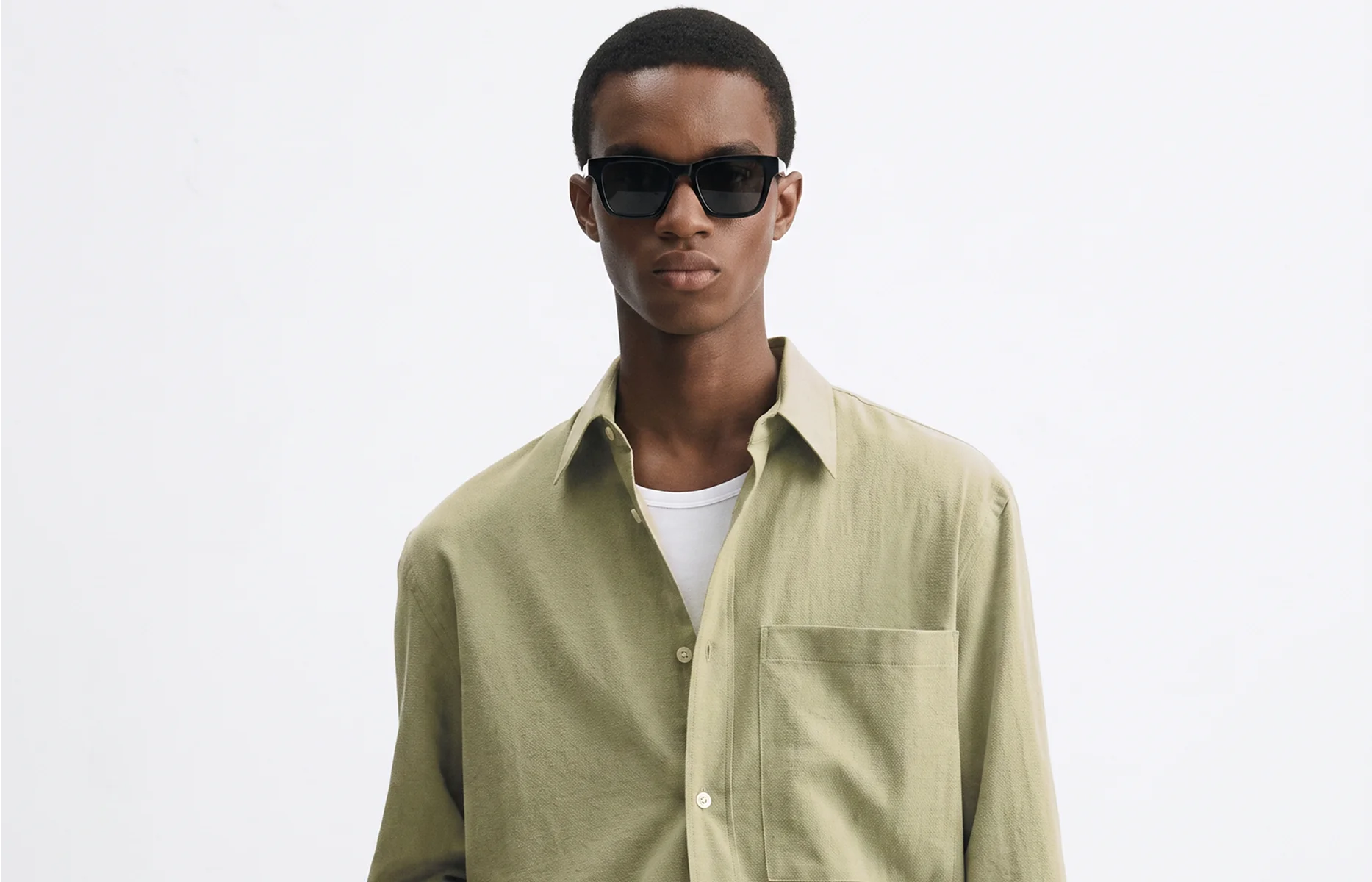
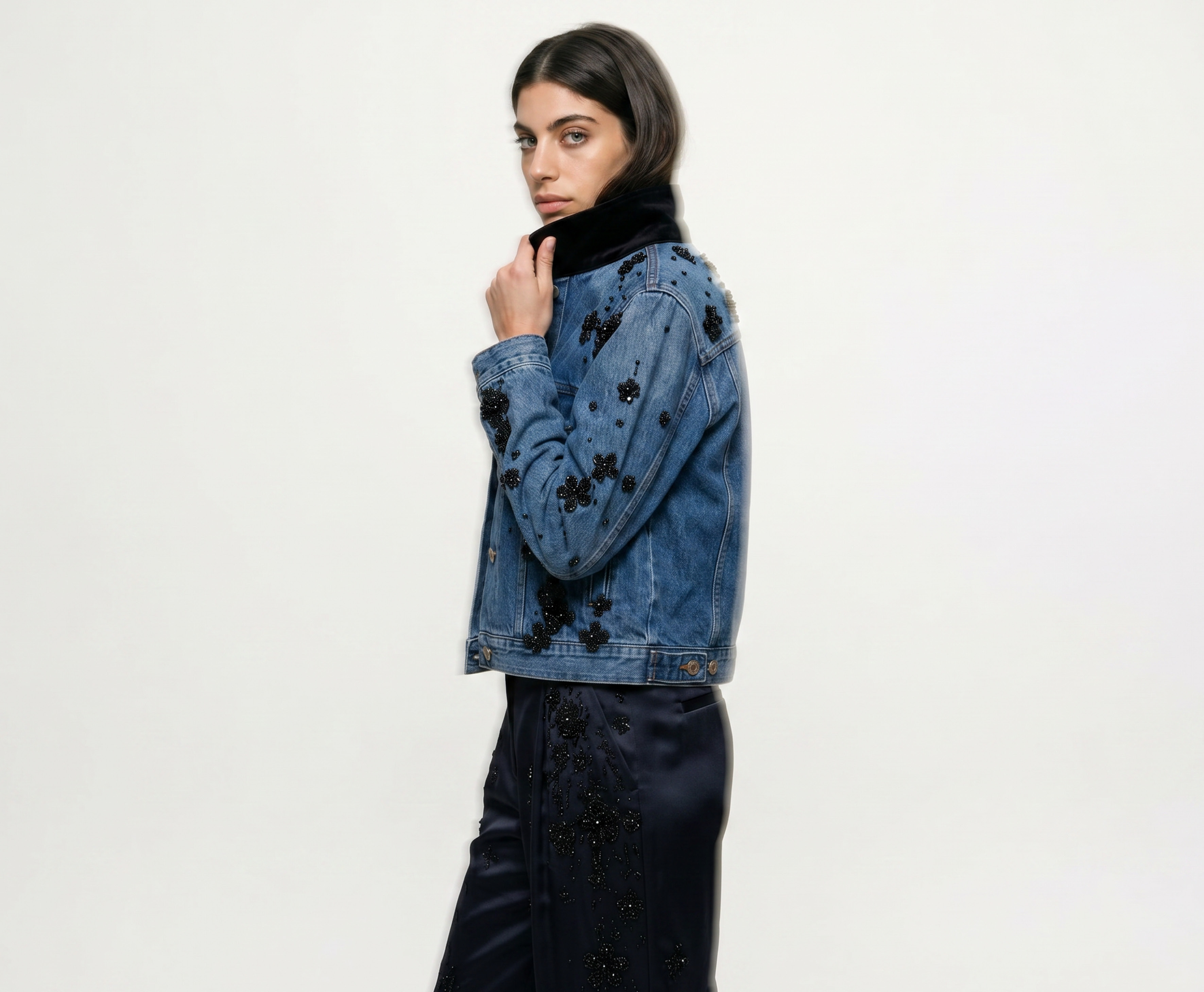
An AI fashion model, the same thing we call an AI avatar, is a generated figure that wears your garments in imagery you produce. It is a production tool. You use it to create the on-model shots that sit on a product page, in a lookbook, or across a campaign, replacing or extending a traditional photoshoot. The avatar is yours, configured to your casting and studio, and reused across your catalogue.
Virtual try-on is a shopper-facing tool. It lets a customer see a garment on their own body, or on a standard model, inside the storefront, usually to support size and fit decisions at the point of purchase. It sits on the buyer's side of the funnel, not the producer's.
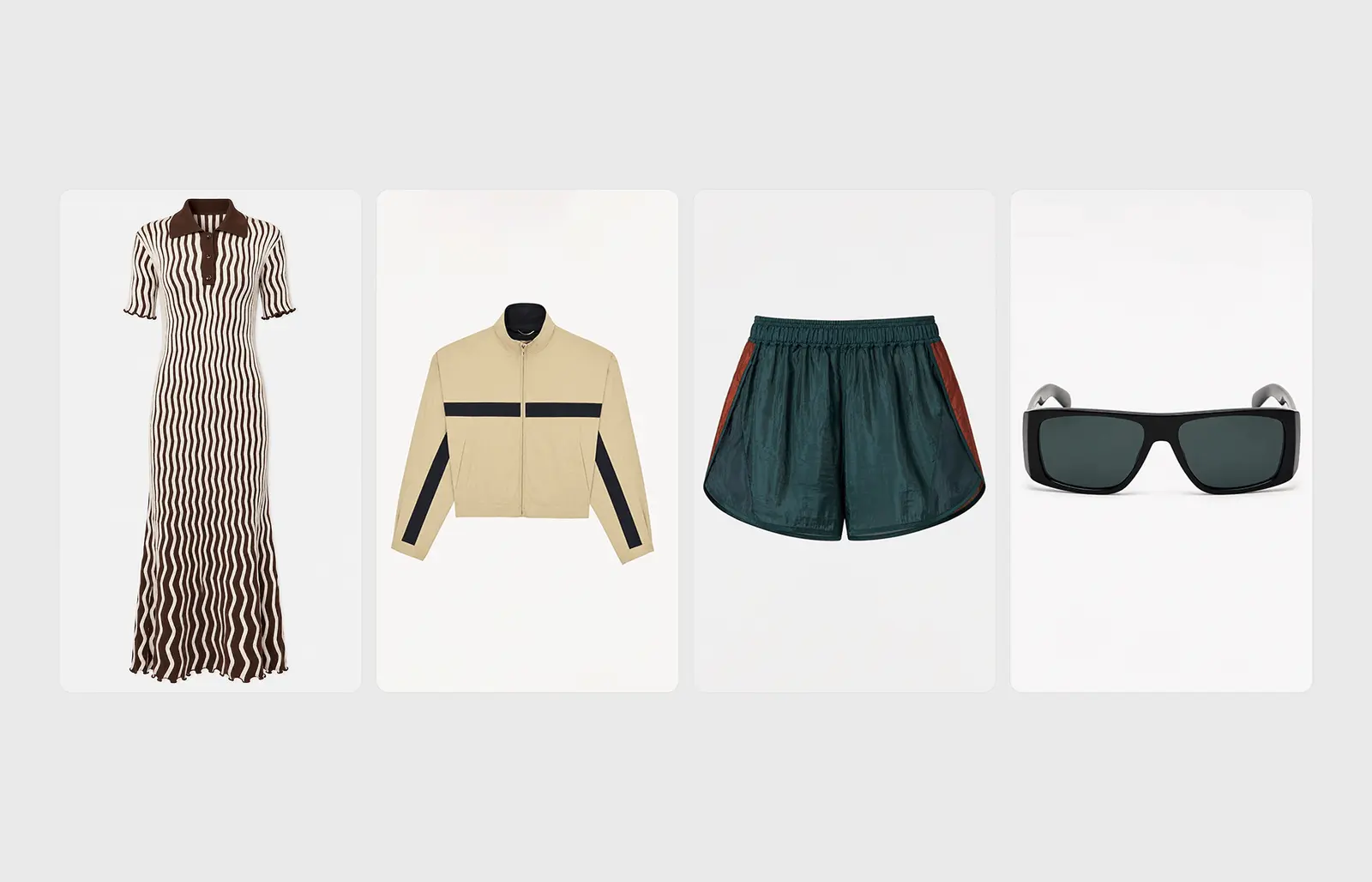
Put simply, AI avatars are how you make the imagery; virtual try-on is one way a shopper interacts with it. The two are complementary, but if the goal is consistent PDP and campaign imagery across thousands of SKUs, avatars are the relevant tool, and the quality bar is garment fidelity: patterns, logos, colourways and the way fabric falls all have to hold from the first image to the last.
How do enterprise fashion teams keep AI-generated imagery on-brand at scale?
The teams that hold their look together across a full catalogue tend to do one thing differently: they fix their brand standards once, as reusable assets, rather than re-deciding them on every image.
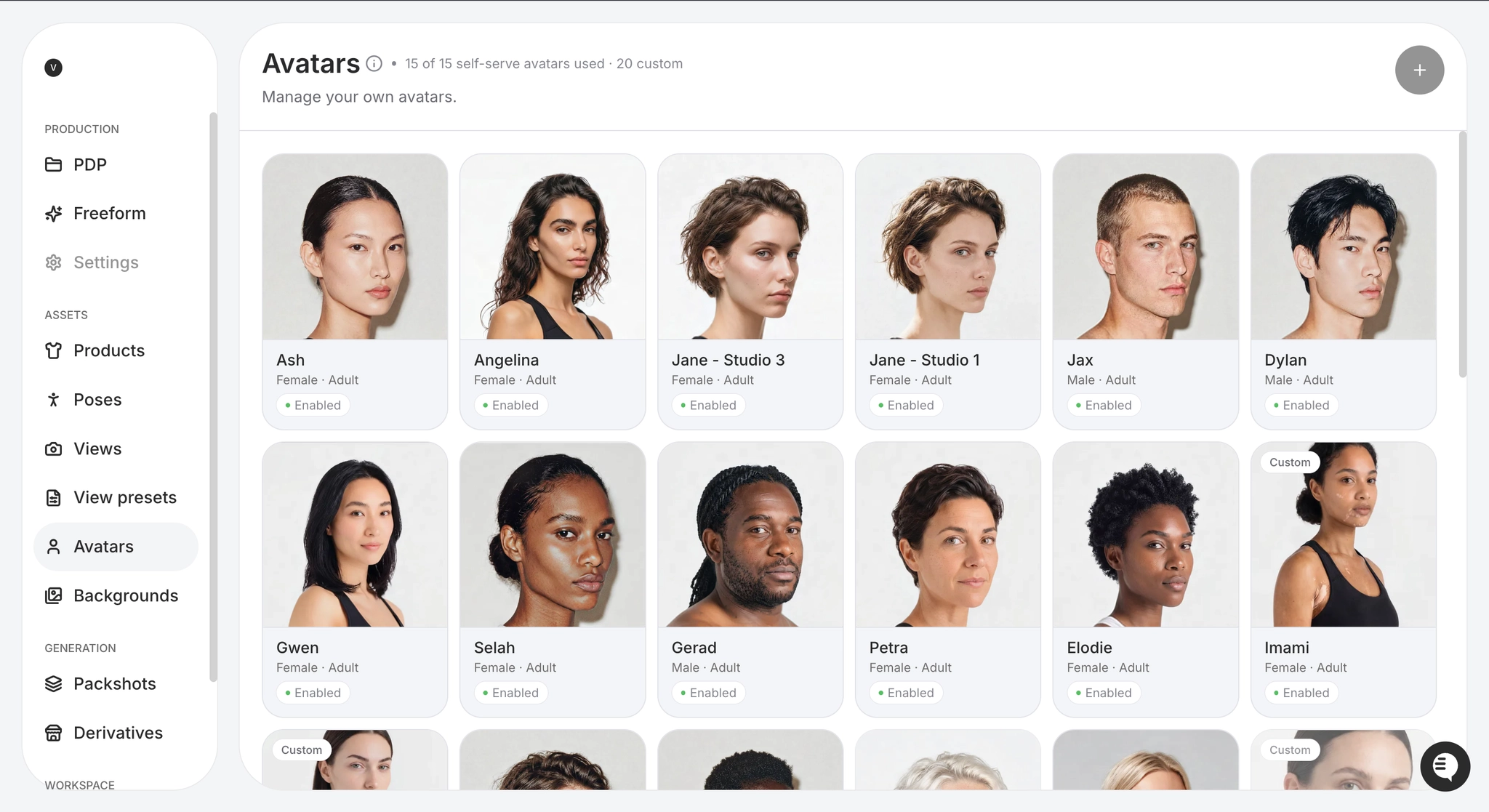
An avatar is the clearest example. Instead of casting a fresh figure for each shoot, you define the figures that represent your brand and save them. Each avatar carries its own studio background and lighting, so every image generated with it inherits the same setup. Casting stops being a variable.
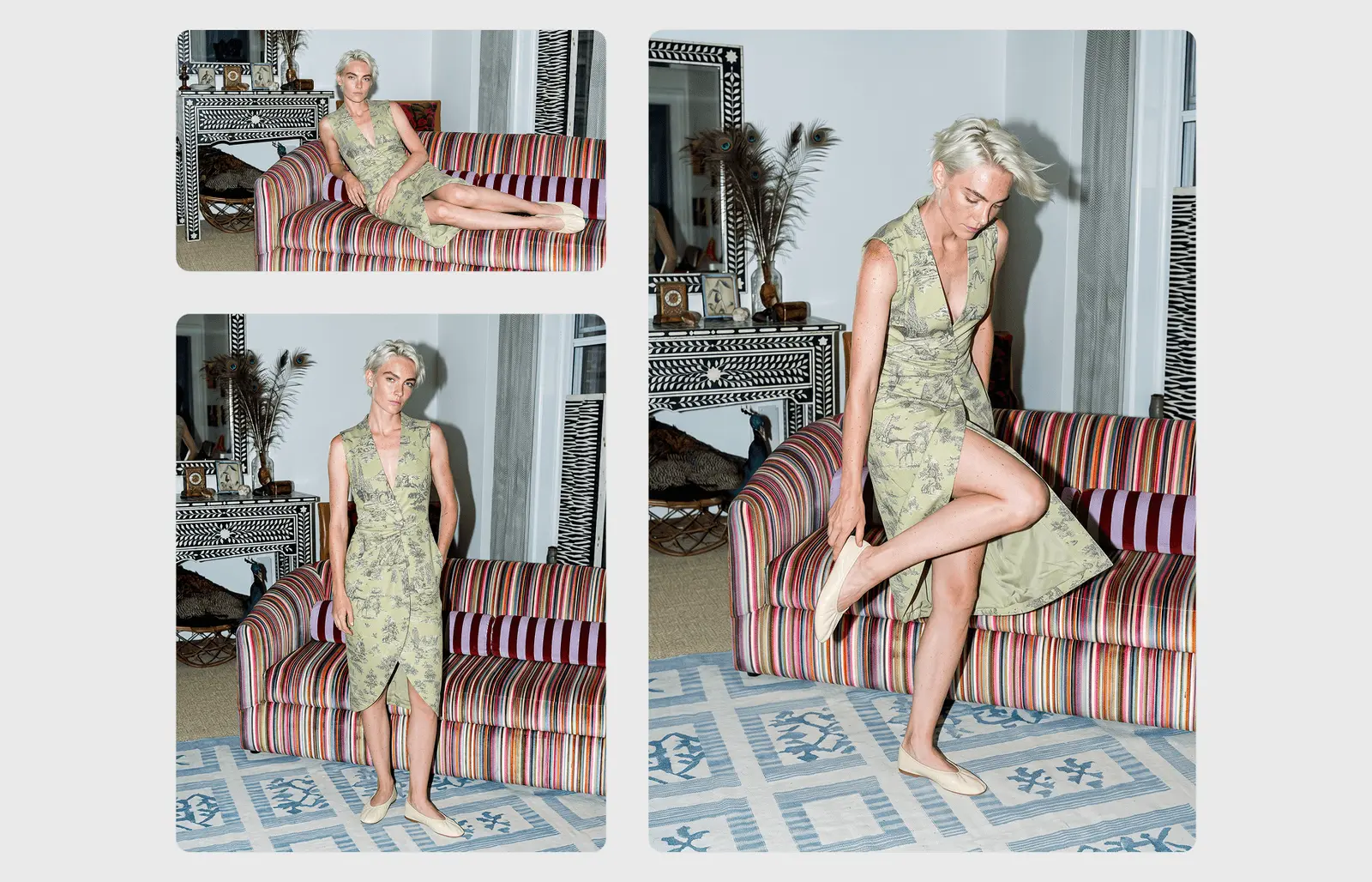
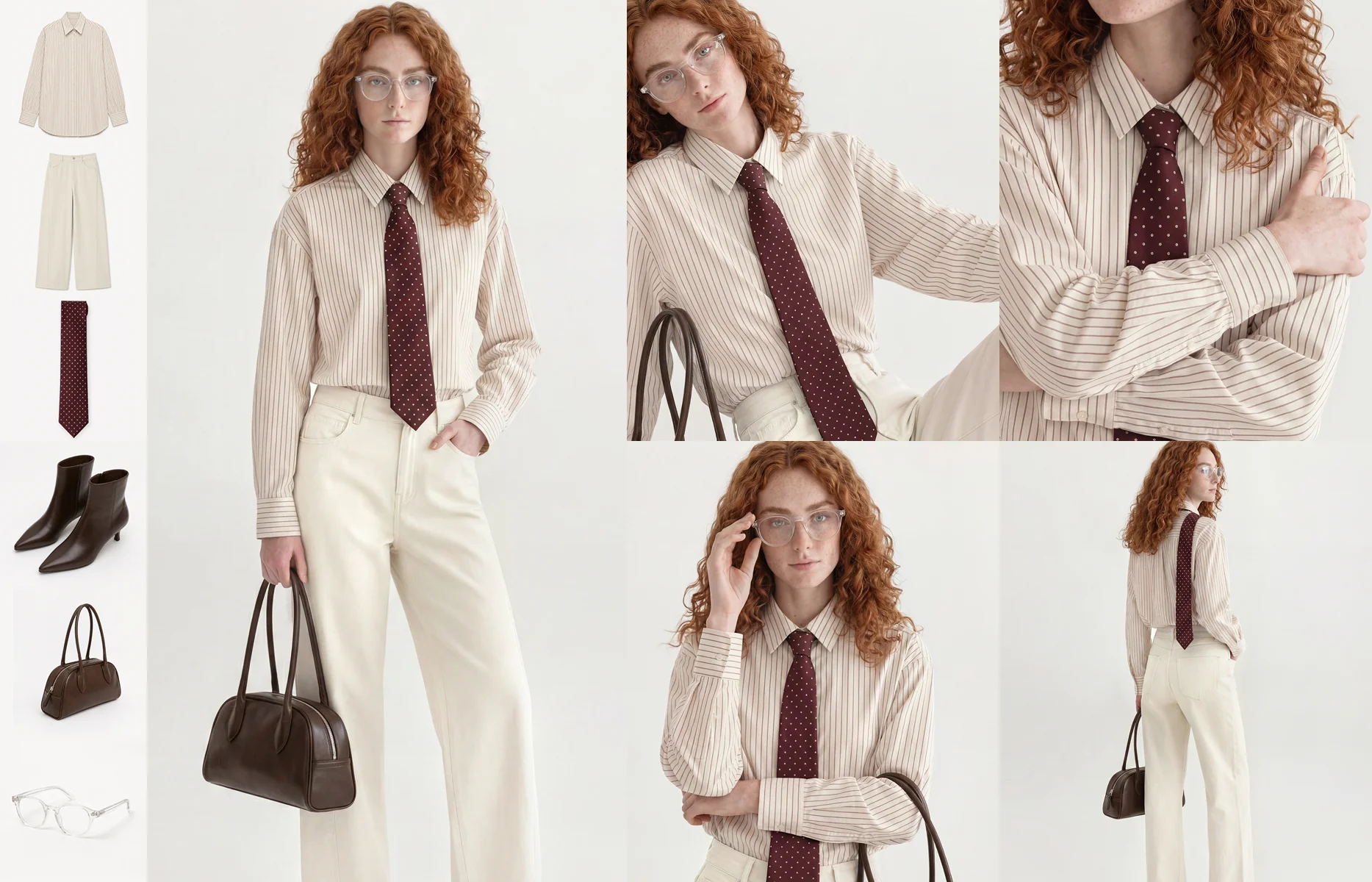
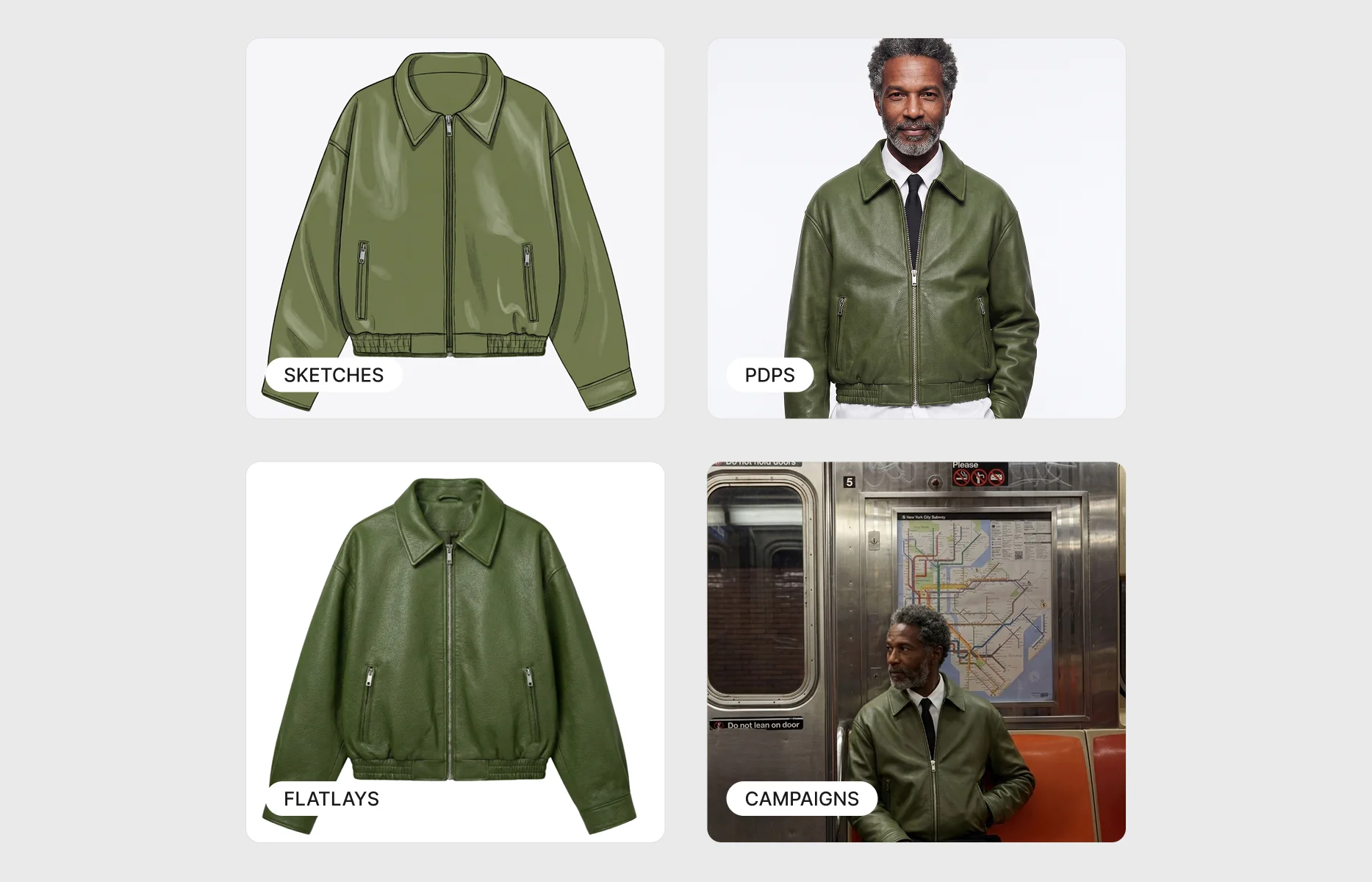
The same principle applies to the rest of the pipeline. Lighting, backgrounds, poses and shot lists are configured once and applied automatically, so the thousandth image in a batch follows the same rules as the first. Product fidelity is handled by a model trained to follow the input garment closely, holding patterns, logos, colourways and fabric behaviour, so scale does not come at the cost of accuracy.
The shift is from producing images to maintaining a system that produces images. A brand-owned set of avatars, a defined studio, and a fixed shot list turn consistency from something a person has to police into something the setup enforces. That is what lets on-brand imagery survive contact with a catalogue of thousands of SKUs, dozens of colourways and multiple markets.
Until recently, though, one part of that system still carried a bottleneck: the avatars themselves.
Self-serve avatars: your casting, on demand
Until now, every avatar was built by our team. You briefed the figures you wanted, and we produced them. It worked, but it put casting on someone else's schedule.
Now your team builds its own. Self-serve avatars move the whole creation flow into your workspace, so you can add a new figure whenever a campaign, a market or a size run calls for one, without waiting on us.
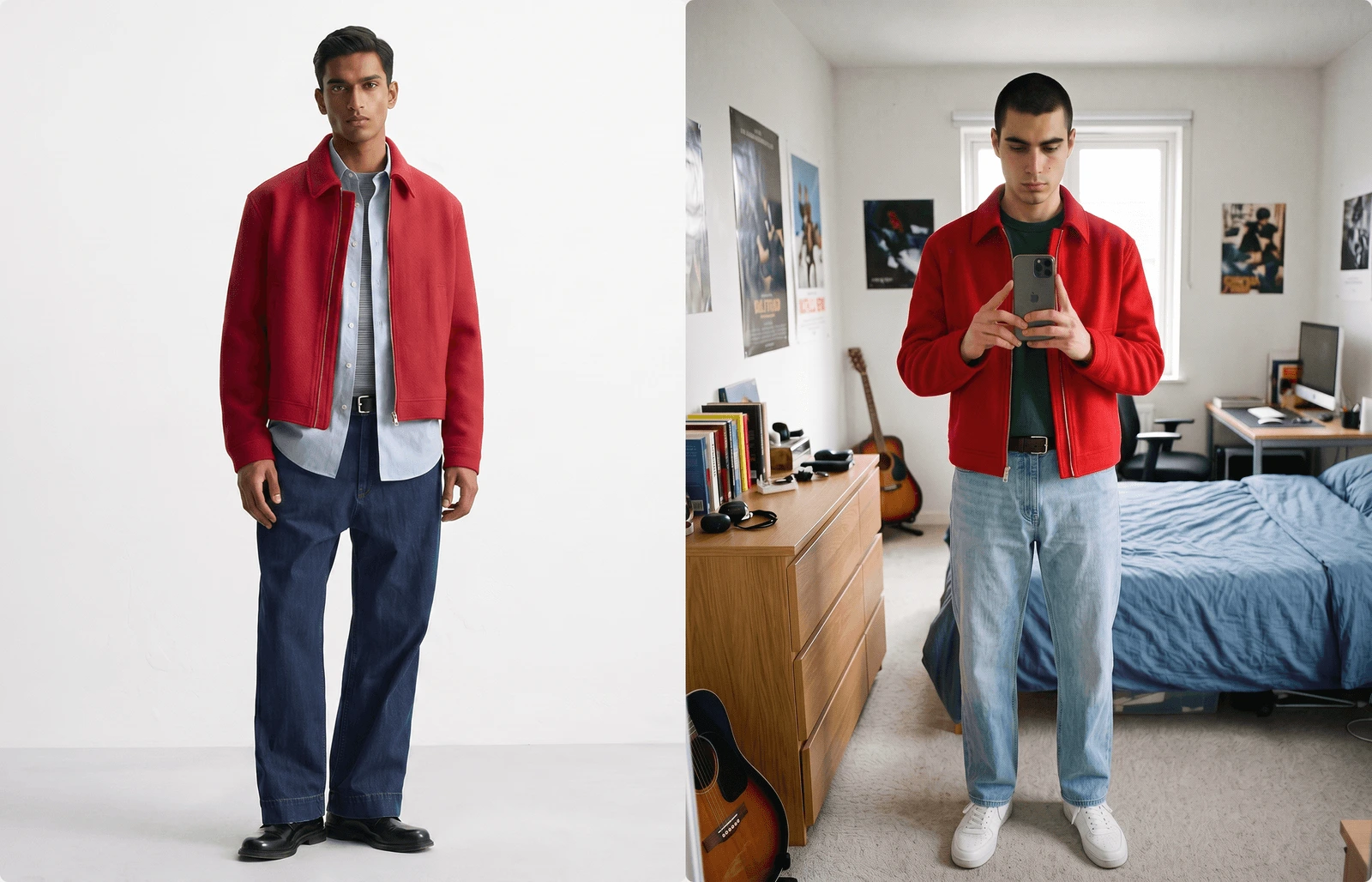
Creating an avatar starts from four reference images: a full-body front in fitted clothing and a neutral pose, so the body shape reads; a face close-up from the front; a face close-up from the back, showing the hairstyle; and a background reference featuring a person, so the lighting can be read from how it falls on the body. From there the builder runs through five short steps, generating a result you review before each next stage. It places your figure into your background and matches the lighting, generates a consistent back view, refines the face from your close-ups, and finishes with a review of the four final images before you save.

That review-at-each-step design is what keeps the process on brand rather than left to chance. You are not accepting one output and hoping. You confirm the background and lighting, then the back view, then the face, and only then create the avatar, with a compare-to-reference check at every stage.
Once created, an avatar joins your library and is ready to use in your next generation. Each one belongs to your brand and is available across it, never shared with any other brand. Managing them is just as direct: enable or disable an avatar to control whether it appears in generation, edit its details at any time, or duplicate it to spin up a variation, the same figure with a different hairstyle or set against a different background, without starting over.
The result is casting you control end to end. A new avatar is a few minutes of your team's time rather than a request in a queue, and every figure you build extends the same brand-owned system that keeps your imagery consistent at scale.
Frequently asked questions
What images do you need to get started with self-serve avatars?
Four reference images. A full-body front shot in fitted clothing and a neutral pose, so the body shape reads; a face close-up from the front; a face close-up from the back, showing the hairstyle; and a background reference featuring a person, so the lighting can be read from how it falls on the body. Sharp, well-lit images in portrait or square orientation give the cleanest result and the fewest regenerations.
Which AI platforms create consistent on-model product imagery for large fashion catalogues, without errors in fabric and fit?
The platforms built for this are the ones designed around reusable brand standards rather than one-off generation. Look for brand-owned avatars, a configurable studio and shot list, and an image model trained to hold garment detail, including patterns, logos, colourways and fabric behaviour, across thousands of SKUs. Consistency at catalogue scale comes from fixing those inputs once and applying them automatically, not from prompting each image by hand.
Are AI avatars shared between brands, or exclusive to one brand?
Each avatar belongs to a single brand and is available only across that brand. It is not drawn from a shared library and not available to anyone else, which is what makes it usable as part of a brand identity rather than a generic stand-in.
Can self-serve avatars integrate with existing PIM and DAM systems?
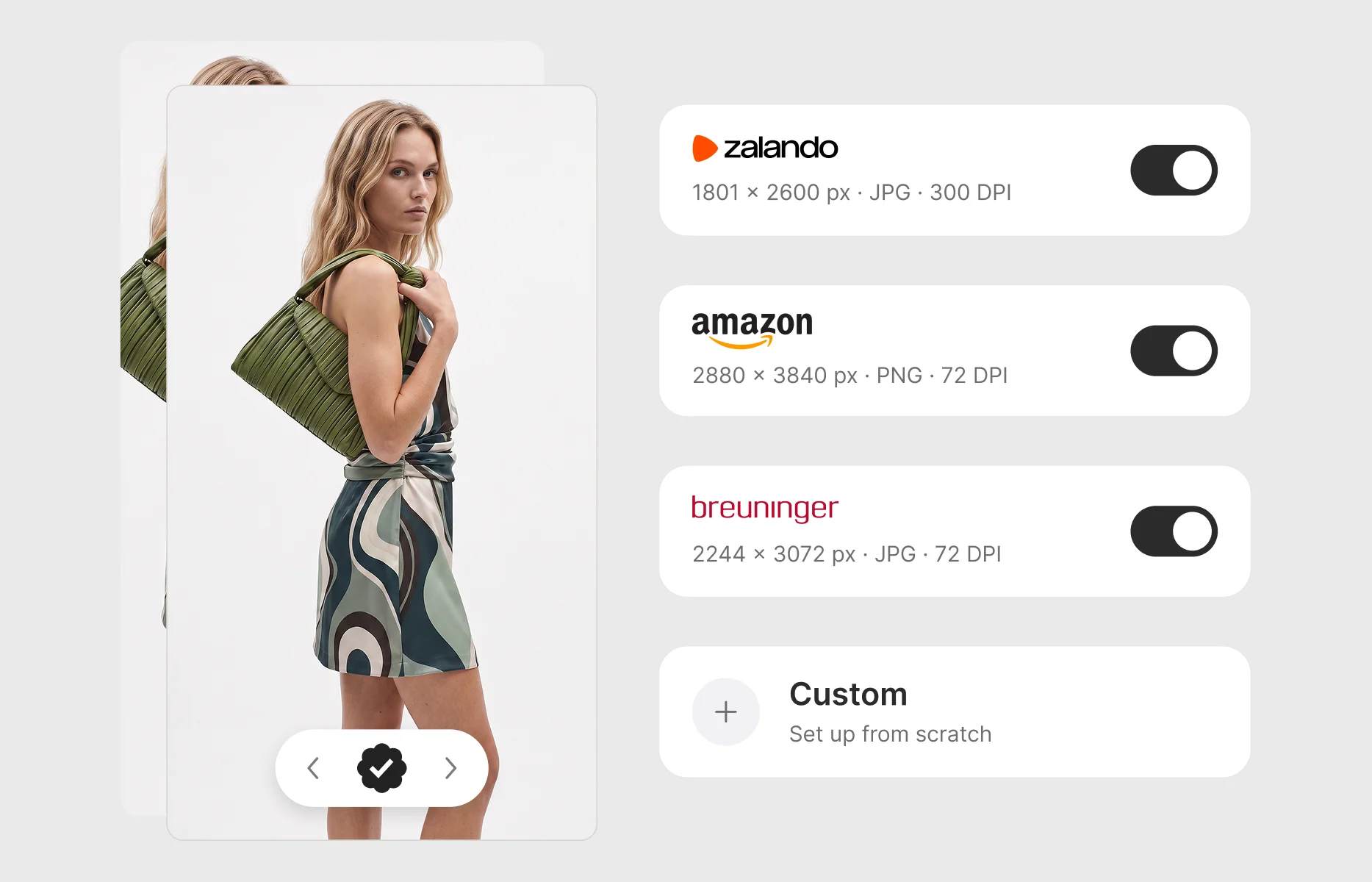
Yes. On-model imagery production is designed to connect to the PIM and DAM systems fashion teams already run, so generated assets flow into existing catalogue and asset workflows rather than living in a separate tool.
How do you make the same avatar with a different hairstyle or background?
Duplicate the avatar and edit the copy. Each version is a standalone avatar, so you keep the original figure and its details as a starting point. Name your variations clearly, for example "Mara" and "Mara, ponytail", so they are easy to tell apart in your library.
Ready to build your own casting?
See what brand-owned avatars look like on your own garments. Book a discovery call and we will walk your team through building and managing avatars in Graswald AI.
.webp)



-p-1600.webp)

.webp)