.webp)
How to Create Black Friday Campaign Content with AI (Without Another Photoshoot)
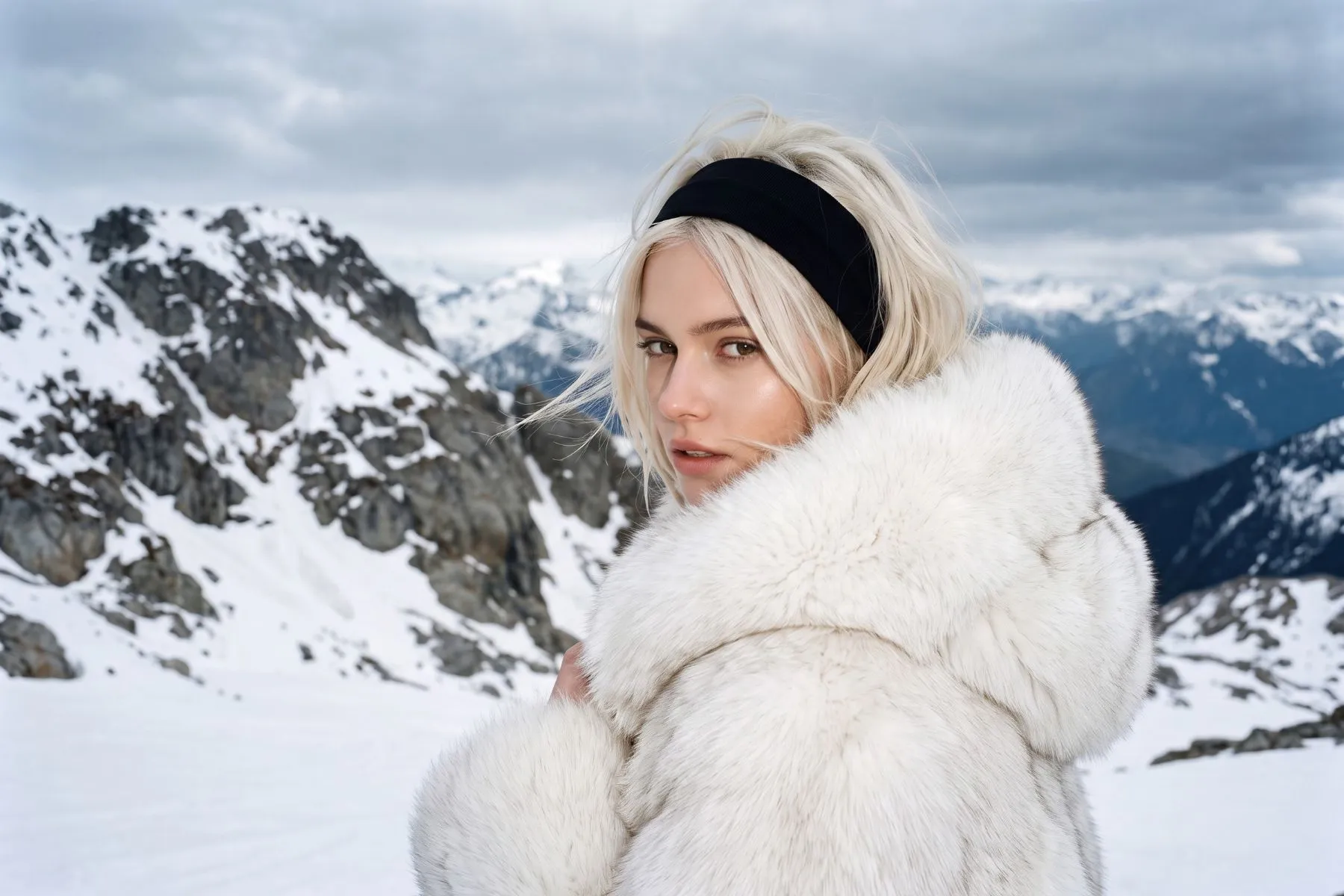
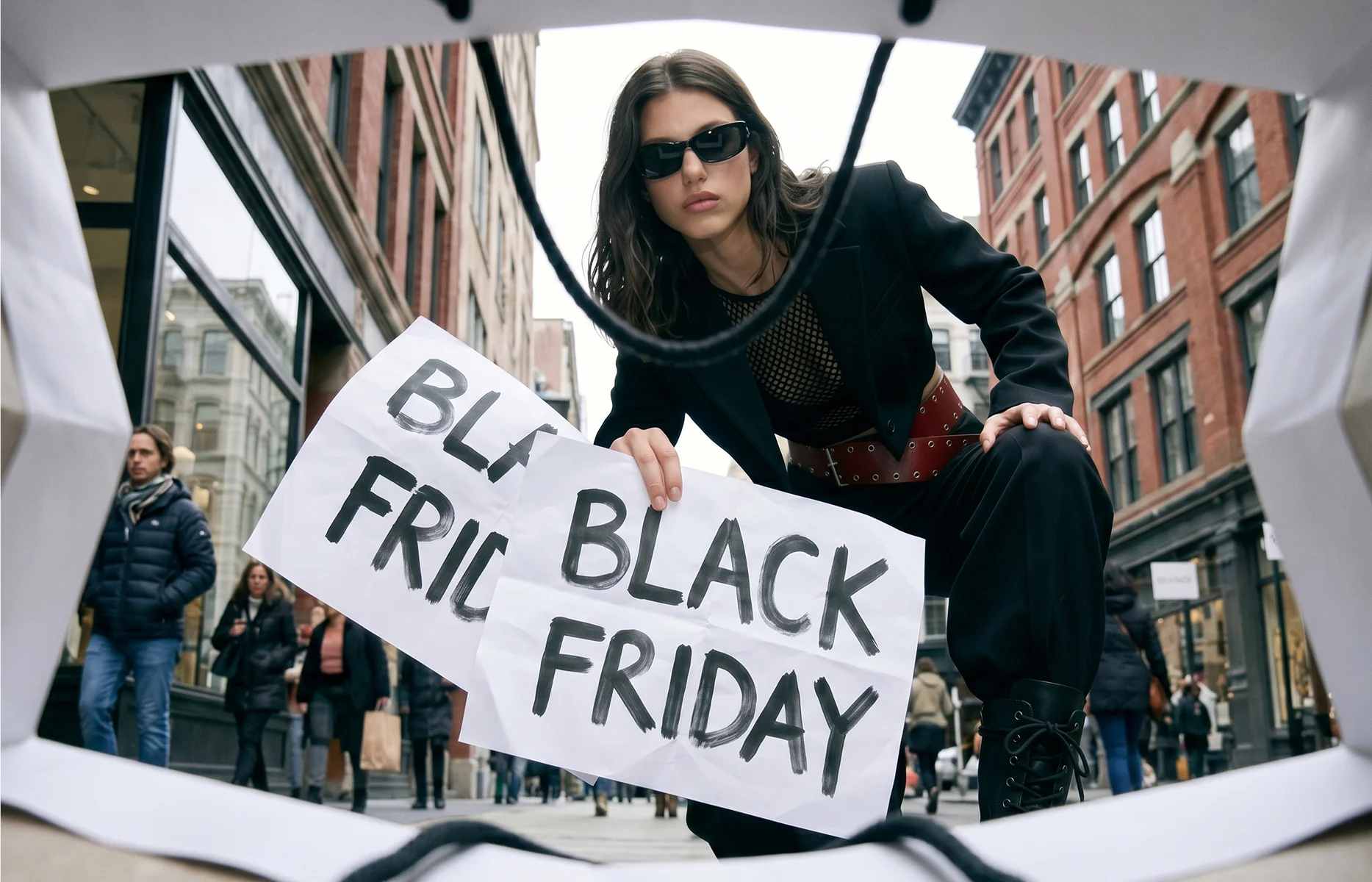
It’s that time of year again: Black Friday is getting closer, the promotional calendar is filling up, and every channel seems to need just a few more images.
Your holiday campaign may have been shot back in spring or summer. But now there’s a jacket joining the promotion, a knitwear email to build, and a request to turn that horizontal hero photograph into a vertical Story. The shoot is finished. The content list is still growing.
For fashion marketing teams under pressure to get everything ready, AI offers a way to create additional campaign imagery using existing product images and references from the original shoot.
This guide walks you through auditing your campaign materials, deciding what to add, preparing references, and generating imagery for the formats you need. You’ll also learn what to check before turning those images into finished ads, emails, and website layouts.
How do you create fashion campaign imagery with AI?
Start with a campaign audit, then define the placements, gather references, and write a creative brief. Generate and review the imagery before building it into your final layouts.
Audit your campaign materials and build a content wishlist
Review your existing shoot, approved layouts, and planned promotions together. Make a clear list of what is ready, what is missing, and what you would like to add to expand the campaign.
Include both essential gaps and opportunities: a product added after the shoot needs coverage, while another styled look could give the paid social team more creative options.
For fashion retailers, the list might include:
Campaign materialExample content gapPaid social adsSeparate visuals for outerwear, knitwear, and occasionwear promotionsInstagram StoriesA vertical outfit image with room for the offer and call to actionEmail headersCategory-specific imagery for a knitwear edit or partywear launchWebsite bannersA wide composition that accommodates a headline without obscuring the clothingRetargeting adsAn alternative styled look featuring products already promotedCyber Monday creativeFresh imagery for a change in featured products or promotional message
For each item, note the product or category, what existing imagery you could use, and whether you need a new visual or simply a different crop or layout. Add a priority and deadline so the team can distinguish launch requirements from the wishlist.
Prioritise gaps that could delay a launch or leave an important category without suitable creative. Then consider the additional variations that would help you get more from the campaign.
“More Black Friday content” is a broad request. “A vertical image of the red knitwear look, with space above the subject for the offer” is a production brief.
Define the placement and aspect ratio
Decide where the image will run before generating it. A wide website banner, a portrait feed ad, and a full-screen Story need different compositions.
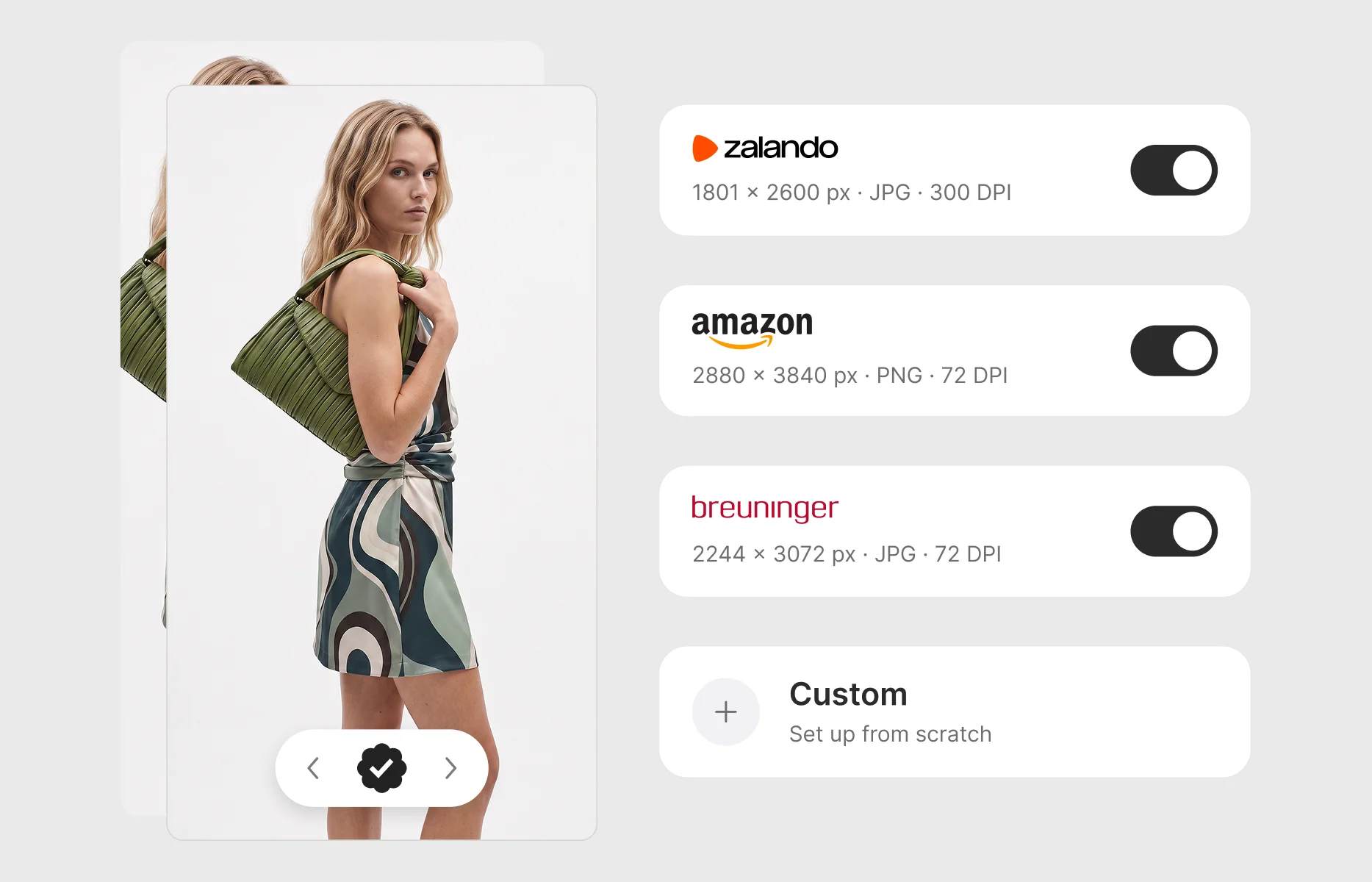
Your brief might call for square (1:1), portrait (4:5), or vertical (9:16) imagery. Website banners depend on your layout. Confirm the requirements for each placement, including space for promotional copy and interface elements.
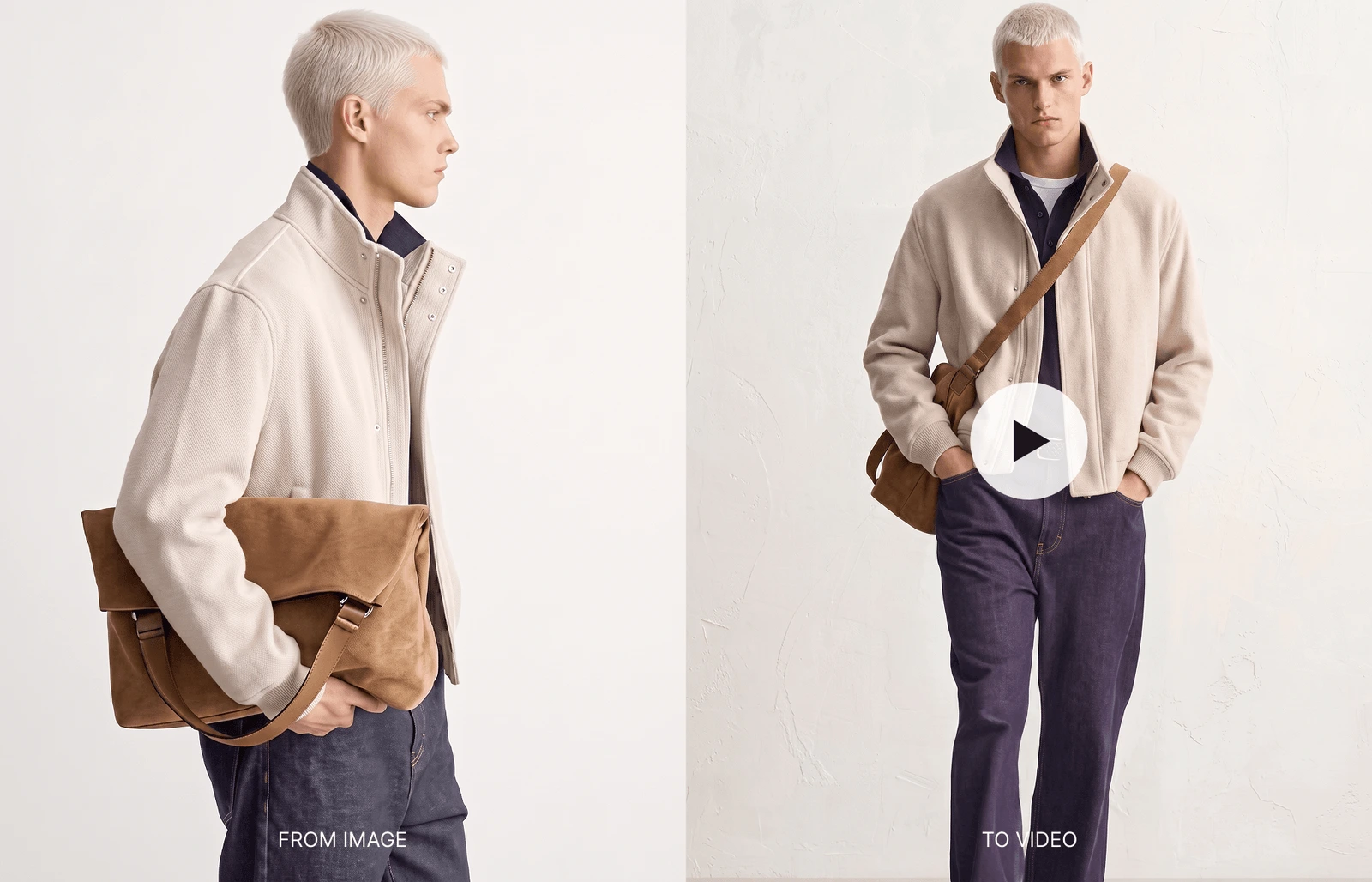
Check whether your existing campaign photography can support those formats. Cropping a horizontal image into a vertical frame may cut off the outfit, remove important context, or leave no room for the offer.
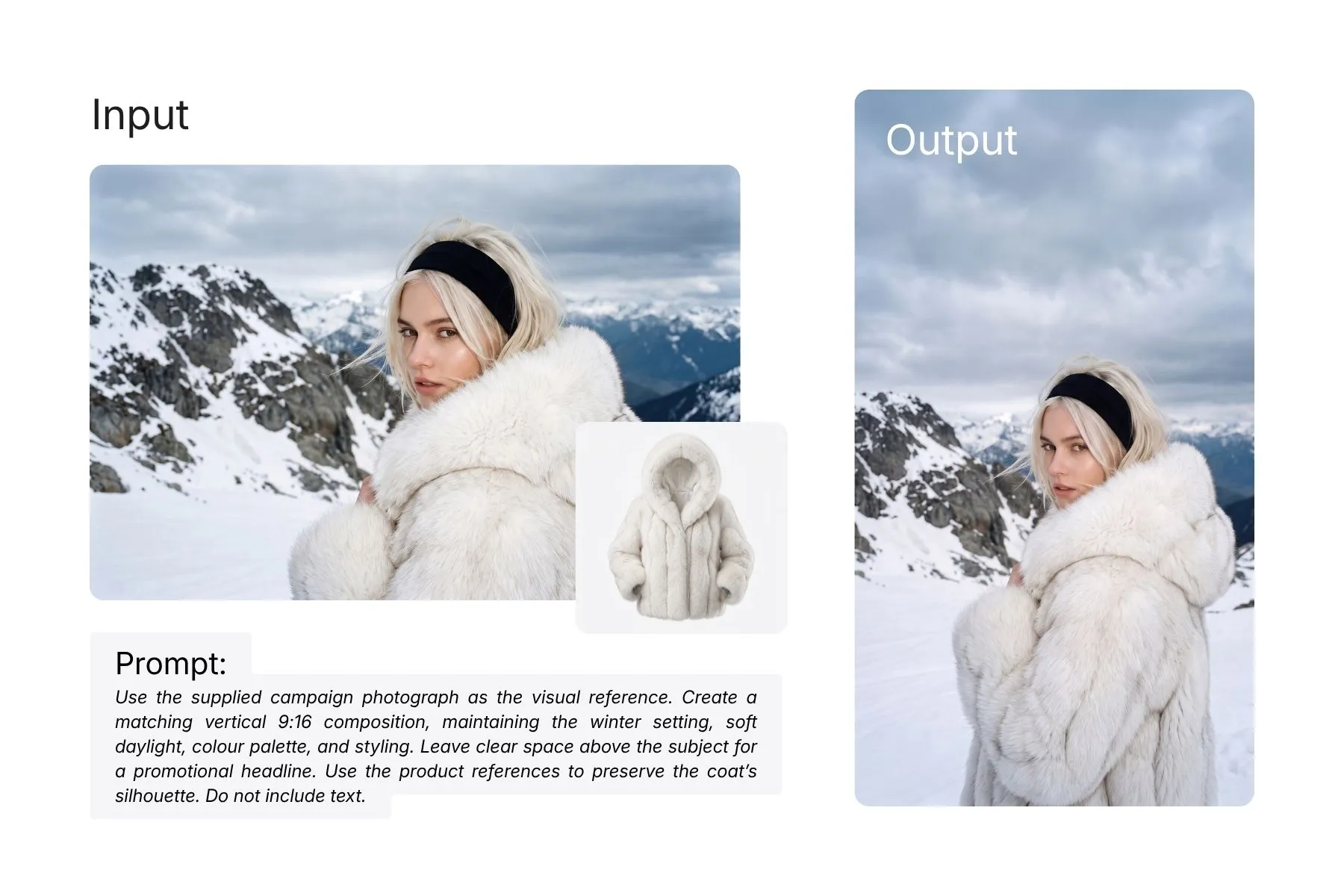
Where the AI tool supports image references, you can use an approved campaign photograph to guide a new composition. For example, a horizontal winter campaign image could become the reference for a corresponding vertical image, keeping the same visual direction while giving the outfit room to sit within the taller frame.
For each image, specify:
- The product or outfit to feature.
- The intended placement and aspect ratio.
- The campaign photograph or visual direction to reference.
- What must remain visible in the frame.
- The space needed for text and branding.
Gather product images and references from your existing shoot
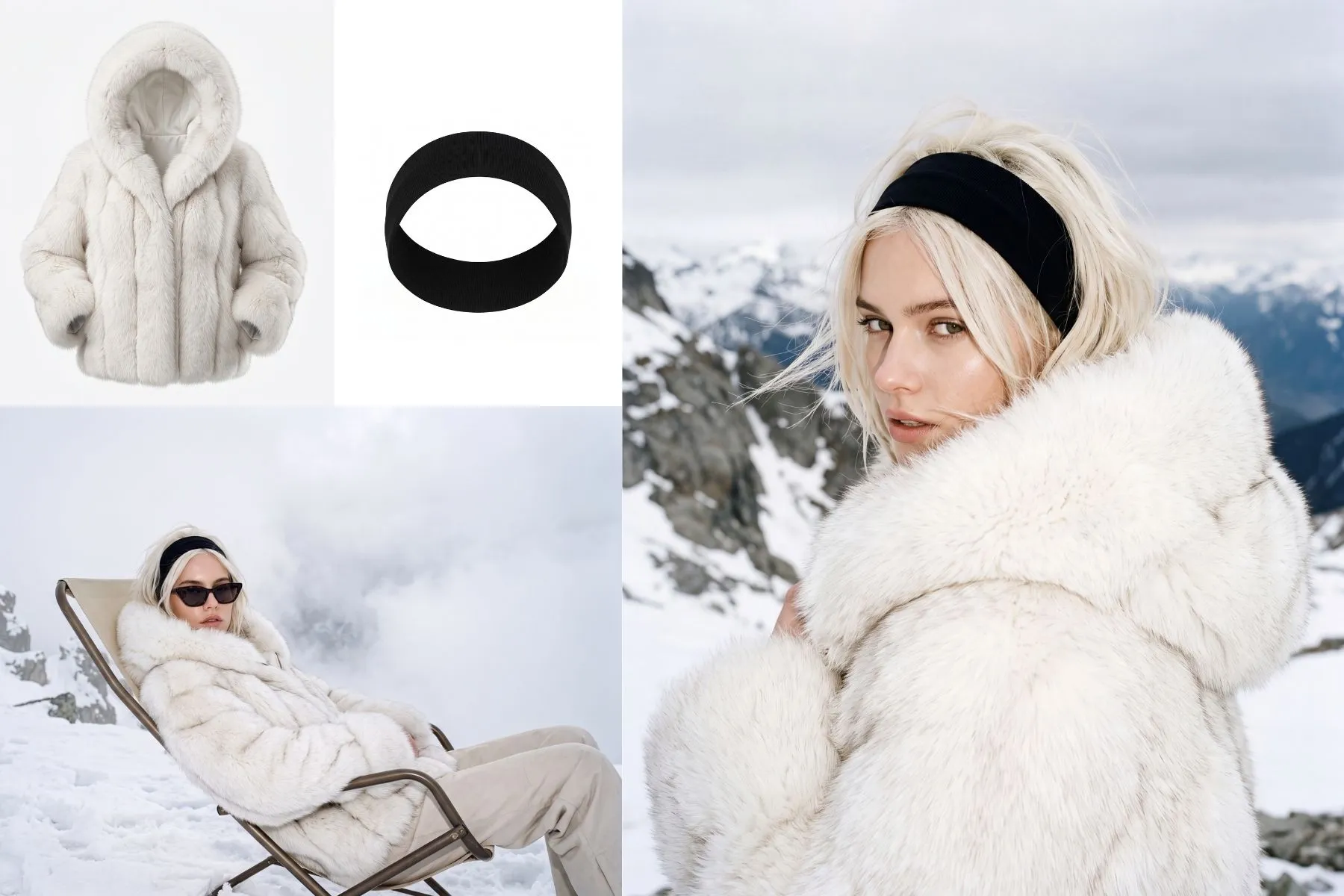
Prepare two kinds of reference: images that show the product accurately, and images that establish the campaign’s visual direction.
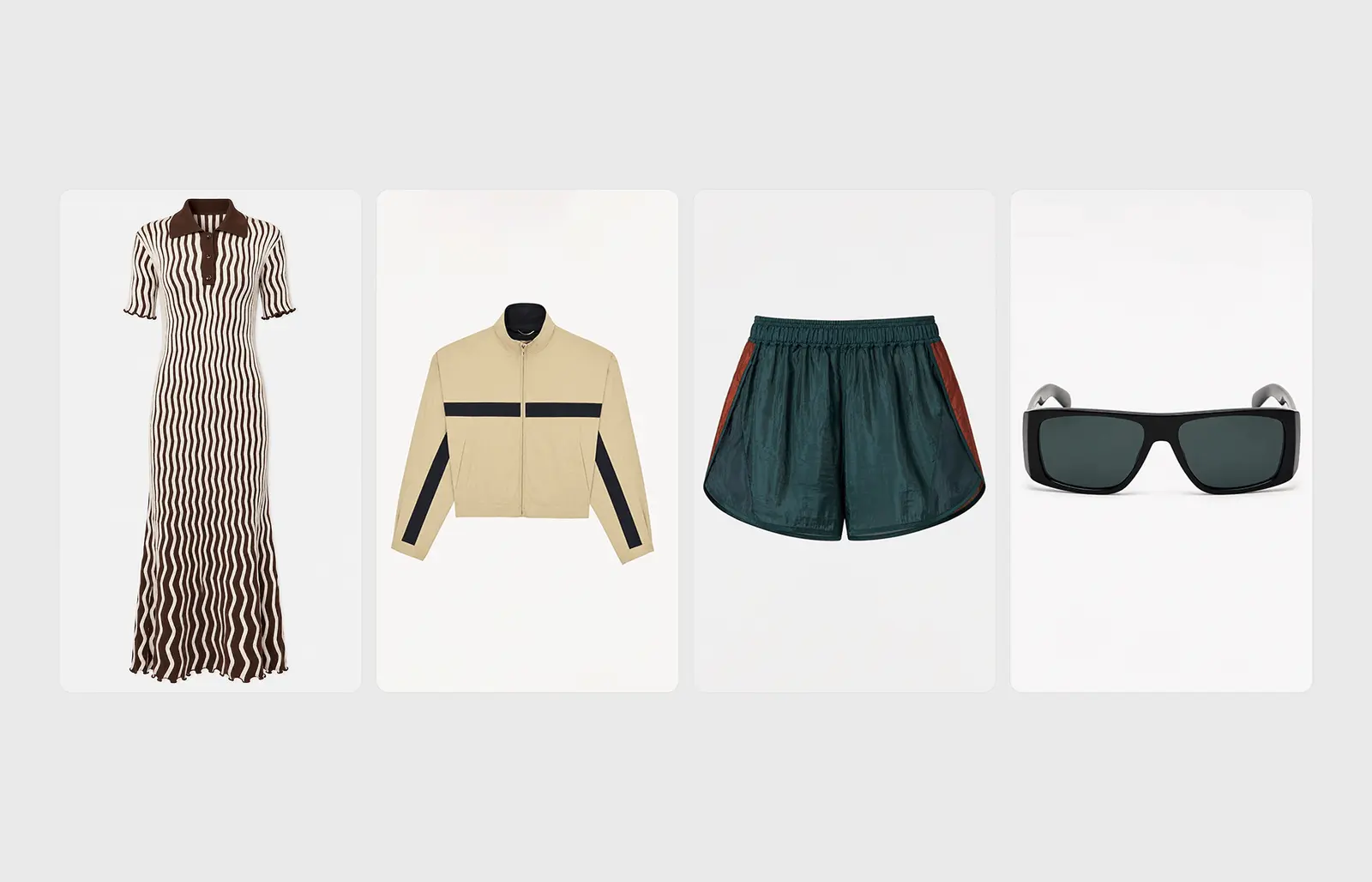
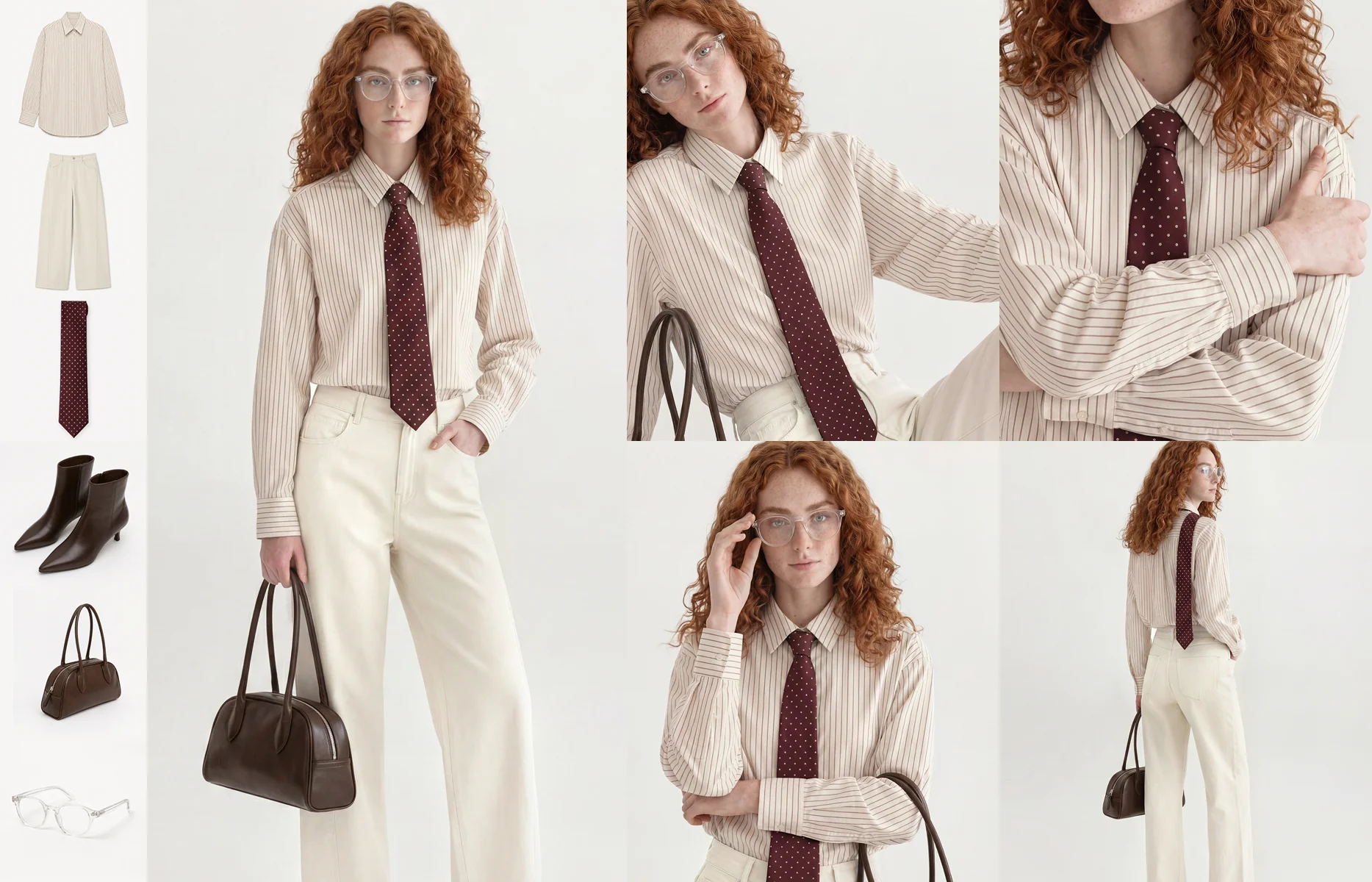
Product references might include packshots, flat lays, ghost mannequin images, or existing on-model photography, depending on the tool. Use clear views of the correct product and colourway, with additional angles where important details are hidden.
Campaign references can come directly from your existing shoot. An approved photograph communicates the lighting, palette, setting, styling, and mood you want the new imagery to follow.
Using both gives the generation a more specific starting point. The campaign photograph establishes how the image should feel; the product references show what the garment should look like.
For example, you might use a horizontal campaign photograph to guide a vertical composition, alongside a clear product image that shows the coat’s buttons, lapels, and length.
Turn the references into a specific creative brief
Explain what should carry over from the reference and what needs to change.
If the goal is a new format, ask for a corresponding composition in the required aspect ratio. If the goal is to feature another product, specify that change while retaining the campaign’s setting and treatment.
An illustrative brief for adapting an existing image could read:
Use the supplied campaign photograph as the visual reference. Create a matching vertical 9:16 composition, maintaining the winter setting, soft daylight, colour palette, and styling. Keep the full outfit visible and leave clear space above the subject for a promotional headline. Use the product references to preserve the coat’s silhouette, buttons, lapels, and length. Do not include text.
A reference guides generation; it does not guarantee an exact match. Review the result for both visual continuity and product accuracy.
Avoid relying only on broad instructions such as “premium” or “festive”. Describe the choices that create the effect: warm studio lighting, a restrained background, relaxed posing, or minimal accessories.
Approve one direction before creating variations
Start with one priority image and review it against the references and brief.
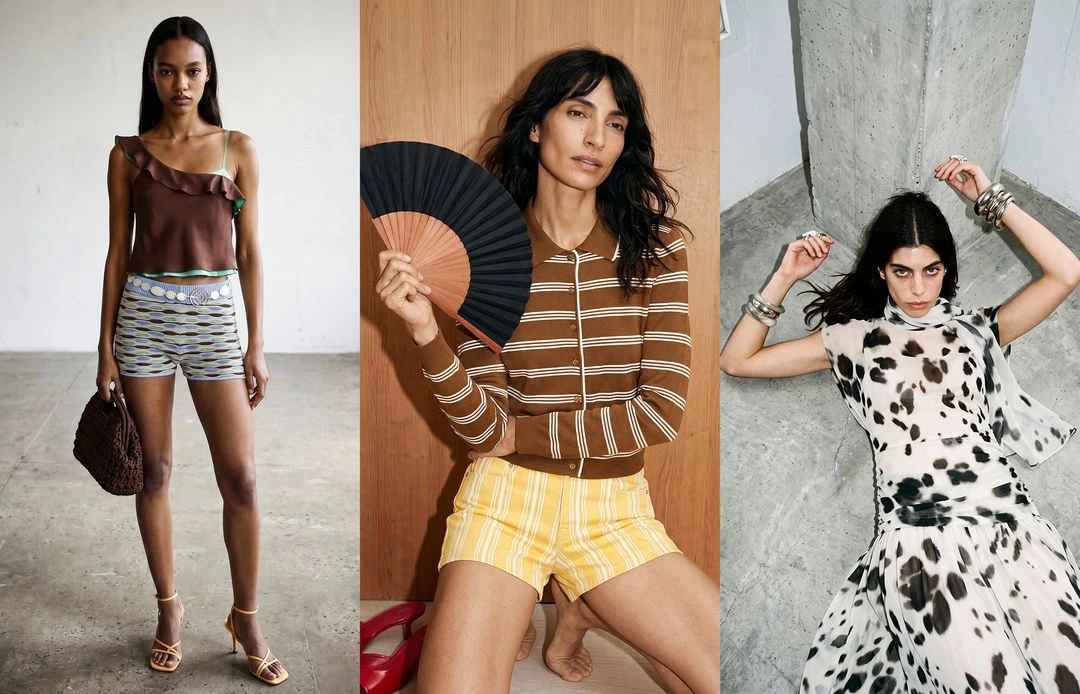
Once the direction works, develop the additional compositions your plan requires. For a knitwear promotion, that might mean a full outfit for paid social, a closer view for email, and a wider composition for the website.
Give each variation a purpose. A change in aspect ratio solves a placement need. A different outfit or setting gives the team another creative option.
If you want to compare product-led and lifestyle-led ads, keep the offer and other layout elements consistent so the visual difference is easier to assess.
Create variations for different markets
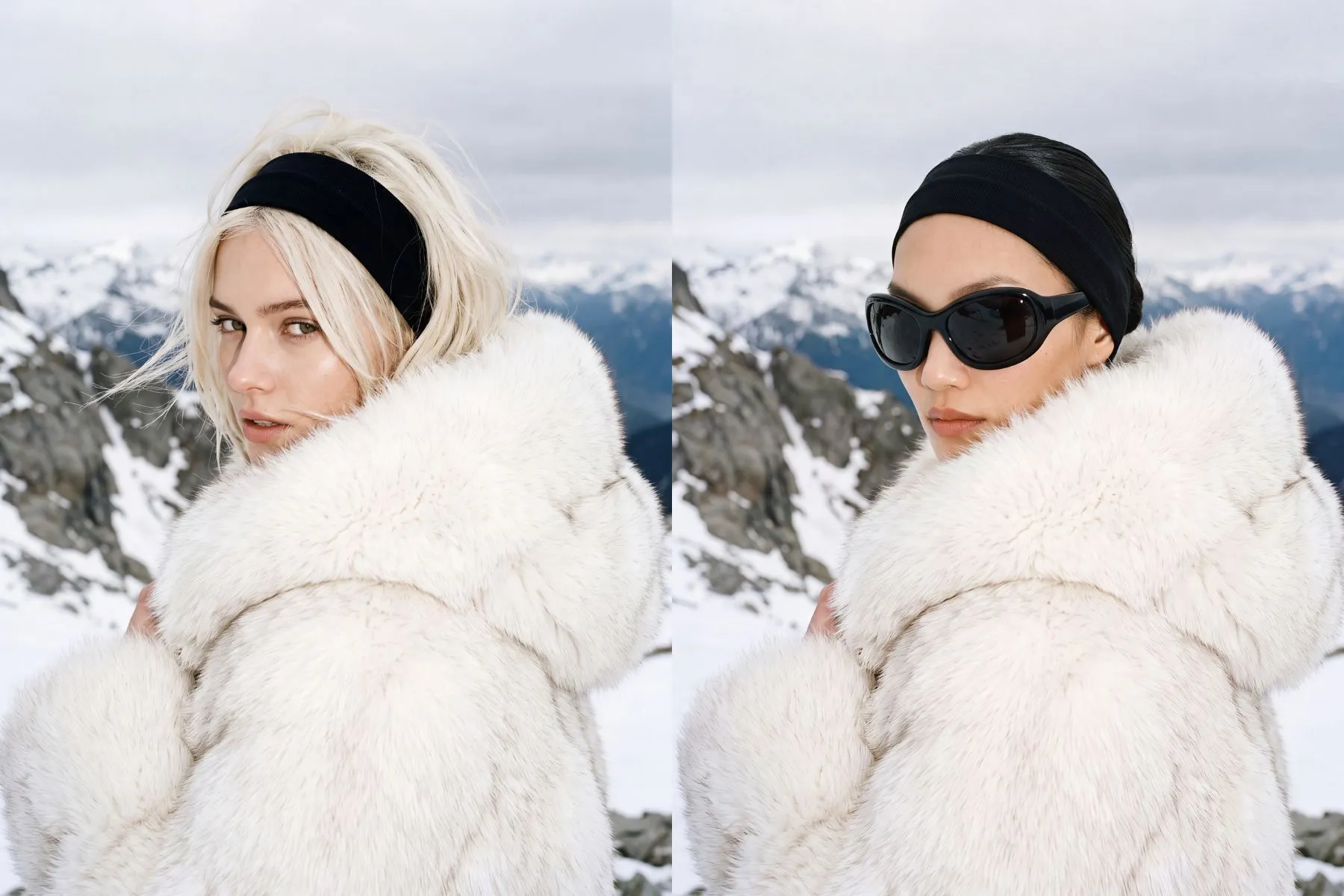
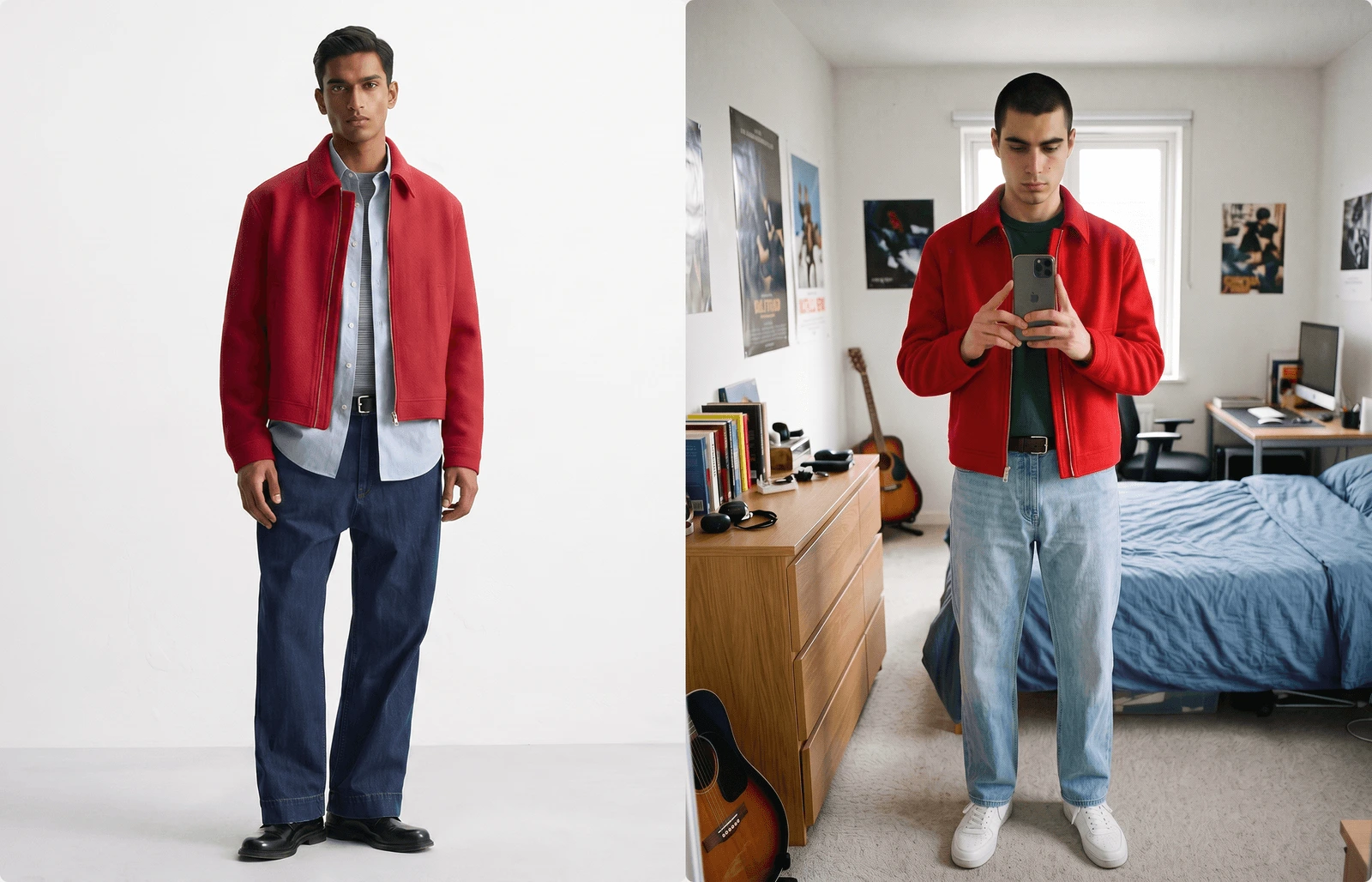
Campaign variations can also support localisation. Where your regional brief calls for different casting, AI can help you explore an alternative avatar while keeping the product, setting, and overall creative direction consistent.
For example, an outerwear campaign could retain its alpine backdrop and lighting while adapting the casting and accessories for a regional campaign. Use input from your local team to define those choices, alongside the language, offer, and product selection for that market.
Review each variation against the original campaign and product references before building the localised layouts.
Check garment accuracy and brand consistency
Review AI-generated fashion imagery at two levels: the product itself and the campaign around it.
For the garment, check:
- Colour, pattern, and fabric texture.
- Shape, length, and proportions.
- Seams, pockets, fastenings, and logos.
- Layering and the way the garment sits on the body.
- Details partially hidden by hands, accessories, or the pose.
Compare the image directly with the product references. A convincing image can still contain an inaccurate detail.
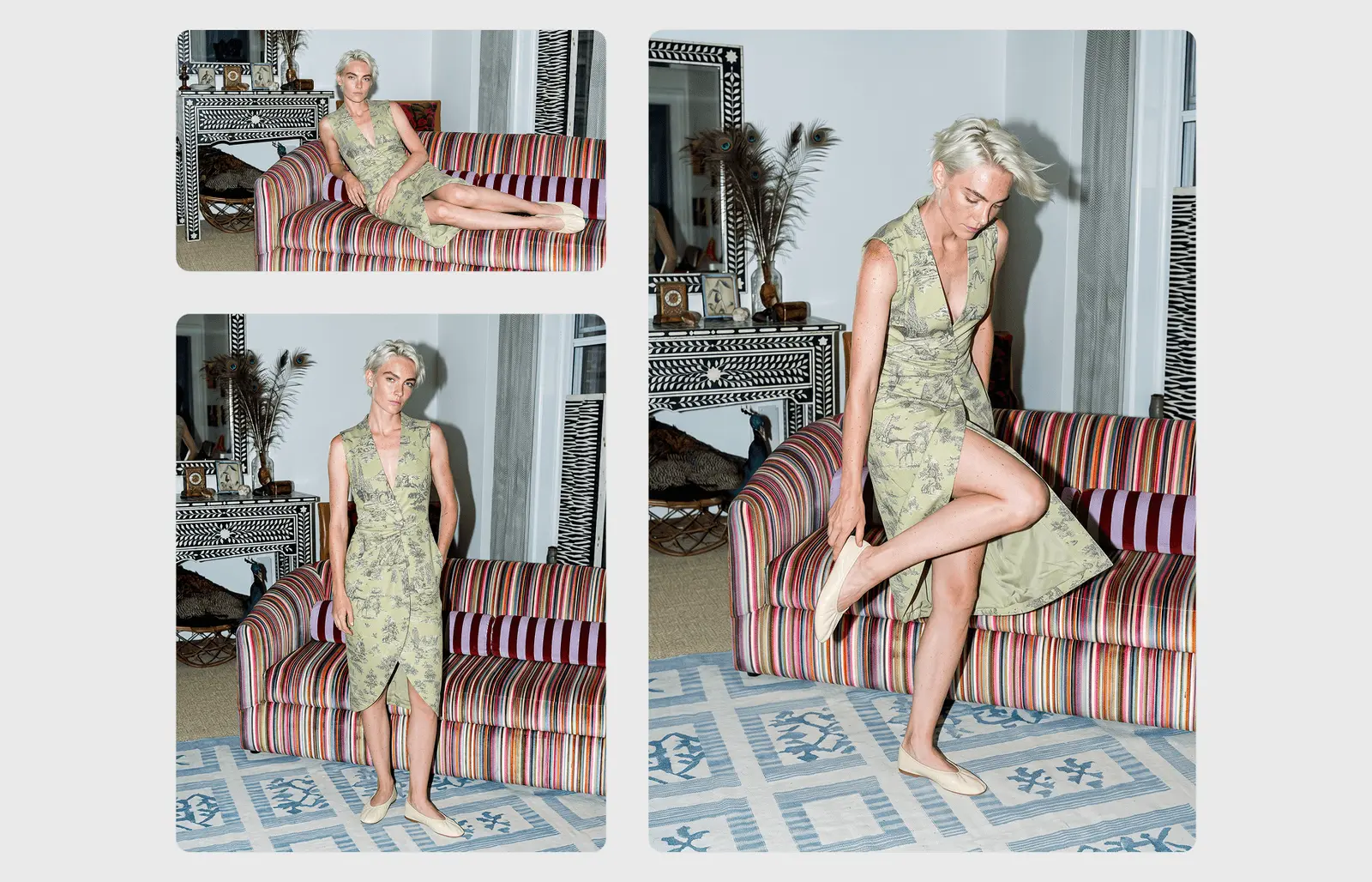
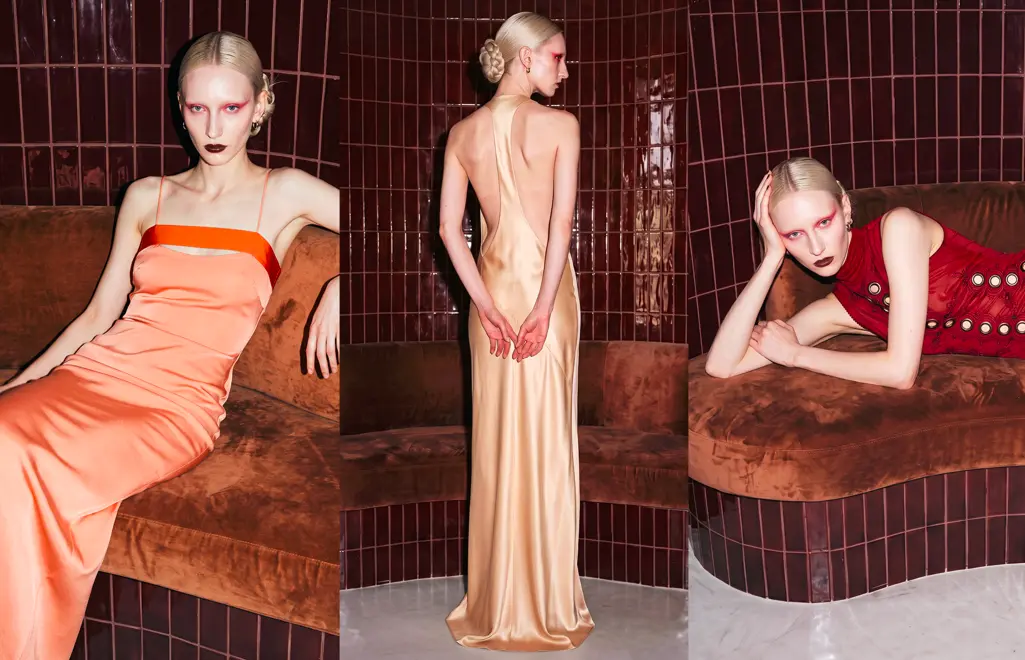
Then review the selected images alongside your existing campaign photography. Check whether the lighting, styling, setting, and treatment feel coherent. A contact sheet makes differences easier to spot than reviewing each image separately.
Check both the full-resolution image and the intended crop. An issue that is unobtrusive in a wide composition may become prominent in a close-up email header.
Build the finished campaign materials
Add the approved imagery to your design templates, then apply the offer, headline, logo, and call to action.
Keep promotional text editable. An image may be suitable for both a Black Friday launch and a Cyber Monday follow-up, while the offer or message changes.
Check each layout individually. Make sure the headline does not cover an important garment detail, the offer is legible, and the crop preserves the intended product focus. Preview mobile placements with any interface overlays accounted for.
Typography, spacing, offer treatment, and logo placement should follow the same campaign system across generated imagery and original photography.
For print placements, confirm the required resolution and production specifications before committing to an image.
Example: extending an existing holiday fashion campaign
Imagine a fashion retailer whose holiday shoot produced a strong set of horizontal outerwear photographs. By October, its Black Friday plan also needs vertical social creative, a knitwear email, and imagery for a coat added after the shoot.
A focused AI production brief could fill three gaps:
A vertical campaign image. Use an approved horizontal photograph as the visual reference for a 9:16 composition, keeping the winter setting and lighting while leaving room for the full outfit and promotional headline.
A knitwear email header. Create a closer composition featuring the promoted jumper, using the campaign’s palette and treatment, with visible texture and space beside the subject for copy.
An ad featuring the late addition. Use product references for the new coat to develop imagery that fits the campaign’s established direction.
The team checks each result against the actual garments, reviews the new set alongside the original shoot, and builds the approved visuals into its layouts.
In this hypothetical example, every additional image answers a specific production need.
Black Friday campaign content checklist
Before handing over your additional creative, confirm:
- Every image fills a defined gap in the campaign plan.
- Featured products and colourways match the planned promotion.
- Product and campaign references are clear.
- Each image has been reviewed for garment accuracy.
- New imagery fits the approved creative direction.
- Aspect ratios and compositions suit the intended placements.
- Promotional copy is accurate, editable, and legible.
- Final files meet the channel’s requirements.
- Each piece has an approval owner and handover deadline.
Allow time for revisions and final layout checks. If your team is adopting a new AI tool, include setup and familiarisation in the production schedule.
Create your additional campaign imagery with Graswald AI
For fashion brands, additional campaign content needs to look compelling, represent the clothing accurately, and fit the brand’s creative direction.
Graswald AI is built specifically for fashion enterprises. Its Freeform tool supports campaign and editorial imagery, including content for lookbooks, websites, and social channels. It gives fashion teams a way to develop additional visuals within a platform focused on their production needs.
Start with a focused brief: the products you need to feature, the campaign direction you want to maintain, and the placements you are missing.
Still need Black Friday campaign content? Book a demo to discuss your brief with Graswald AI.
Frequently asked questions
Can AI help with a Black Friday campaign that has already been shot?
Yes. AI-generated imagery can supplement an existing campaign with additional products, compositions, or category-specific visuals. Use approved campaign photography as a reference and review new images alongside the original shoot.
Can AI turn a horizontal campaign image into a vertical image?
Tools that support reference images can use a horizontal photograph to guide a new vertical composition. This can help when cropping would remove the garment or leave insufficient space for copy. Check the generated image carefully, as the composition and details may change.
What product images do you need for AI fashion campaign content?
Requirements vary by tool. Clear packshots, flat lays, ghost mannequin images, or existing on-model photographs can provide product references. Include additional views where needed to show details that must remain accurate.
Can you use the same imagery for Black Friday and Cyber Monday?
Yes, where the featured products and creative direction remain relevant. Update the promotional copy and check the final layout. Create additional imagery when the product focus or composition needs to change.
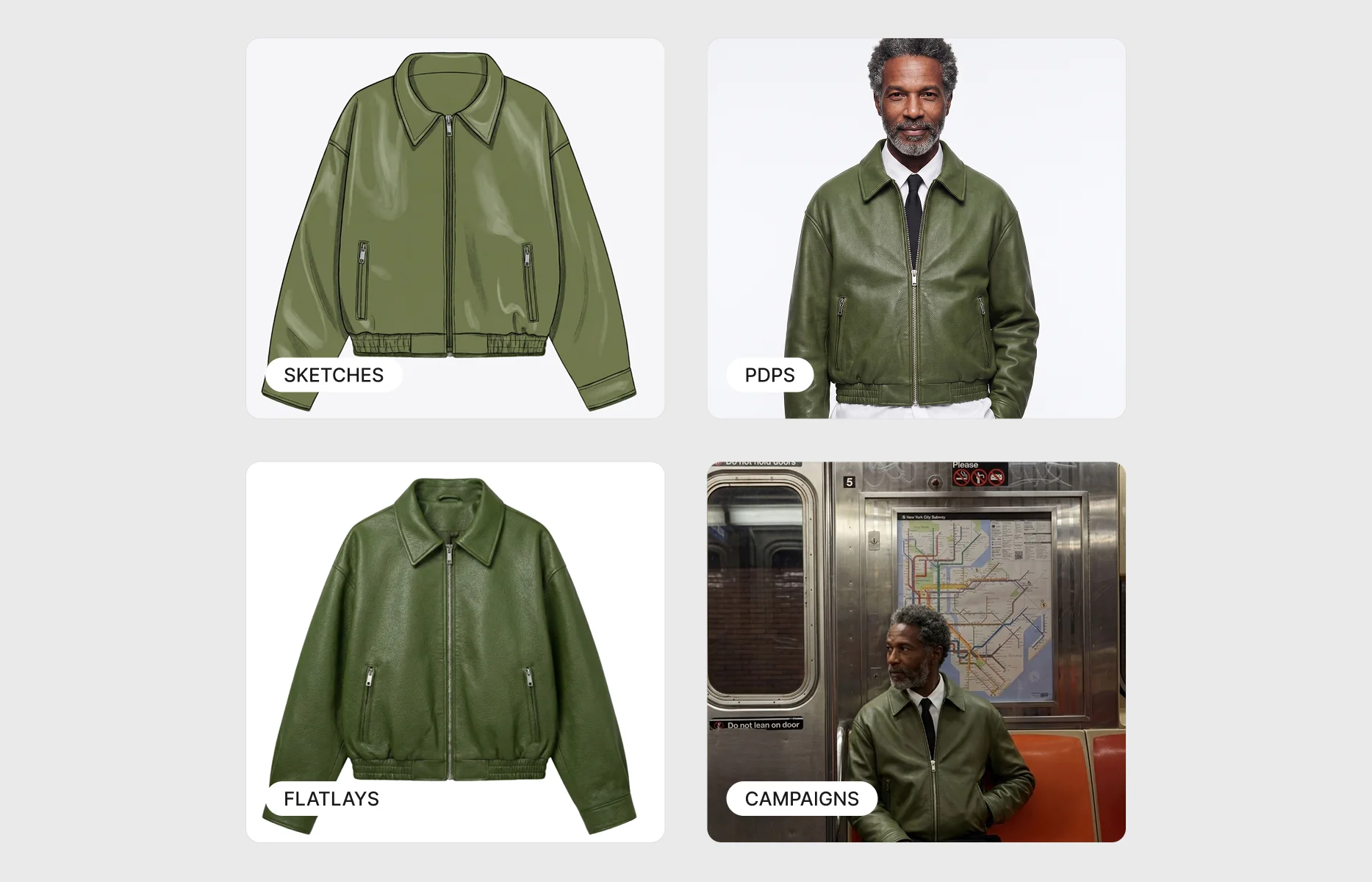
How is campaign imagery different from PDP imagery?
Product Detail Page (PDP) imagery helps shoppers inspect a garment through clear product views. Campaign imagery supports a creative concept and works within ads, emails, social posts, and promotional layouts.
For catalogue coverage, read our guide to scaling on-model imagery for peak season.
.webp)



-p-1600.webp)

.webp)